

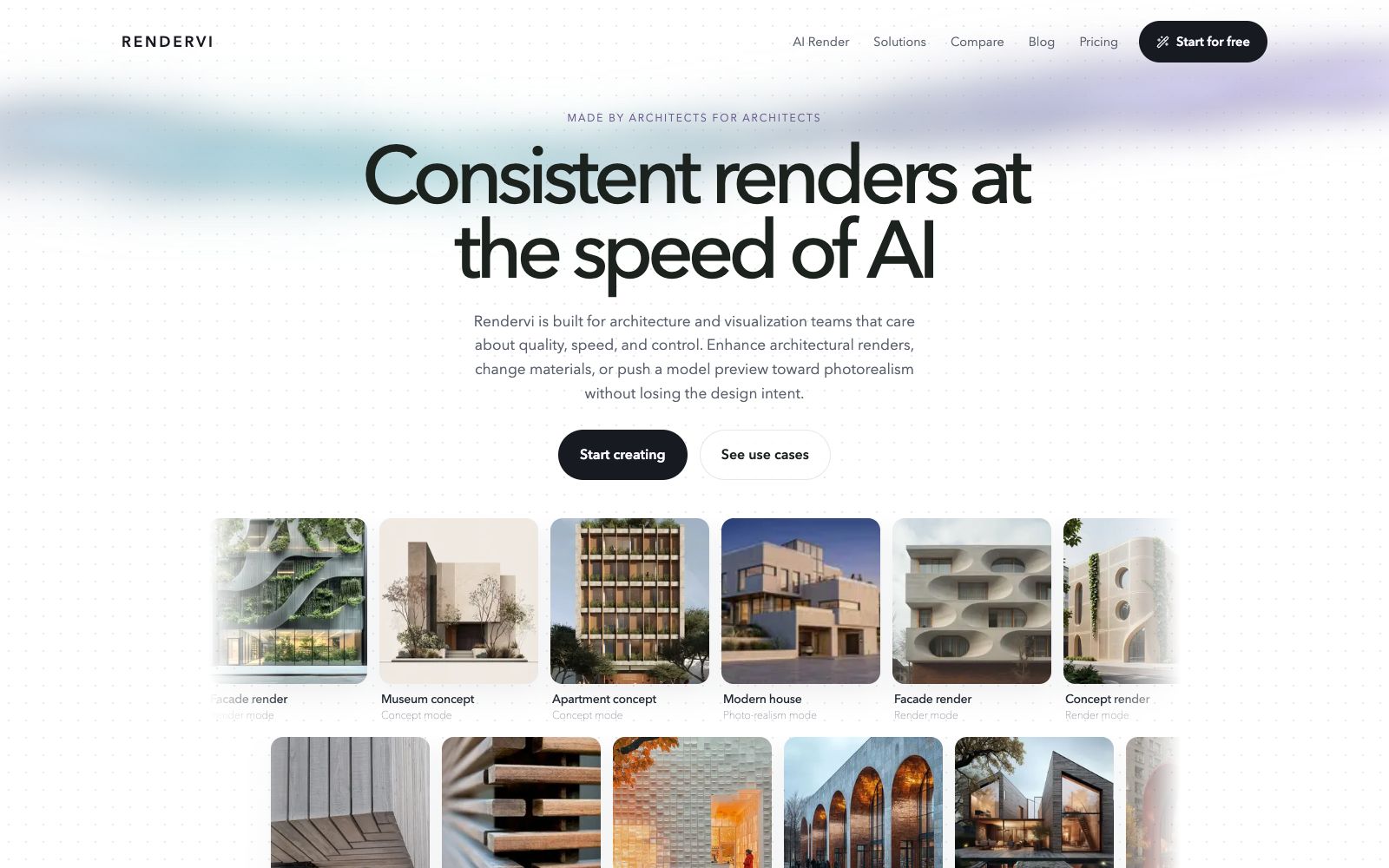

Rendervi
Rendervi is an AI rendering studio for architecture and visualization teams: it turns sketches, line drawings or model previews into visuals that can be confirmed by clients, supports material modification, lighting adjustment, rendering to photorealistic quality and high-resolution output, and presets are reusable.
Updated: 2026-10-27
What is Rendervi?
Rendervi's official website positions it as an AI render studio for architects and architectural visualization teams, aiming to compress the rendering process that originally takes several days into just a few minutes. The core scenario described on the official website is not random image generation, but producing architectural visuals that can be used for proposal communication and client confirmation based on sketches, wireframes, layout directions, or model previews. It emphasizes quality, speed and controllability, and offers workflows such as presets, controlled editing and upscaling.
Who is it for?
- Architecture firms and visualization teams that frequently convert CAD or BIM views into schematic drawings, elevations, and concept drawings.
- Architects who want to compare material, lighting and style schemes with clients without having to redo the entire set of renderings each time.
- Design and marketing professionals responsible for concept presentations, marketing materials, and proposal visuals.
- Small teams already using software like Rhino, SketchUp, and Revit who need to add a fast image enhancement workflow.
Key features
6Preview to Render
The official website states that it can convert model previews into strong visual starting points in a few seconds, making it suitable for quickly moving from conceptual directions to discussable visuals.
Post-rendering Editing
The official description states that it allows testing changes such as daylight, finishes, and style directions, with an emphasis on not losing design details.
Photo-realism and Upscaling
The official website offers photo-realism templates and one-click upscaling to enhance softer source images into usable assets more suitable for final presentation.
Reusable Presets
The official website states that Presets save confirmed materials, lighting, atmosphere, and editing directions; when uploading new viewpoints, the same preset can be reused to reduce inconsistencies between different angles.
Studio Collaboration
The official website states that Studio brings together creative tools, enabling team access to and project history tracking; even one-off tasks can utilize the efficient workflow.
Free Tier
The FAQ section on the official website states that the Free plan includes 12 credits per month, allowing users to try out the studio features first.
How to use Rendervi
- 1First use the monthly free credits to render a real project image, verify how well it preserves materials, edges and spatial relationships, and then consider purchasing paid credits.
- 2Organize the confirmed materials, lighting and atmosphere into a Preset, and reuse it as much as possible for subsequent outputs from multiple perspectives to avoid re-adjusting parameters each time.
- 3Keep the original preview and render results for comparison before customer confirmation, making it easy to clarify which are design intentions and which are visual processing.
- 4Do not enable photo-realism and upscaling all at once; first check if the basic render is accurate, then gradually increase the rendering intensity.
- 5Before output for bidding or release, check the resolution, composition, and copyright boundaries as required by the project.
Traffic & popularity
Data month Sep 2026
Rendervi receives about 848 visits per month and ranks #21,382,148 worldwide.
Monthly visits
8 monthsTraffic sources
- Direct35.5%
- Search32.5%
- Referrals12.1%
- Social7.0%
- Display ads4.7%
- Other8.2%
Top countries
- India36.7%
- United States35.9%
- Vietnam27.4%
Estimated from third-party traffic data.
Similar tools
 CAD SceneCAD Scene is an AI architectural rendering software for architects and design studios: it generates photorealistic renderings from text briefs, sketches, or 3D views of Rhino, SketchUp, etc., supports camera and angle enhancement, local editing, and allows saving project directions and 4K downloads.
 Gendo AIA collaborative AI rendering canvas for architects and design studios that allows uploading sketches to generate photorealistic renderings, modifying materials and transferring styles, and iterating, reviewing and advancing client confirmations in a shared space.
 PixalicePixalice's official website is positioned as an AI image and video generator: it supports generating images from text or photos, animating reference images into short videos, enhancing photos and applying preset styles, as well as putting multiple image and video models into the same online creation workbench.
 ArchVizrAn AI architectural rendering tool for students and independent firms. Upload SketchUp, Revit or CAD export images. The official claims that you can get photorealistic renderings in as fast as about 20 seconds. It keeps the volume, floors and camera unchanged, and supports maintaining consistent materials and lighting for the same set of images.
 RendairRendair AI is an AI rendering workbench for architects and designers. According to its official website, it can convert sketches, floor plans, 3D models and elevations into realistic renderings, and provides editing, upscaling and video animation capabilities.
 MyArchitectAIAn AI rendering tool for architecture and interiors in the browser. Upload images exported from SketchUp or Revit, get photorealistic renderings in about ten seconds while preserving the original geometry and materials. You can also modify materials and add camera animations, making it ideal for quickly generating drawings during the scheme presentation stage.