


Adobe Firefly
A generative AI creation platform launched by Adobe allows generating and editing images, videos, audios, and design drafts on the same interface. It is integrated with collaborative models from partners such as Google and OpenAI, and the company states that it is targeted at creators and design teams.
Updated: 2026-10-26
What is Adobe Firefly?
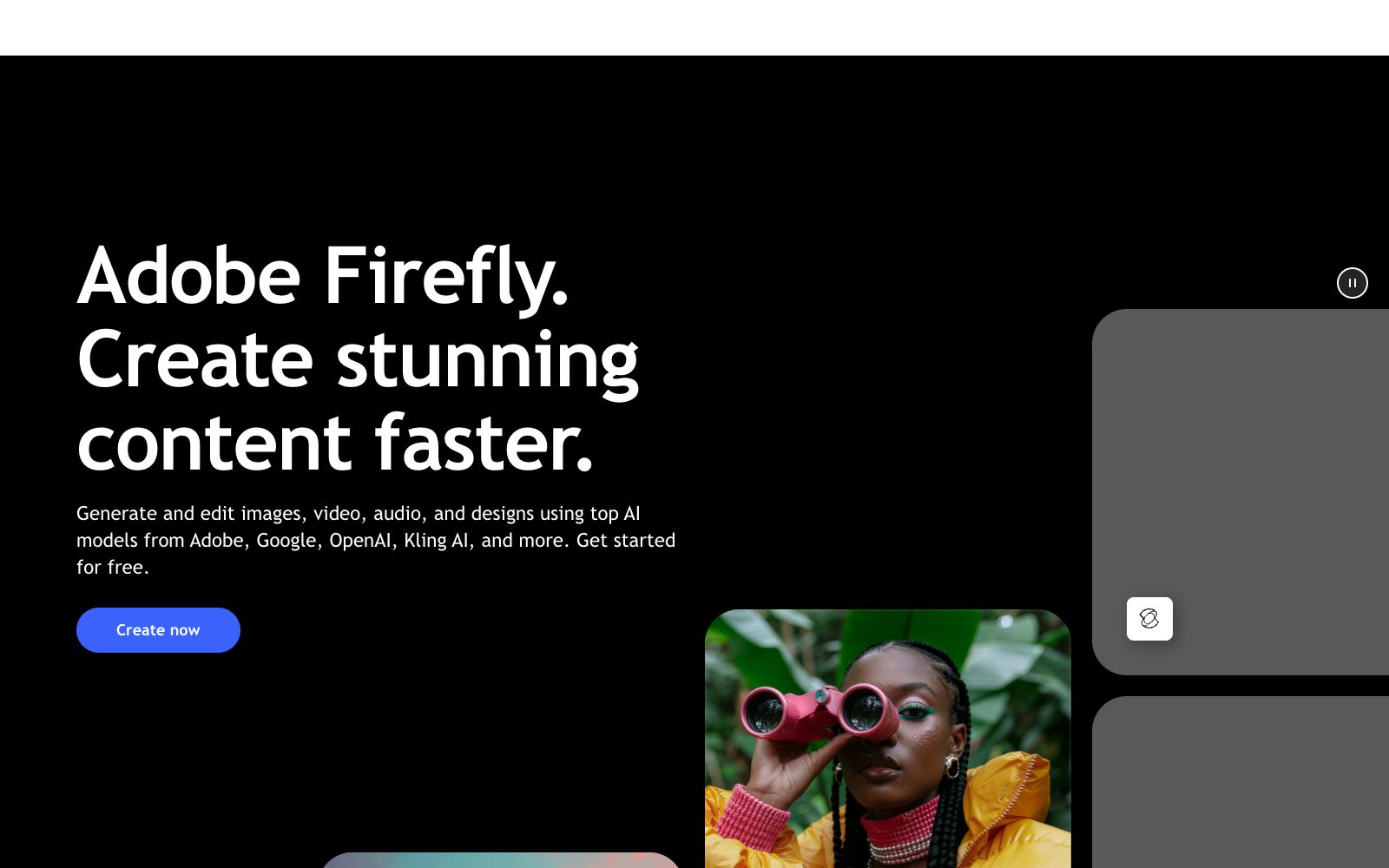
Adobe Firefly is Adobe's generative AI product. The main title on its homepage is "Adobe Firefly. Create stunning content faster." It is positioned as an all-in-one creative space rather than a single-image generation tool. It has a distinct difference from most generators that "enter a prompt to get an image": Firefly serves as both a model layer (Firefly Image 5 appears in the official website demo) and an aggregation layer—under the same login status, it can call multiple models from Adobe, Google, OpenAI, Runway, Kling AI, and others. The official FAQ specifically lists questions such as the model list, whether personal content is used for training, and commercial security compliance, putting commercial security and data sources in the open. This is the most persuasive part for designers and enterprises.
Who is it for?
- Design teams already using Photoshop, Illustrator, and Premiere: No need to switch tools, as AI is directly integrated into their existing workflows.
- Short video and social media creators: The official website specifically mentions "Content creators and video editors", focusing on generating sound effects, cinematic b-roll, smoke and other atmosphere layers.
- Art directors and marketers: The official website lists them as users who need brand campaign prototypes and social media materials.
- Design teams that need multi-person collaboration: The official website features a section titled "Design teams who collaborate" where they can conduct reviews using Firefly Boards.
Key features
5Generate and edit images
After generation, remove objects, expand backgrounds, upscale, and perform more operations in the image editor.
Generate and edit videos
Supports generating clips in various resolutions and aspect ratios, and allows adding or removing objects and upscaling via descriptions.
Firefly AI Assistant
After describing your needs, it automatically selects the appropriate tools to execute them. The official emphasizes "no app switching required".
Firefly Boards
For collecting, collaborating, and blending inspiration, as described on the official website as "Go from a feeling to a direction in minutes".
Audio Generation
Generate studio-quality background music, as well as professional dubbing and voiceovers.
How to use Adobe Firefly
- The official offers a variety of plans including Firefly Free, Standard, Pro, Pro Plus, and Team plans, with capabilities measured by generative credits.
- use the free credits to try it out first, then choose the tier according to the project pace.
- Before commercial use, read the official statement on "Is Adobe Firefly commercially safe" and the license terms of your chosen plan, as the scope of commercial use varies by plan.
- When dealing with client materials, first confirm the constraints imposed by your uploadedassets by referring to the official Q&A regarding whether your personal content is used for training.
- For the same requirement, it is recommended to test multiple models within Firefly before finalizing the version.
- the significance of the aggregation layer lies in horizontal comparison.
- The model list, package plans and credits rules are subject to adjustment, and the pricing and available functions shall be subject to the description on the order page at that time.
Traffic & popularity
Data month Sep 2026
Adobe Firefly receives about 380.3M visits per month and ranks #89 worldwide.
Monthly visits
12 monthsTraffic sources
- Direct41.8%
- Search30.9%
- Social8.3%
- Display ads7.1%
- Referrals7.0%
- Other4.9%
Top countries
- United States25.1%
- Japan8.0%
- India7.1%
- Brazil4.9%
- South Korea3.0%
Estimated from third-party traffic data.
Similar tools
 ImagineArtAn AI image generation platform aggregating more than 30 models, supporting text-to-image, reference-image-to-image, native 4K upscaling, real-time generation and style-character consistency, covering product images, social media materials and character concept design.
 Adobe PodcastA web-based podcast and dubbing audio tool launched by Adobe offers one-click noise and echo reduction, video subtitle addition, audio and video transcription, and text-based editing just like editing a document. No software download is required, making it suitable for podcasters and video creators.
 Amazon QAWS generative AI assistant for enterprise scenarios, which accesses internal enterprise data to answer questions and generate content, covers positions such as development, business intelligence, customer service and supply chain, and promotes decision-making tasks.
 SeaArt AIAll-in-one AI creation platform and community, supporting image, video, audio generation and intelligent chat. Entrances to models such as GPT Image 2.5 and Seedance 2.5 are visible on the homepage, allowing you to quickly turn ideas into works and share them in the community.
 IdeogramA generative media platform that integrates creative workspaces, unified APIs and MCP agent access, officially emphasizing text readability and prompt fidelity, with image and video models sharing the same set of interfaces.
 DuiyouAn all-round AI design Agent under Alibaba, its official website introduces that it provides official experience entrances for models such as Qwen and Tongyi Wanxiang Wan series, and supports image and video generation, 3D material online rendering and free commercial materials.