


Spacely AI
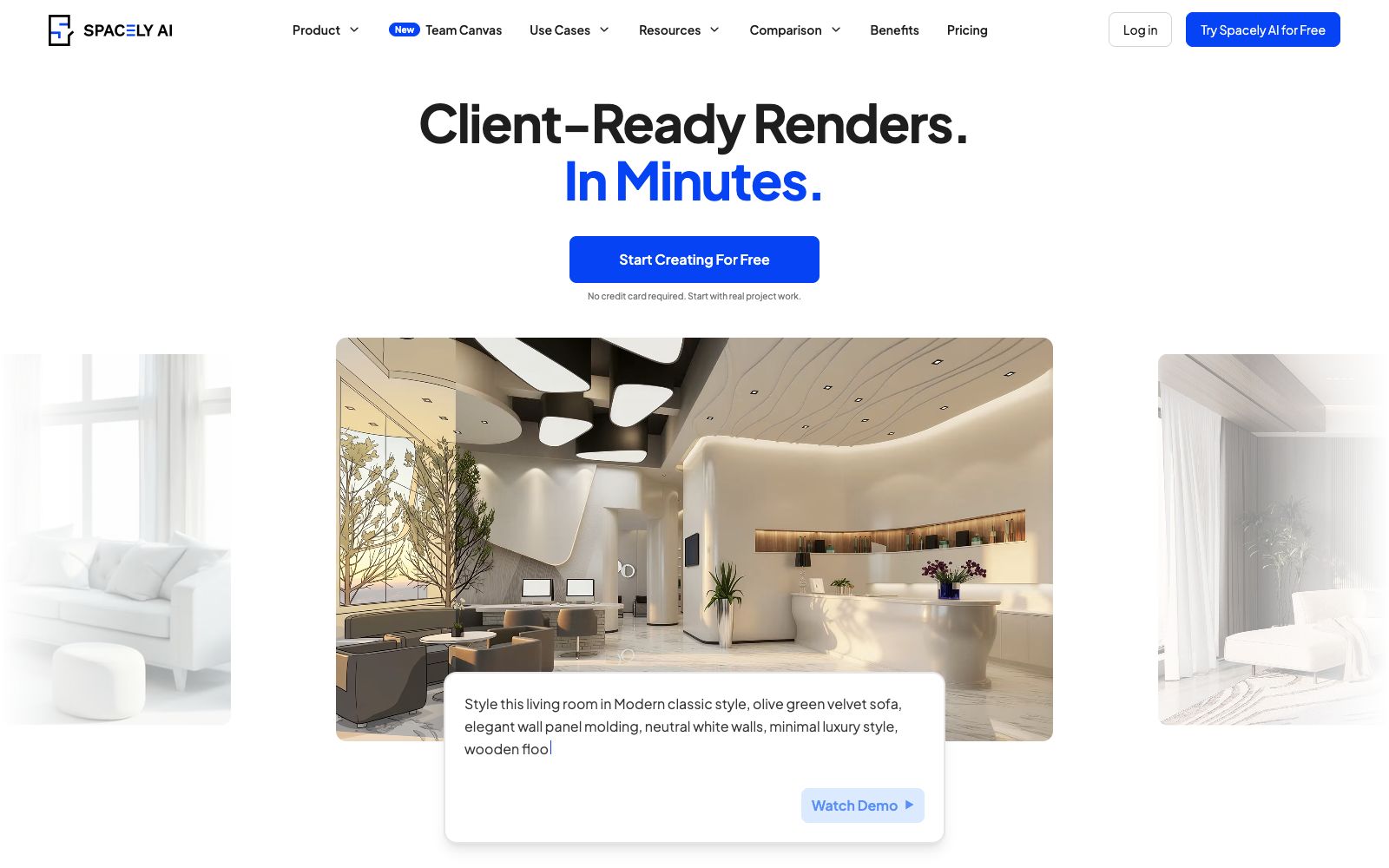
Spacely AI is a free AI interior design tool. Upload sketches, 3D models or room photos to generate realistic renderings in 60 seconds. It supports editing, lighting adjustment and team collaboration canvas.
Updated: 2026-10-26
What is Spacely AI?
Spacely AI is a free AI interior design tool that specializes in turning sketches, 3D models, or room photos into realistic renderings in 60 seconds, helping professional teams reduce outsourcing and speed up revision requests. Developed by the Spacely AI team, it stands out for its "local controllability": each mode preserves your original materials, so you don’t need to rebuild the entire file when modifying lighting, materials, or furniture. It has also recently launched a team collaboration canvas.
Who is it for?
- Interior designers use realistic rendering to prepare mood boards, proposals and multiple versions of plans to respond to client feedback.
- Architects: Clearly express spatial intent during the conceptual and design phases without the need for full production-level renderings.
- Real estate agents can quickly generate realistic virtual effects to help buyers understand the space faster.
- Property owners design, modify and personalize the interior and exterior layouts of residential or commercial spaces within their budget.
Key features
6Realistic Rendering
Upload sketches, 3D models or room photos to generate realistic renderings that retain the original materials and geometry within 60 seconds.
Edit Mode
Make local modifications based on the render, adjust lighting, materials, furniture and layout while preserving the rest of your work.
Lighting & Furnishing
Offers modes such as Lighting and Furnish, allowing you to independently adjust the lighting atmosphere or add furniture without modifying the entire file.
Enhancement Mode
Use Enhance to improve the texture and completeness of the renderings, making them ready for direct delivery to clients.
SketchUp Extension
Install the official extension from the Extension Warehouse to render 3D models into realistic visuals directly within SketchUp without leaving the software.
Team Canvas
The newly launched Team Canvas allows team members to see each other's cursors, edits, and renderings in real time within the same shared canvas, unify versions, and conduct on-site reviews.
How to use Spacely AI
- 1Sign up instantly without a credit card. First, upload a real room photo or sketch to complete the three steps of "Generation → Editing → Delivery".
- 2When making revisions, prioritize using the local modes (Edit, Lighting, Furnish) to only modify the parts that need changes and avoid re-rendering the entire project each time.
- 3For frequent SketchUp users, you can directly install the official extension to render the model into a realistic visual effect with one click within the software, eliminating the need for export and import steps.
- 4For team collaboration, enable Team Canvas to keep reviews within the canvas instead of email screenshots, reducing version confusion.
- 5The official claims it is used by over 580,000 users and has a rating of 4.8; rules and functions may be adjusted, so recheck the pricing and authorization instructions before commercial use.
Traffic & popularity
Data month Sep 2026
Spacely AI receives about 66.1K visits per month and ranks #549,310 worldwide.
Monthly visits
12 monthsTraffic sources
- Search58.5%
- Direct26.6%
- Referrals5.5%
- AI assistants3.9%
- Social2.0%
- Other3.4%
Top countries
- India15.8%
- United States15.7%
- United Kingdom3.8%
- France3.5%
- Germany2.9%
Estimated from third-party traffic data.
Similar tools
 PromeAIAn AI image and video tool designed for designers and architectural professionals, with core capability of sketch rendering. It can convert sketches, 3D model screenshots and real-world photos into realistic renderings, and also supports image-to-video generation.
 DecoratlyDecoratly is an AI interior design app. Upload a photo of a room, and you can generate realistic renovation effects in about 30 seconds. It offers over 75 styles, editing tools and furniture shopping matching, and you can try it for free without logging in.
 MyArchitectAIAn AI rendering tool for architecture and interiors in the browser. Upload images exported from SketchUp or Revit, get photorealistic renderings in about ten seconds while preserving the original geometry and materials. You can also modify materials and add camera animations, making it ideal for quickly generating drawings during the scheme presentation stage.
 CoommitCoommit is an AI-native workspace for product teams: officially, collaborate on a shared canvas and launch video calls with one click. AI Echo listens in throughout, visualizes ideas in real time, and documents decisions and tasks. You can one-click send tasks to Claude Code or Codex, with each host seat priced at $29 per month.
 FlowinFlowin is an AI content co-creation platform launched by EEOO Education. It supports AI writing and rewriting, free drag-and-drop layout, real-time multi-person collaboration and fine-grained permission management, and is suitable for teams to co-create documents.
 Interior AIAn AI interior design platform created by independent developer Pieter Levels. Upload a photo of a room to generate dozens of renderings in styles like modern, Nordic, and industrial with one click. It supports virtual showrooms, space videos, and 3D walkthroughs.