


PromeAI
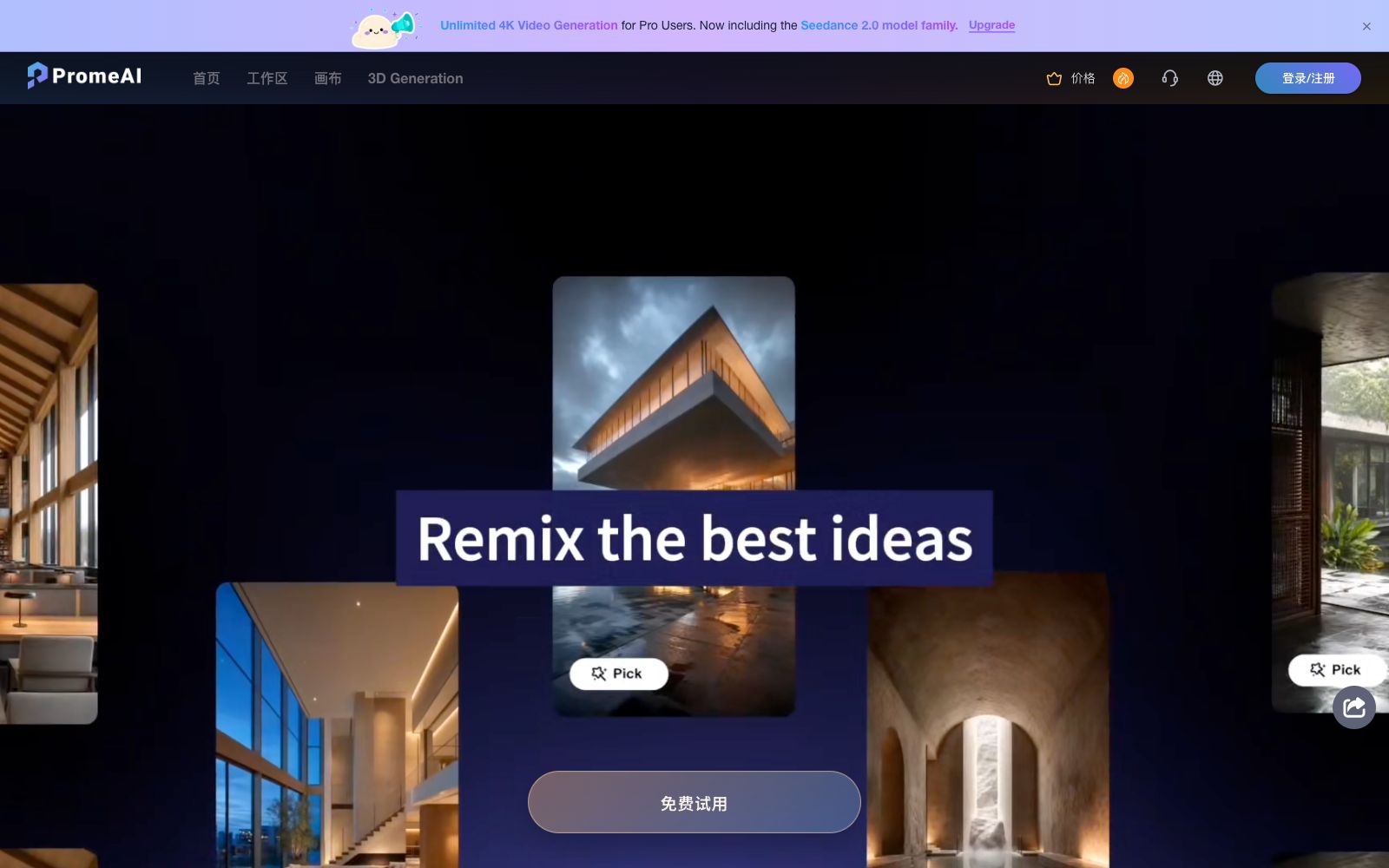
An AI image and video tool designed for designers and architectural professionals, with core capability of sketch rendering. It can convert sketches, 3D model screenshots and real-world photos into realistic renderings, and also supports image-to-video generation.
Updated: 2026-10-26
What is PromeAI?
PromeAI is an AI image and video generation tool designed for designers and architecture professionals, with "sketch rendering" as its core selling point. It can transform hand-drawn sketches, screenshots of 3D models and real-world photos into realistic renderings. The official states that it covers scenarios such as architectural design, interior design, game animation and fashion design, and claims that it is used by multiple design and architecture institutions.
Who is it for?
- Architectural designers: Quickly convert hand-drawn sketches into renderings suitable for presentations, shortening the cycle of solution verification.
- Interior designers: Create floor plan renderings and one-click renovation schemes for bare houses, which are used for client communication and proposals.
- Game and Animation Artists: Use sketch rendering to explore character and scene concepts and quickly experiment with different atmospheres.
- Fashion and Product Design: Render sketches of clothing and footwear into photorealistic images to check material and fit effects.
- Design teams: Use team subscriptions for account allocation, private workspaces, and in-team sharing and collaboration.
Key features
6Sketch Rendering
The official claims that it can convert sketches, line drawings or 3D models into photorealistic images in seconds through a proprietary process, eliminating the need for tedious modeling.
Consistent Rendering & Model Training
The official claims that you can train your own model in minutes using a single image, thereby generating design solutions with a consistent style.
Region and Material Control
Supports TextureLock to preserve material textures, regional rendering for local modifications, and a magic editor for fine-tuning based on prompt words.
Image Editing Toolkit
Includes features such as erasure and replacement, high-definition enlargement, image expansion, scene replacement, relighting, photo to line art, and image variations.
Built-in Style Library
The official states that it offers over 3,000 styles, which can be used an unlimited number of times in the personal version, reducing the cost of style debugging.
Video and Dynamic Capabilities
Supports image-to-video generation, text-to-video generation, video enhancement, and preset AI video effects, making it easy to turn renderings into dynamic presentations.
How to use PromeAI
- Make sure the perspective and proportions are clearly drawn before uploading the sketch.
- The more accurate the structure, the higher the rendering fidelity and usability will be.
- When you want a specific style, uploading reference images is more effective than piling up prompt words, and the official also recommends using reference images to control the style.
- Input supports JPG, PNG as well as model formats such as OBJ, FBX, and STL.
- Select the corresponding rendering mode according to the input type.
- Manual post-processing is required before the rendered results are presented to clients, especially for eye-catching details such as text and material seams.
- The commercial use scope of the generated content is subject to the subscription version and platform terms.
- It is recommended to confirm the authorization scope first for commercial projects.
- In addition, the home design AI can generate images quickly, but there is still a gap compared with real house types, load-bearing structures, and water and electricity points.
- The renderings are suitable for communicating the design direction.
- before formal construction, please ask the designer to produce implementable construction drawings and recheck the dimensions on site.
Traffic & popularity
Data month Sep 2026
PromeAI receives about 210.2K visits per month and ranks #211,486 worldwide.
Monthly visits
12 monthsTraffic sources
- Direct47.4%
- Search41.2%
- Social4.7%
- Referrals2.8%
- AI assistants1.2%
- Other2.6%
Top countries
- United States11.2%
- Russia7.6%
- Italy7.0%
- India5.4%
- Oman4.3%
Estimated from third-party traffic data.
Similar tools
 RendairRendair AI is an AI rendering workbench for architects and designers. According to its official website, it can convert sketches, floor plans, 3D models and elevations into realistic renderings, and provides editing, upscaling and video animation capabilities.
 MyArchitectAIAn AI rendering tool for architecture and interiors in the browser. Upload images exported from SketchUp or Revit, get photorealistic renderings in about ten seconds while preserving the original geometry and materials. You can also modify materials and add camera animations, making it ideal for quickly generating drawings during the scheme presentation stage.
 Spacely AISpacely AI is a free AI interior design tool. Upload sketches, 3D models or room photos to generate realistic renderings in 60 seconds. It supports editing, lighting adjustment and team collaboration canvas.
 mnml.aiAn AI rendering tool for architects and interior designers. Sketches, photos, or views from SketchUp, Revit, and Rhino can all be converted into renderings. New users get free credits upon registration.
 KujialeA full-scenario online 3D cloud design platform under Manycore Tech, it covers house type design, whole-house customization and ultra-fast rendering. It is built with AI modeling, style conversion and a huge number of materials, and individuals can use the basic functions for free.
 RenderviRendervi is an AI rendering studio for architecture and visualization teams: it turns sketches, line drawings or model previews into visuals that can be confirmed by clients, supports material modification, lighting adjustment, rendering to photorealistic quality and high-resolution output, and presets are reusable.