


Pixalice
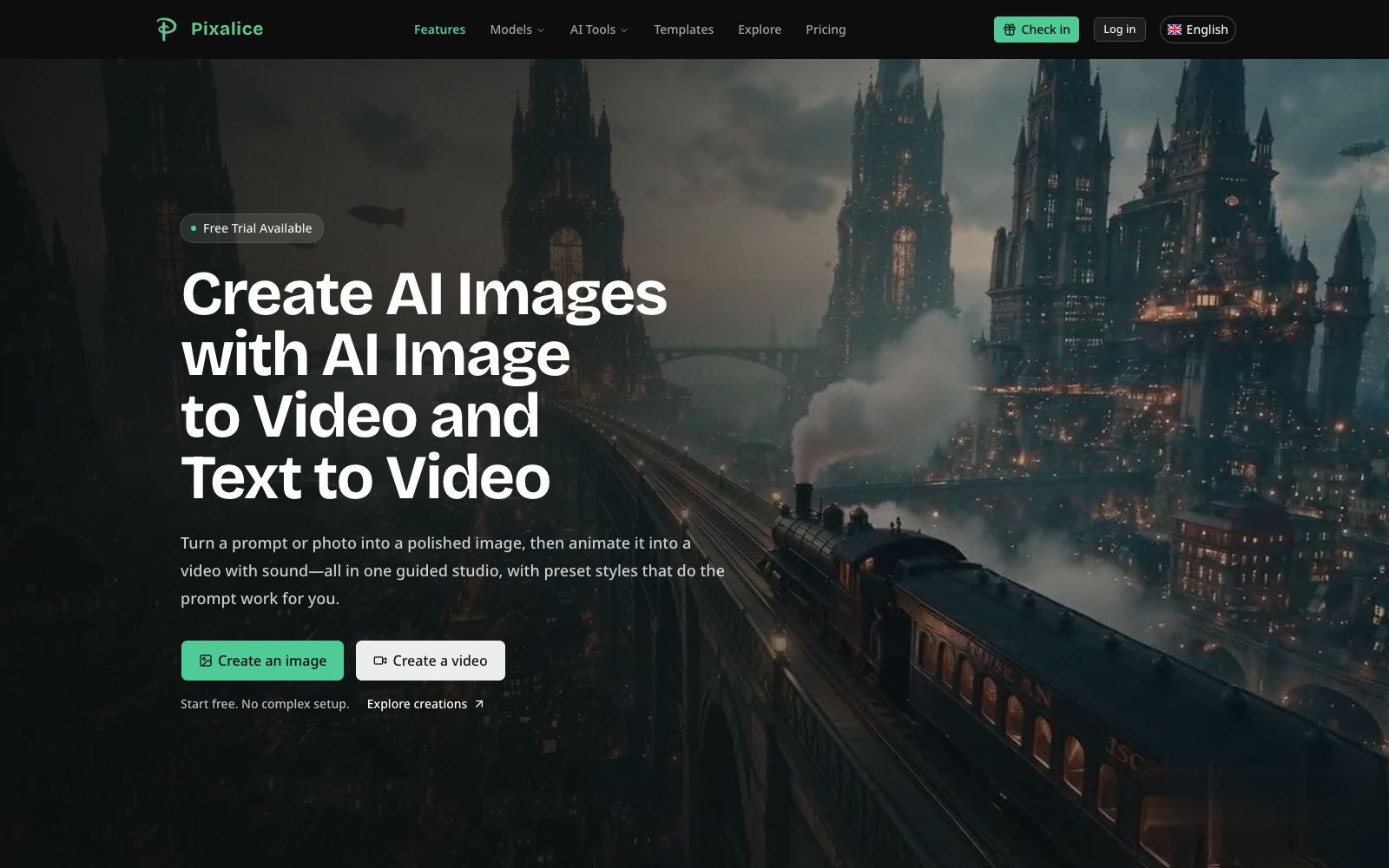
Pixalice's official website is positioned as an AI image and video generator: it supports generating images from text or photos, animating reference images into short videos, enhancing photos and applying preset styles, as well as putting multiple image and video models into the same online creation workbench.
Updated: 2026-10-27
What is Pixalice?
Pixalice's official website positions the product as an AI image and video generator, with two entry points: first, generate images using prompts or photos, and then animate the images into short videos with sound. The website describes it as an "all in one guided studio," meaning users can complete image generation, image editing, stylization, and video generation in the same guided workspace. It also states that preset styles will handle part of the prompt work for users. The page also indicates that a free trial is available without complex configuration.
Who is it for?
- Individual creators who need to quickly produce social media images, character concepts, product visuals, and short video materials.
- People who do not want to maintain separate accounts for image models and video models and wish to go through the entire process in a single guided studio.
- Small content teams that create product presentations, marketing materials, and brand avatars.
- Visual creators who are used to applying style presets first and then making partial adjustments to the prompts.
Key features
6Image Generation and Editing
The official website lists tools such as Text to Image and Image to Image, supporting generation from prompts, generation with reference images, and image modification. The page examples provide settings such as aspect ratio, resolution, and public visibility.
Text-to-Video and Image-to-Video
The official website states that short videos can be generated using text prompts or reference images; Image-to-Video retains the visual starting point and then adds motion and style to the frames.
Photo Enhancement
The official website states that AI enhancement is used to adjust lighting, texture, and color while preserving the subject and composition without loss, and the page provides before-and-after comparison examples.
Style Library
The official website offers categories such as 3D, anime, avatars, fashion, and characters, and showcases presets like hand-painted picture book style, retro game style, studio portrait style, and character design breakdown style.
Model Selection
The official website places image and video models in the same model section, indicating the base credits for each model. For example, some image models cost 2 to 8 credits, while video models cost 12 to 120 credits, allowing users to select models based on their tasks.
4K and Commercial Output
The official website states that the all-in-one guided studio can produce 4K-ready visuals. Paid plans include watermark-free content, commercial licensing, and permanent data retention; both Standard and Pro tiers support 4K output.
How to use Pixalice
- First confirm the composition and style with a small resolution or low-credit model, then switch to a high-credit model for the final output to reduce rework costs.
- For image-to-video generation, select a reference image with stable composition.
- The official website emphasizes preserving the visual starting point, and the quality of the initial image directly affects the final output.
- Style presets should only be used as a starting point.
- for key projects, manually check the character structure, text, and brand colors.
- Before downloading, confirm the resolution, watermark, and commercial licensing rules of your current plan, especially in scenarios involving outsourcing or client delivery.
- When commercial materials involve people, trademarks or existing images, first confirm the source authorization before proceeding with the generation and enhancement process.
Traffic & popularity
Data month Sep 2026
Pixalice receives about 7.0K visits per month and ranks #2,834,950 worldwide.
Monthly visits
11 monthsTraffic sources
- Search31.1%
- Direct28.8%
- Referrals12.7%
- Display ads8.5%
- Social6.6%
- Other12.2%
Top countries
- United States100.0%
Estimated from third-party traffic data.
Similar tools
 Cutout.proAI image editing and video generation platform, providing background removal, portrait matting, object removal, image quality enhancement, colorization and image-to-video, aggregating models such as Nano Banana Pro and Seedream, and offering independent APIs.
 SparkVidAn online creation platform integrating multiple mainstream text-to-video models. Its official website states that it can call engines such as Seedance, Kling, and Veo on the same interface to generate videos from text or images, and supports reference video to motion conversion, camera control, and natural language video editing.
 RenderviRendervi is an AI rendering studio for architecture and visualization teams: it turns sketches, line drawings or model previews into visuals that can be confirmed by clients, supports material modification, lighting adjustment, rendering to photorealistic quality and high-resolution output, and presets are reusable.
 MagickimgOnline AI image processing tool collection, offering image enhancement, lossless enlargement, black-and-white coloring, background removal and passport ID photo production. Free accounts can get 3 free points per month for trial use.
 Tongyi WanxiangAn AI creative creation platform under Alibaba's Tongyi, officially offering text-to-image, image-to-image, text-to-video, image-to-video, and image editing capabilities. Wanxiang 3.0 supports native 30-second duration generation with multi-material reference and is targeted at productivity scenarios.
 Pollo AIAn AI creative suite that aggregates multiple mainstream video and image models. It enables the creation of text-to-video, image-to-video, digital human, audio, and marketing materials all within a single workspace, supports up to 4K output, and is ideal for creators who do not wish to be tied to a single model ecosystem.