


Upscale.media
Online AI image upscaling and enhancement tool. Officially, it can upscale images by 2x or 4x without losing texture details. New users get the first 3 points upon registration. It also offers features like sharpening, deblurring, dehazing, face restoration, old photo colorization, batch conversion, and API access.
Updated: 2026-10-26
What is Upscale.media?
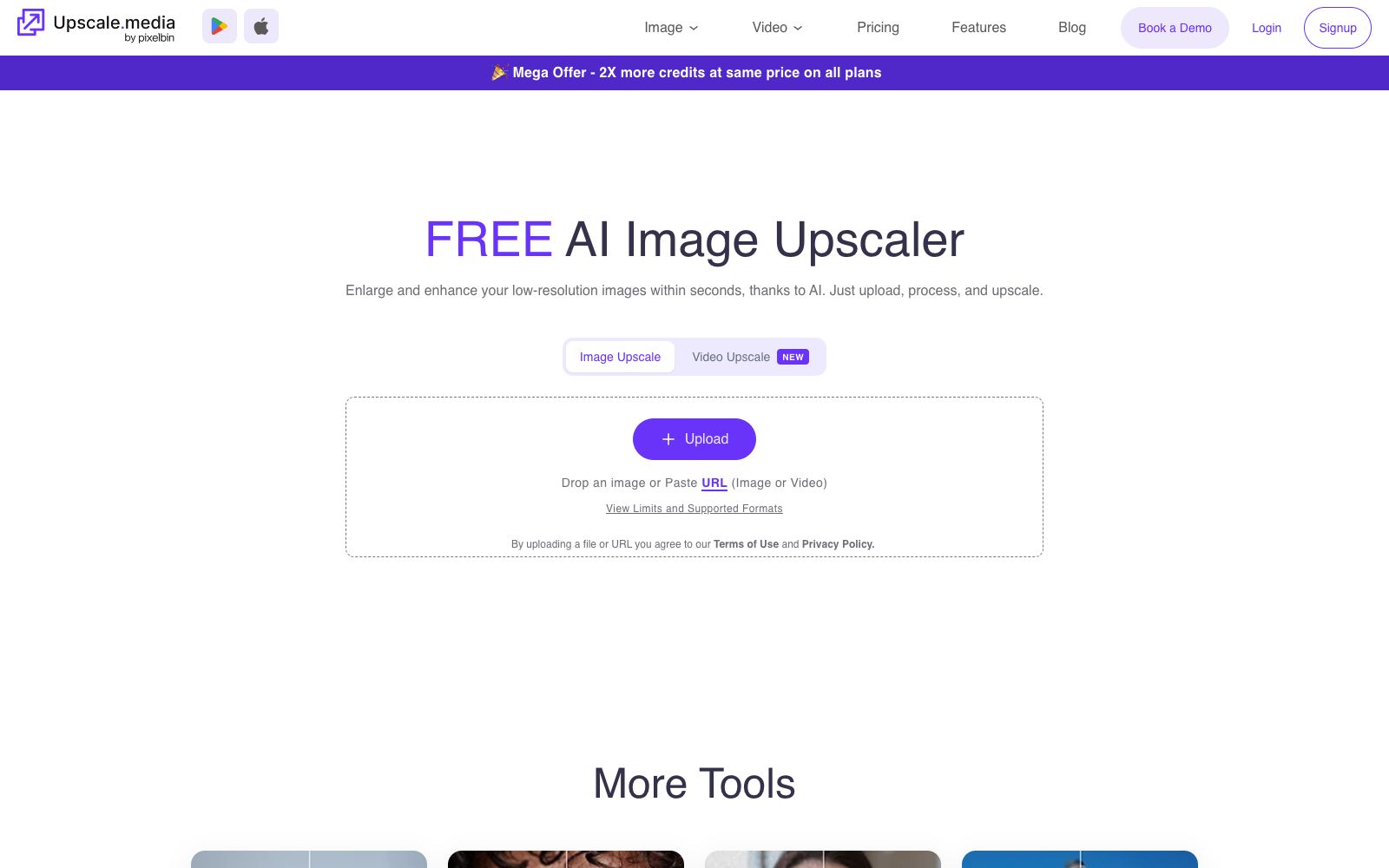
Upscale.media is an online tool specializing in image enlargement and enhancement. The main title of its official Chinese website is "AI makes images clear with one click, free of charge". The official claims that it uses AI to enlarge images by 2 or 4 times without losing texture and details. Different from comprehensive image editors, it focuses deeply on just "making images clear": besides its core enlargement capability, the "More Tools" section on the official website also offers dedicated entry points for image sharpening, photo retouching, face enhancement, deblurring, haze removal, motion blur removal, image restoration, image colorization, and face restoration, which can handle different causes of image degradation separately. At the bottom of the official website, it is listed as a series of products alongside Erase.bg, WatermarkRemover.io, Shrink.media, GlamAR, ConvertFiles.ai and others. After registering, individual users can get the first 3 points for trial use.
Who is it for?
- E-commerce sellers and graphic designers who only have small images and need to upscale them for creating detail pages and main images
- People who create printed materials need to scale up low-resolution assets to usable output sizes
- For photography enthusiasts and archivists, to restore old photos, remove blur, and add color
- Teams that need to batch process hundreds or thousands of images (the official website provides a batch conversion solution)
- Developers who need to integrate upscaling capabilities into their own systems (API integration is available on the official website)
Key features
6Image Upscale (Image Upscaling)
The official states that it can upscale images by 2x or 4x while retaining texture details, supporting the upload of local files or pasting URLs of images and videos.
Sharpen Image
Enhances edge details, makes photos clearer and more focused, suitable for blurry images overall.
Remove Blur & Remove Motion Blur
The former eliminates blur and restores natural sharpness, while the latter specifically corrects motion blur caused by camera shake.
Image Restoration & Colorization
Repair old or damaged photos and restore lost details; add realistic colors to black-and-white or faded photographs.
Enhance Faces & Face Restoration
Brighten and soften facial features, or reconstruct facial details to enhance clarity and tone performance, suitable for portraits and old photos.
Video Upscale and Batch Conversion
The official website provides an entry for Video Upscale; enterprise solutions include batch conversion and API integration, allowing the processing of multiple images at once or integration with your own system on the same platform.
How to use Upscale.media
- First, use the free points given upon registration to go through the entire process: the official website states that you get the first 3 points immediately after registration.
- It is recommended to use these points to test your most typical image types first, confirm that the edges and textures after enlargement are usable, and then decide whether to purchase a package.
- Choose the magnification multiple according to the final use—2x is usually sufficient for screen display, and 4x for printing.
- If the original image is blurry itself, first use the "Remove Blur" or "Sharpen" function before enlarging.
- reversing the order will reduce the effect.
- For portrait photos, prioritize "Enhance Face" instead of global enlargement to avoid over-processing the skin.
- The official website page will feature time-limited promotions (such as double points), and the promotion rules shall be subject to the instructions on the page.
- Confirm the material authorization and the official website's terms of use before commercial use.
Traffic & popularity
Data month Sep 2026
Upscale.media receives about 1.1M visits per month and ranks #55,758 worldwide.
Monthly visits
12 monthsTraffic sources
- Search57.3%
- Direct30.4%
- Referrals4.9%
- Social4.6%
- AI assistants2.1%
- Other0.6%
Top countries
- Mexico13.7%
- United States12.1%
- Indonesia9.5%
- Brazil5.0%
- India4.7%
Estimated from third-party traffic data.
Similar tools
 ImgLargerImgLarger is an online AI image enlargement and enhancement tool website. Its official website states that it can enlarge images up to 8 times and provide super-resolution. It also offers functions such as image expansion, sharpening, background removal, and old photo restoration. New users get 100 free points every month upon registration.
 VanceAIVanceAI provides a web-based and Windows desktop AI image and video processing toolset. The official version lists models such as upscaling, sharpening, denoising, background removal, and old photo restoration, and supports batch and local offline processing.
 Let's EnhanceOnline AI image quality enhancement and upscaling tool that offers three types of processing: correction, upscaling, and restoration. The official states that it can achieve up to 16x magnification, supports 512MP and 300DPI output, and also provides API and e-commerce solutions under Claid.ai.
 Nightmare AIOnline AI image upscaling and enhancement tool, which has two types of models for photos and anime respectively. According to the official website, it can upscale images by 2x and 4x and output them to 2K and 4K resolutions. It supports JPG, PNG and WebP formats.
 jpgHDjpgHD offers AI image upscaling, old photo restoration, colorization, scratch removal and other processing services. It supports super-resolution, magic photos and lossless enhancement, with a free limit of 3000px. There are also pay-as-you-go packages and multi-platform apps available.
 BigJPGA tool for lossless image enlargement using deep convolutional neural networks (CNNs). The official claims it can enlarge images up to 16 times with intelligent noise reduction. It is optimized for illustrations and photos separately, reconstructing lines and details instead of stretching pixels. It also provides clients, APIs, and old photo restoration services.