


PDF Guru
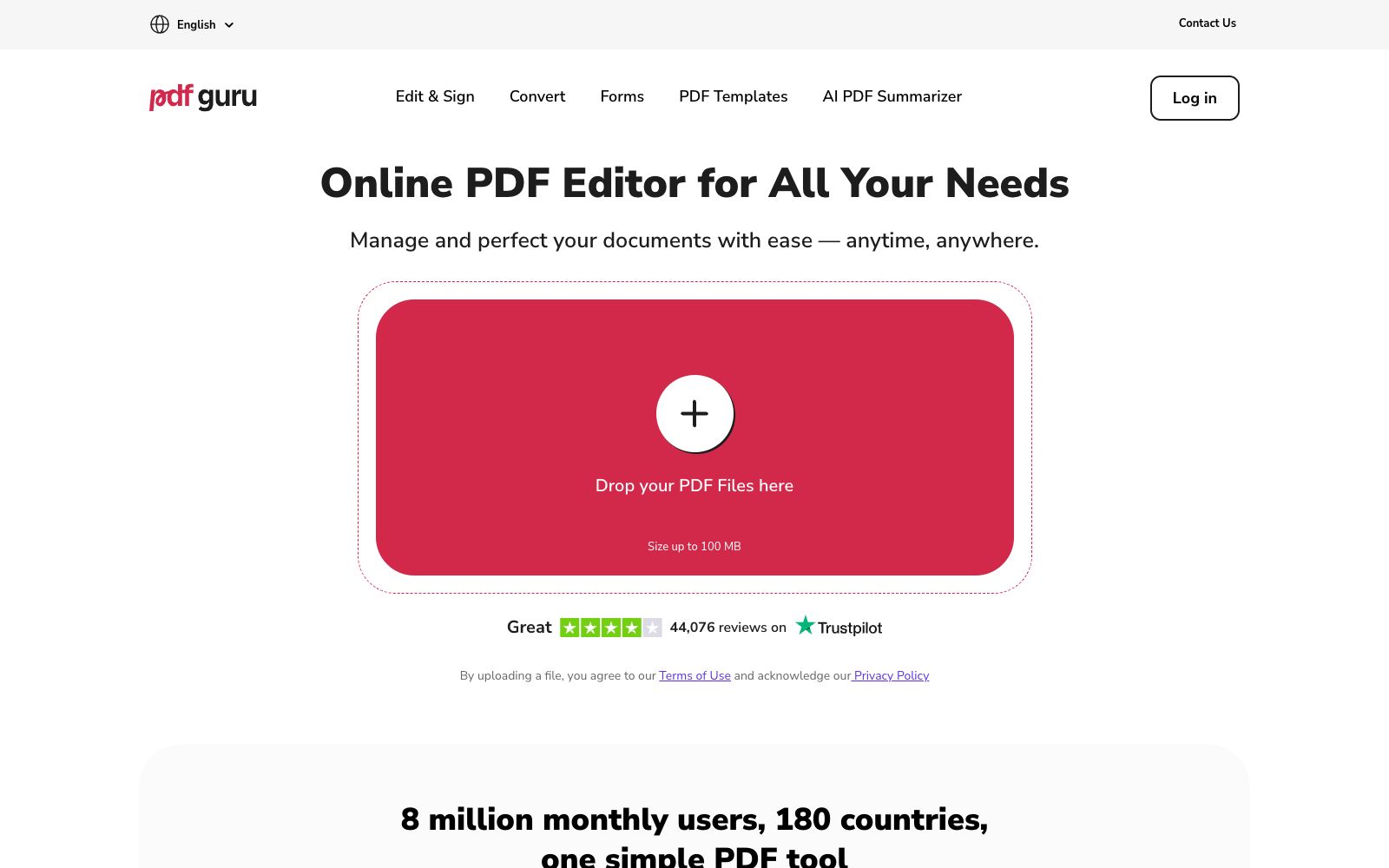
An online PDF editing and conversion tool. Officially, it claims that you can edit, convert, sign and manage PDFs without installation. It has built-in electronic signatures and fillable forms, and provides an AI summary function. The maximum file size for a single document is 100 MB.
Updated: 2026-10-26
What is PDF Guru?
PDF Guru is an online PDF tool site on pdfguru.com, whose official positioning is "Online PDF Editor for All Your Needs", emphasizing "No installs, no hassle". In addition to editing and conversion, the official website lists built-in electronic signatures, fillable forms and PDF templates, and separately lists an AI PDF Summarizer; the page indicates that it has 8 million monthly users, covers 180 countries, and provides multiple languages including Simplified Chinese.
Who is it for?
- Office workers who occasionally need to modify a few pages of a PDF and don't want to install professional software.
- Office workers and financial staff who need to convert PDFs to Word or Excel for further editing.
- Small and medium-sized teams that need to have customers or colleagues sign documents remotely.
- Administrative staff who process scanned documents and forms, and need to compress and split PDFs.
- Readers who want to quickly grasp the main idea of long documents and use AI to summarize them first.
- Students and light users with average computer configurations who cannot install professional desktop PDF software.
Key features
6Edit PDFs
The official website lists capabilities such as text editing, annotation, adding and deleting pages, extraction, and merging.
Format Conversion
PDF can be converted to and from Word, Excel, PPT and other formats as listed on the official website, along with compression and splitting functions.
Built-in Electronic Signature
The signature capabilities listed on the official website allow for self-signing and requesting others to sign.
Fillable Forms & Templates
The form filling and template capabilities listed on the official website.
AI PDF Summarizer
An AI summarization feature listed separately in the official website's navigation.
Compression & Organization
Tools listed on the official website include compression, rotation, unlocking, watermarking, and page sorting.
How to use PDF Guru
- 1The official website states the single-file limit is 100 MB; for larger files, compress or split them first before uploading.
- 2Editing, conversion, and signature are available in separate sections. Try the free single-feature tools first before subscribing to the full plan.
- 3The conversion fidelity depends on the complexity of the original text; for tables and multi-column layouts, be sure to check each page individually.
- 4Confirm whether the file content contains sensitive information before uploading; online tools mean the files will pass through the provider's servers.
- 5The legal effect of electronic signatures varies by region; for official contracts, please refer to local laws and the platform's terms and conditions.
- 6The number of users and ratings indicated on the official website may change over time; subscription and auto-renewal rules may be adjusted, so double-check before subscribing to a paid plan.
Traffic & popularity
Data month Sep 2026
PDF Guru receives about 17.6M visits per month and ranks #2,667 worldwide.
Monthly visits
12 monthsTraffic sources
- Search86.6%
- Display ads5.3%
- Direct3.5%
- Referrals2.2%
- Mail1.6%
- Other0.8%
Top countries
- Indonesia10.6%
- Brazil7.6%
- India6.6%
- Peru4.7%
- Vietnam4.7%
Estimated from third-party traffic data.
Similar tools
 SwifDoo PDFAll-in-one PDF software that can create, edit, convert, annotate, compress, sign and encrypt documents, with built-in OCR and AI capabilities for summarization, explanation, proofreading, rewriting and translation, covering desktop, web and mobile platforms.
 PDNob PDF EditorAll-in-one PDF editing software that allows text modification, annotation reading, OCR recognition, format conversion and page organization like Word. It also provides compression, encryption and signature functions, and has a built-in AI for summarization, Q&A and translation.
 TinyWowFree online toolbox that brings together hundreds of tools such as PDF, image, video, and AI writing tools, covering format conversion, editing, compression, and AI generation. The official offers a 7-day free trial of Premium membership.
 AskYourPDFAn AI tool platform for PDFs and websites that supports conversational Q&A for any PDF, embeds AI customer service on web pages, and automatically fills out forms using AI. The official claims there are over 5 million users worldwide.
 IMG2GOAn online image editing and conversion toolset in the browser that offers 28 applications such as compression, resizing, cropping, background removal, AI photo retouching, AI colorization and AI upscaling, and supports mutual conversion of formats like JPG, PNG, WEBP and PDF.
 Toolsmart AIAn online platform aggregating over 50 free AI and PDF tools, covering document, spreadsheet, presentation, PDF, image and video processing. It is integrated with the AI capabilities of WPS Office, and the official claims that some models are free and unlimited.