


jpgHD
jpgHD offers AI image upscaling, old photo restoration, colorization, scratch removal and other processing services. It supports super-resolution, magic photos and lossless enhancement, with a free limit of 3000px. There are also pay-as-you-go packages and multi-platform apps available.
Updated: 2026-10-26
What is jpgHD?
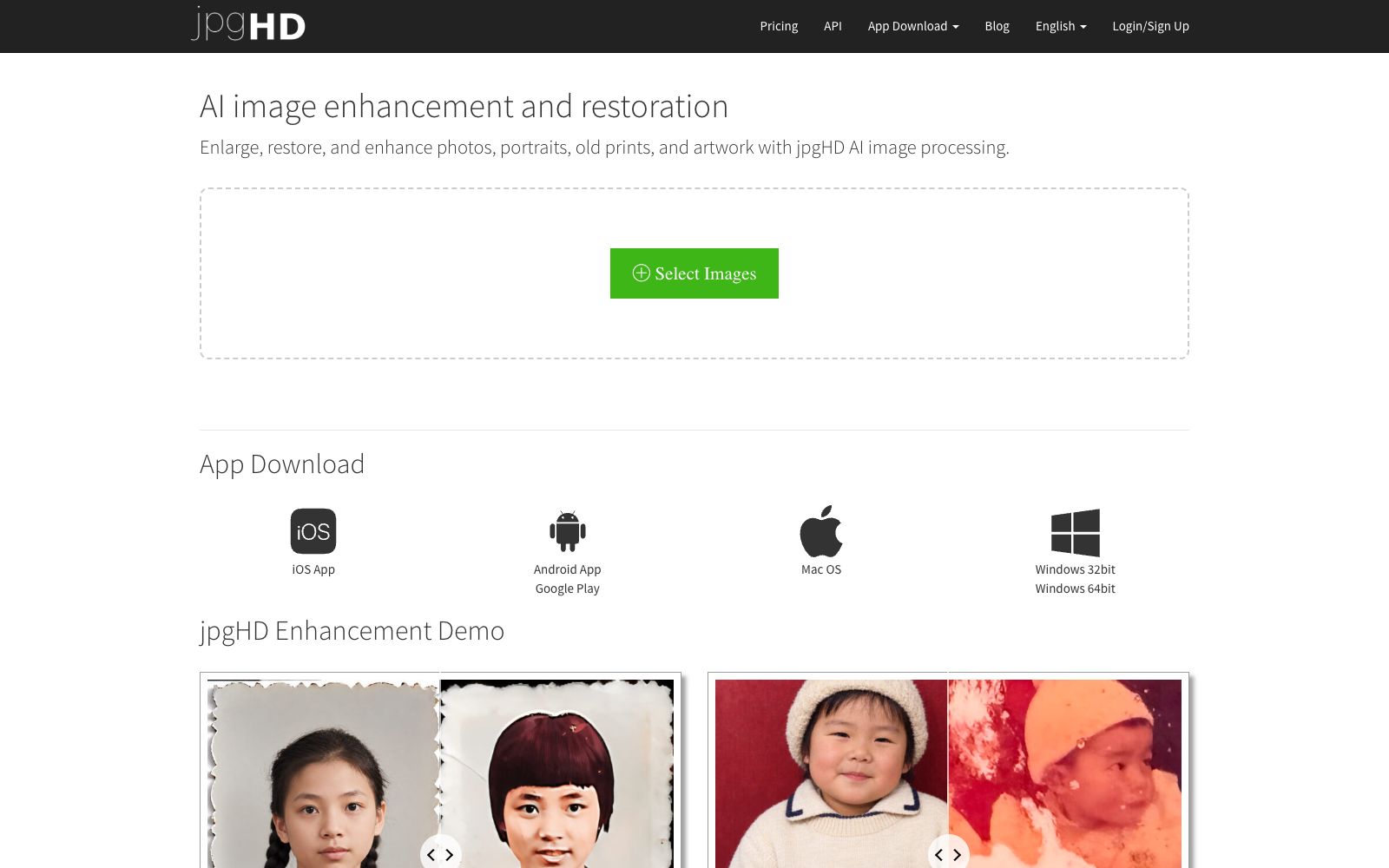
jpgHD is an AI image enhancement and restoration tool. Its official website states that it can be used to enlarge, restore and enhance photos, portraits, old photos and artwork. It integrates multiple restoration capabilities into one page. Users only need to upload an image and select the processing method. Different from simple enlargement tools, it also covers a more complete old photo restoration process including colorization, scratch removal and "magic photo" functions.
Who is it for?
- Family users who want to digitize and restore old family photos and negatives.
- Designers who need to upscale low-resolution materials for printing or display.
- Artists and enthusiasts who process anime line drawings and sketch scans.
- Users who wish to batch process images on their native apps.
- Archives and individuals who need to convert old photos into shareable digital archives.
Key features
6Super Resolution and Lossless Enhance
Enlarges and enhances the clarity of images.
Old Photo Restoration & Colorize
Restore and colorize old photos.
Scratch Repair
and **AI Denoise**: Remove scratches and noise.
Magic Photo
A featured processing option listed on the official website, which takes longer than regular enhancement.
Multi-scene Enhancement
Includes HD Landscape Enhance, HD Sketch, Anime Enlarge, Design Upscale and more.
Multi-platform Apps and Multi-language Support
Provides clients for iOS, Android, Mac OS, and Windows, with support for multi-language interface switching.
How to use jpgHD
- 1Check the free quota first: Free users are limited to 3000×3000px and 10MB. If exceeded, you need to upgrade to Pro or purchase by usage.
- 2Pay-as-you-go plans are more flexible: the official website lists tiers such as 50 photos for $5, 132 photos for $12, and 270 photos for $18. It's more cost-effective to choose a small package for occasional use.
- 3Processing time expectation: The official website states that each image takes about 3–5 minutes. It will be slower for images with many faces or large sizes, and Magic Photo takes the longest. Please be patient.
- 4Pay attention to privacy and authorization: Before uploading materials involving others or copyrighted content, check the official terms of service, as the rules may be adjusted.
- 5Prioritize processing the few most precious photos to avoid exhausting the pay-as-you-go quota all at once.
Traffic & popularity
Data month Sep 2026
jpgHD receives about 68.0K visits per month and ranks #655,135 worldwide.
Monthly visits
12 monthsTraffic sources
- Search47.1%
- Direct33.1%
- Referrals18.5%
- Social1.0%
- Mail0.4%
Top countries
- Russia15.2%
- United States7.2%
- Brazil6.3%
- Vietnam5.5%
- Spain4.0%
Estimated from third-party traffic data.
Similar tools
 VanceAIVanceAI provides a web-based and Windows desktop AI image and video processing toolset. The official version lists models such as upscaling, sharpening, denoising, background removal, and old photo restoration, and supports batch and local offline processing.
 ImageColorizerOnline old photo restoration tool, offering black-and-white photo coloring, faded photo restoration, blurry photo enhancement, portrait retouching, and scratch and spot removal. You can start with free credits and then upgrade to a paid package, suitable for restoring old family photos.
 PhotoRestore.ioPhotoRestore.io uses AI to restore old photos, offering enhancement, colorization, upscaling and background removal. It focuses on face protection (marked areas are not automatically reconstructed), provides 2 free credits every month, and images are automatically deleted after 24 hours.
 IMGUpscalerImgUpscaler is an online image quality enhancement tool. Its official website states that it can boost the image resolution to 16K, repair pixelation and blurry details, supports single and batch processing, and can be used without registration.
 Nightmare AIOnline AI image upscaling and enhancement tool, which has two types of models for photos and anime respectively. According to the official website, it can upscale images by 2x and 4x and output them to 2K and 4K resolutions. It supports JPG, PNG and WebP formats.
 Pica AIA lightweight image tool website focusing on photo quality enhancement, online face swapping and old photo restoration. It also has an entry for generating professional headshots. The official website prompts that the photo quality enhancement function has been upgraded and integrated into Artguru, which can be directly experienced on the web version.