


AVCLabs
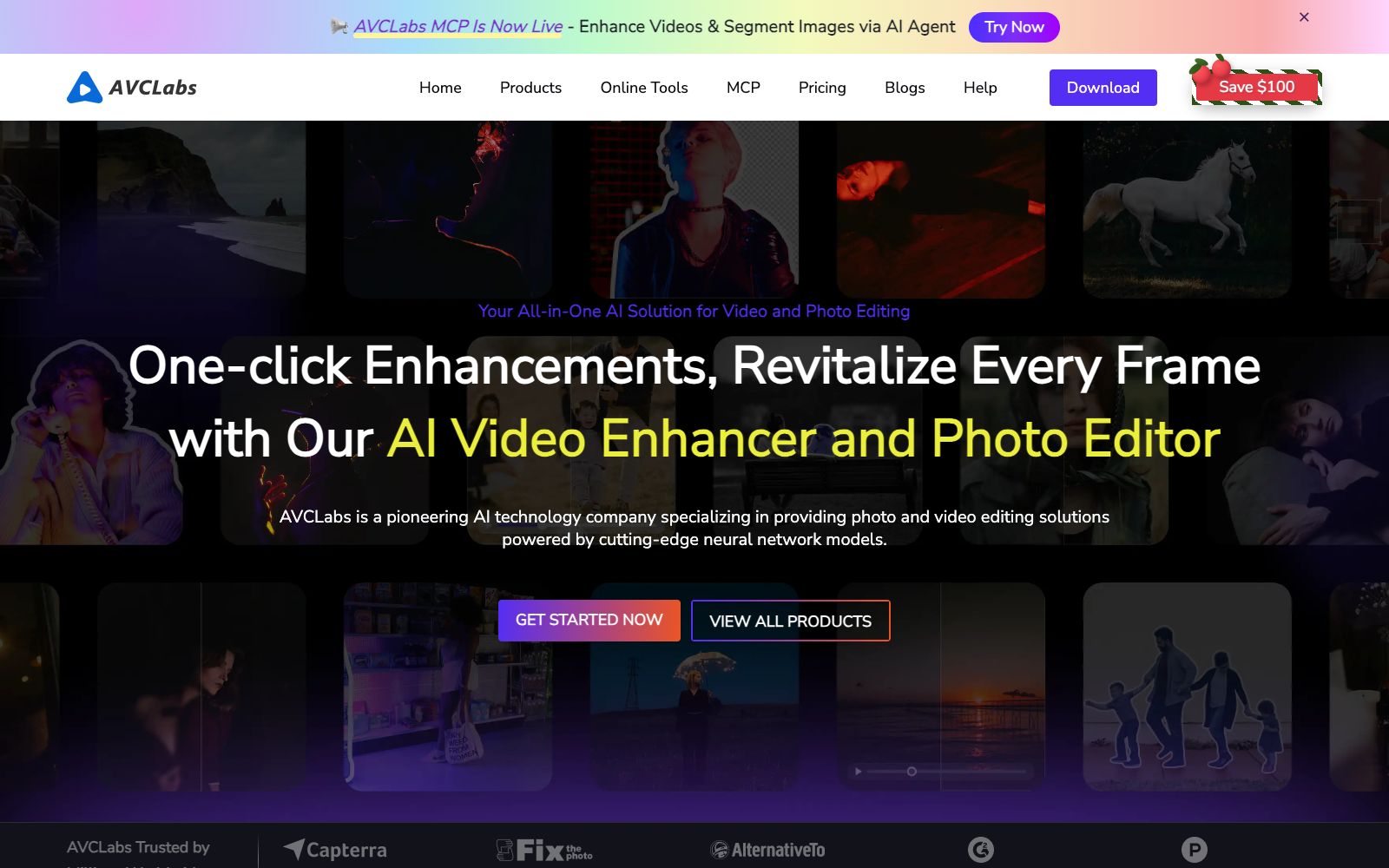
AVCLabs provides AI video and image quality enhancement tools, including video upscaling, face blurring, object removal, watermark removal, old photo colorization and AI image generation. It supports desktop and online use and provides MCP API.
Updated: 2026-10-26
What is AVCLabs?
AVCLabs is a toolset focused on "enhancing the quality of videos and photos with AI". Its official website divides the products into two major sections: video creation and photo creation, and it offers both desktop software and online tools. Unlike tools that only provide a single function, it covers video enhancement, face blurring, object removal, image colorization and AI generation, and also provides an MCP interface that developers can call.
Who is it for?
- Creators and archivists who need to restore low-definition old videos.
- Teams that handle human face-containing materials and need batch blurring to protect privacy.
- Families and individual users who want to colorize and upscale old photos.
- Developers who want to integrate enhancement capabilities into their own systems can use MCP and API.
- Self-media creators and video editors who need one-stop solution for video quality enhancement and noise reduction.
Key features
6Video Enhancer AI / Video Blur AI
Upscales and enhances video quality, and automatically blurs faces to reduce the workload of manual censorship.
Photo Enhancer AI / PhotoPro AI
Improves photo quality and simplifies photo editing with AI.
Object Processing for Videos and Images
Video Object Remover, Video Watermark Remover, AI Background Remover.
AI Image Colorizer (Old Photo Coloring) and AI Image Upscaler (Image Enlargement)
AI Generation Capabilities
AI Video Generator (claimed by the official website to be powered by Seedance 2.0) and AI Image Generator.
AVCLabs MCP and Any Video Converter
The official website states that MCP is now available to enhance videos via AI Agent, and it also provides video conversion in multiple formats.
How to use AVCLabs
- 1Choose between desktop and online tools as needed: Use desktop versions (such as Video Enhancer AI) for large files and batch tasks, and online tools for light processing.
- 2Prioritize automation for face blurring: For videos containing people, run Video Blur AI first to reduce privacy risks.
- 3For generation features, check the model: AI Video Generator is powered by Seedance 2.0, so pay attention to the official website's regulations on generation scale and authorization.
- 4Commercial Terms Check: Specific functions, pricing and MCP permissions may be adjusted; verify the official instructions again before mass production.
Traffic & popularity
Data month Sep 2026
AVCLabs receives about 38.0K visits per month and ranks #1,001,052 worldwide.
Monthly visits
12 monthsTraffic sources
- Direct52.6%
- Search34.0%
- Referrals8.4%
- Social3.6%
- AI assistants0.6%
- Other0.9%
Top countries
- United States9.5%
- Japan6.4%
- India5.7%
- Germany5.4%
- Russia5.2%
Estimated from third-party traffic data.
Similar tools
 UniFab AIA desktop tool suite focused on video and audio quality enhancement, offering capabilities such as super-resolution, denoising, demosaicing, colorization, and HDR conversion. The official website's terms page states that the operating entity is UniFab Software Limited based in Hong Kong.
 Topaz LabsTopaz Labs is software that uses deep learning to enhance image and video quality. It covers noise reduction, sharpening, upscaling and restoration, and is available in multiple forms for desktop, web and mobile devices.
 Pica AIA lightweight image tool website focusing on photo quality enhancement, online face swapping and old photo restoration. It also has an entry for generating professional headshots. The official website prompts that the photo quality enhancement function has been upgraded and integrated into Artguru, which can be directly experienced on the web version.
 Upscale.mediaOnline AI image upscaling and enhancement tool. Officially, it can upscale images by 2x or 4x without losing texture details. New users get the first 3 points upon registration. It also offers features like sharpening, deblurring, dehazing, face restoration, old photo colorization, batch conversion, and API access.
 DomoAIA creative platform for video-to-animation and AI video generation, supporting Omni Reference multi-material reference, first and last frame generation, and talking digital humans, and providing enhancement capabilities for upscaling to 4K videos and 6K images.
 PhotoRestore.ioPhotoRestore.io uses AI to restore old photos, offering enhancement, colorization, upscaling and background removal. It focuses on face protection (marked areas are not automatically reconstructed), provides 2 free credits every month, and images are automatically deleted after 24 hours.