


Gemini CLI
Google's open-source command-line AI agent brings model capabilities directly to the terminal. It features built-in search grounding, file and command operations, supports collaboration via standard extension protocols and code hosting platforms, and offers 1,000 free daily requests upon personal account login.
Updated: 2026-10-26
What is Gemini CLI?
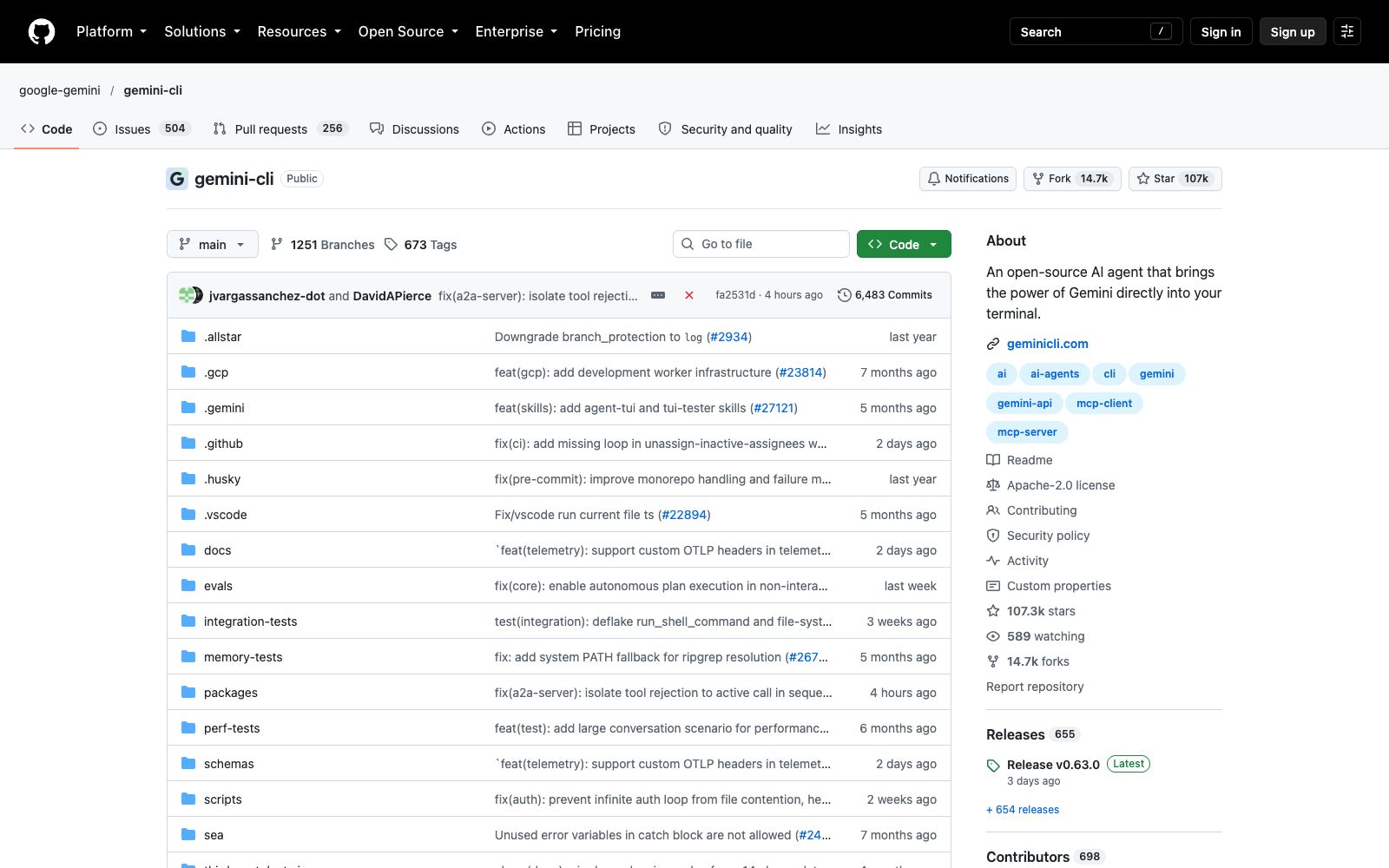
If your daily entry point is the terminal, embedding the model into the terminal is the most convenient choice. Gemini CLI is Google's open-source intelligent agent, which is officially summarized in one sentence: the shortest path from prompts to the model. It directly embeds file operations, shell commands, web scraping and search grounding, and also leaves openings for standard extension protocols. The repository is publicly available on GitHub, licensed under Apache 2.0. Installation methods range from portable execution to Homebrew, and there is an independent official documentation site.
Who is it for?
- Individual developers who want to try a terminal AI agent at zero cost.
- Automation scenarios that require scripting and non-interactive command-line execution.
- People who already log in with their Google accounts for work and don't want the hassle of managing additional API keys.
- Open-source project maintainers who want to introduce automated assistance in the PR and issue processes.
Key features
6Free Quota
Logging in with a personal Google account grants a free tier with 60 requests per minute and 1,000 requests per day.
Models and Context
Officially stated to use the Gemini 3 series models with a 1-million-token context window.
Built-in tools
Search grounding, file operations, shell commands, and web scraping are ready to use out of the box.
Standard Extension Protocol
Supports MCP, allowing you to integrate new capabilities on your own, including some generative services mentioned by the official.
Session and Project Customization
Conversation checkpoints can be saved to resume complex tasks, and custom context files are used to codify project conventions.
GitHub Integration
The supporting Action can perform PR reviews and issue triage, and also supports @mentioning it for help in issues.
How to use Gemini CLI
- The fastest way to try it out is to run it directly without installation.
- if you plan to use it long-term, install it globally via npm or Homebrew.
- The three release channels have clear differences: the preview version is updated weekly and may contain regressions, the stable version is more reliable, and the nightly version pushes the main branch content daily with the most issues.
- Do not use the nightly version for official projects.
- Logging in with an API key is a path that involves rate limits and billing considerations.
- For team or production workloads, you can evaluate Vertex AI.
- be sure to set the cloud project environment variables first.
- It's worth spending time writing custom context files to codify project conventions, which is much more effective than repeating them in prompts every time.
- The free quota is calculated by the number of requests.
- running automated tasks intensively is likely to hit the limit, so implement rate limiting in your scripts.
- The repository page shows a large number of unresolved issues.
- If you encounter a problem, first search for existing entries—someone may have already run into it.
Traffic & popularity
Data month Sep 2026
Gemini CLI receives about 793.4M visits per month and ranks #37 worldwide.
Monthly visits
12 monthsTraffic sources
- Direct53.3%
- Search24.4%
- Social9.5%
- Referrals9.3%
- AI assistants2.0%
- Other1.5%
Top countries
- United States18.7%
- China11.8%
- India10.3%
- Russia7.8%
- Germany4.2%
Estimated from third-party traffic data.
Similar tools
 Codebuddy CodeThe terminal form of Tencent Cloud's official intelligent coding tool uses the command line to complete project understanding, code generation and refactoring, as well as test and document generation. The official states that code analysis is prioritized locally, making it suitable for daily development, code review and learning exploration.
 Google AntigravityGoogle has launched an agent development platform that offers desktop, command-line, IDE extensions and SDK forms, enabling parallel management of multiple local agents; the personal version is free, with additional Pro and Ultra subscription tiers.
 LLMAn open-source command-line tool and Python library for calling OpenAI, Claude, Gemini, Qwen, DeepSeek, and other models from the terminal. It stores prompts, responses, and embeddings locally in SQLite.
 JulesGoogle's asynchronous programming agent pulls the repository into a cloud virtual machine to work independently. It first provides a plan for you to confirm, then runs tests to verify the changes, and finally returns a reviewable merge request. It can be invoked via the command line or an API.
 Google AI StudioGoogle's official AI development platform allows you to test the latest models such as Gemini online and get API keys with one click. The official claims it is the fastest path from prompt engineering to production, and it also provides official SDKs in multiple languages and a library of sample applications.
 Kane CLIKane CLI is a command-line testing tool for developers. You can describe test cases in natural language to execute them on browsers and mobile devices. Its official website states that it will provide pass/fail conclusions and shareable execution evidence. New users can get a free quota.