


Pixso
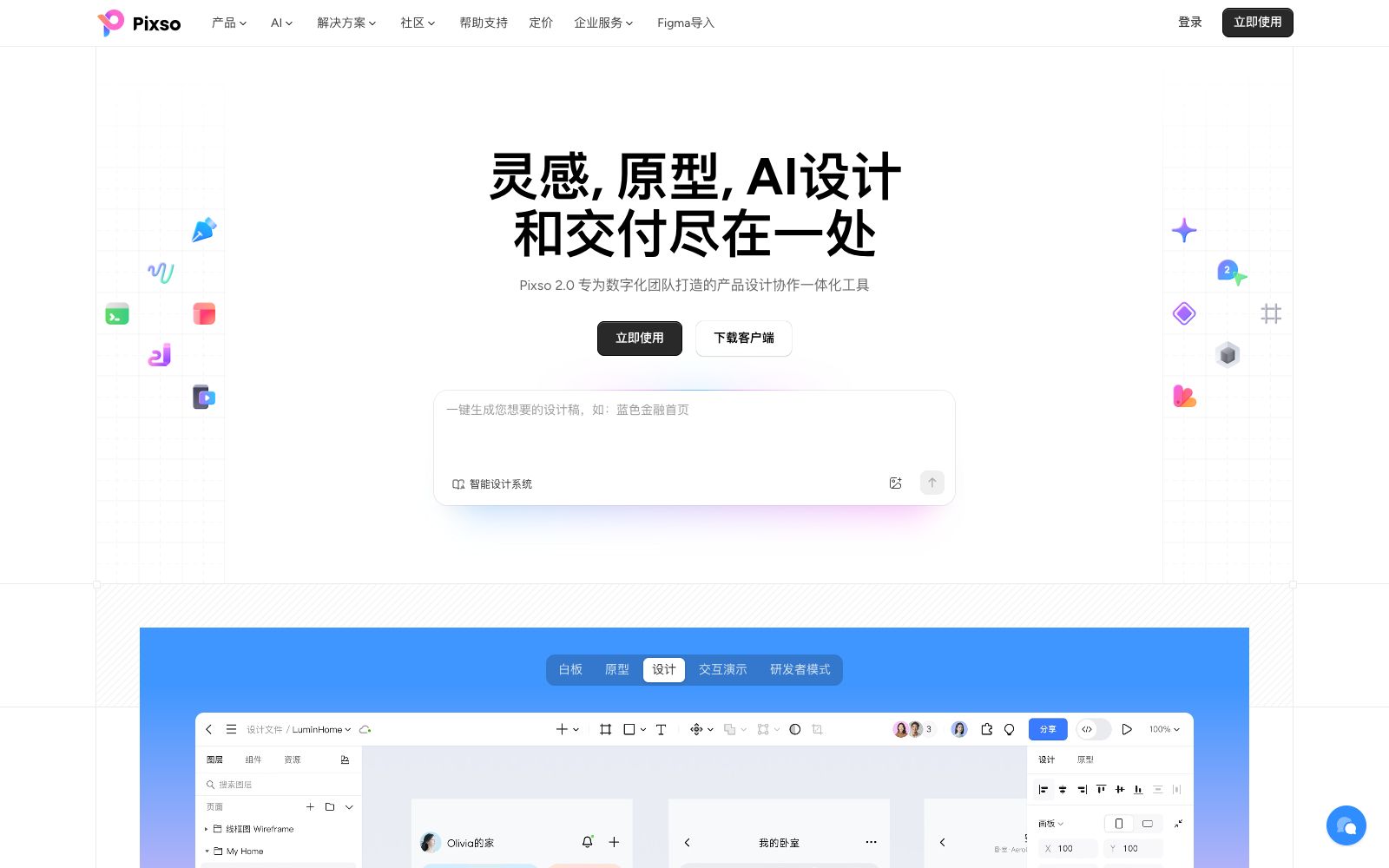
A domestic AI collaborative design tool that integrates whiteboarding, prototyping, UI design and delivery in one. Its official website states that it supports AI one-click generation of UI design drafts and React/Vue code, connects the entire design-to-development pipeline, and can import Figma files.
Updated: 2026-10-26
What is Pixso?
Pixso is a domestic AI collaborative design tool positioned on its official website as a "domestic alternative to Figma." It focuses on AI one-click generation of UI design drafts and React/Vue code, streamlining the entire design-to-development pipeline. The current version is Pixso 2.0, which the official website describes as an integrated product design collaboration tool for digital teams. Whiteboarding, prototyping, design, interactive presentation, and delivery are all completed within a single cloud-based tool. On its homepage, it directly lists the pain points of designers, product managers, development engineers, and managers—messy version control, frequent requirement changes, difficulty in understanding design intent, and challenges in project tracking—and organizes its features around these roles. The platform also features a dedicated Figma import entry.
Who is it for?
- Domestic R&D teams that need to replace Figma and pay attention to data compliance and localization
- Product managers who need to manage requirement sorting, prototypes, and interactive demonstrations in one place
- UI designers who need auto-layout, variable systems and design system capabilities
- Front-end developers who want to directly get usable React/Vue code from design drafts
- Managers of multi-person collaboration projects who require version control, online comments and delivery specifications
Key features
7AI-Generated Design Sketches and Code
The official website states that it supports AI to generate UI design sketches and React/Vue code with one click, and the visual editor is seamlessly synchronized with the code.
Whiteboard & Product Planning
Supports idea collection, market and competitor analysis, user research, team brainstorming and product roadmaps, enabling categorization, annotation, filtering and visual analysis within the whiteboard.
Prototyping and Interactive Demonstration
Collaborate with the component library for prototyping. The official reference data shows that a landing page can be completed in about 10 minutes, over 3,000 built-in components are available, and the efficiency of plan implementation is increased by 74%.
Professional UI Editing
Supports auto-layout, variable systems (one-click toggle between light and dark modes), the Pen tool, smart selection, and online comments. It also allows the import of Figma, Axure, Sketch, XD, and SVG files.
Design System & Team Library
Styles and components can be published to the team library for team members to reuse. Historical versions are automatically saved, with one-click recovery, restoration and comparison available.
Developer Mode & Delivery
The official website lists a professional delivery platform and file management module for developers, covering the entire link from product planning and requirement sorting to delivery.
Ecosystem of Resources and Plugins
The community provides design systems and UI kits such as CarPlay, Material 3, Byte Arco, HarmonyOS, TDesign, and Ant Design; plugins include bevel projection tool, Phosphor Icons, Pexels, 3dicons, smooth gradients, text translation, etc.
How to use Pixso
- It is recommended for new teams to start by importing Figma files.
- The official website provides a dedicated Figma import entry.
- After migrating historical assets, gradually enable the design system.
- During the prototyping phase, prioritize assembling with the built-in component library.
- The data provided on the official website shows that a landing page can be completed in 10 minutes.
- For development delivery, first confirm whether the code export results are compatible with the project's tech stack (React/Vue), and then decide whether to adopt them directly.
- It is recommended that a dedicated person maintain the team's component library.
- Define the component naming and version rules in advance, as the reuse efficiency will be significantly different in the later stage.
- The customer cases displayed on the official website include BYD.
- Before purchasing, you can judge according to your own scale and collaboration needs.
- The specific functions and package differences shall be subject to the on-page instructions on the official website.
- When using third-party icons, images and design system resources, pay attention to verifying the authorization scope.
Traffic & popularity
Data month Sep 2026
Pixso receives about 678.5K visits per month and ranks #43,658 worldwide.
Monthly visits
12 monthsTraffic sources
- Direct68.4%
- Search22.3%
- Referrals5.8%
- Social2.0%
- AI assistants0.9%
- Other0.6%
Top countries
- China90.5%
- United States2.5%
- Hong Kong, China2.4%
- Taiwan, China0.9%
- Singapore0.7%
Estimated from third-party traffic data.
In these collections
Similar tools
 Jishi DesignA professional online UI design tool for domestic designers, supporting real-time multi-person collaboration, prototyping and interaction, resource management and development annotation, compatible with Figma, Sketch, and XD file formats. It can be used directly in a browser and is permanently free.
 MiaoduoAn AI-driven user interface design tool that supports importing typical interfaces for AI to learn design styles, generating interfaces and components based on text or images, and providing MCP to enable coding tools to understand design drafts and generate front-end code, targeting the collaboration scenario of product, design and research teams.
 FlowstepFlowstep is an AI interface design tool. Officially, it claims to generate multi-screen UIs with prompt words, supports conversational editing or manual modification, and enables exporting code, copying to Figma, and integrating into IDE via MCP.
 LocofyConvert Figma and Penpot design files into developer-friendly front-end code. The official claims that it supports multiple frameworks such as React, Flutter, and Vue, and has SOC2 and ISO certifications.
 SubframeSubframe is a design tool connected to the codebase, as well as a canvas-enabled coding agent. It allows infinite canvas design, previewing and editing online applications, and agent code modification all in one tool.
 UizardAn AI UI design tool for product teams that can generate interface prototypes for apps, websites and desktop software using natural language and screenshots. Its official website claims it is as simple as using PowerPoint, making it ideal for quickly validating product ideas.