


Locofy
Convert Figma and Penpot design files into developer-friendly front-end code. The official claims that it supports multiple frameworks such as React, Flutter, and Vue, and has SOC2 and ISO certifications.
Updated: 2026-10-26
What is Locofy?
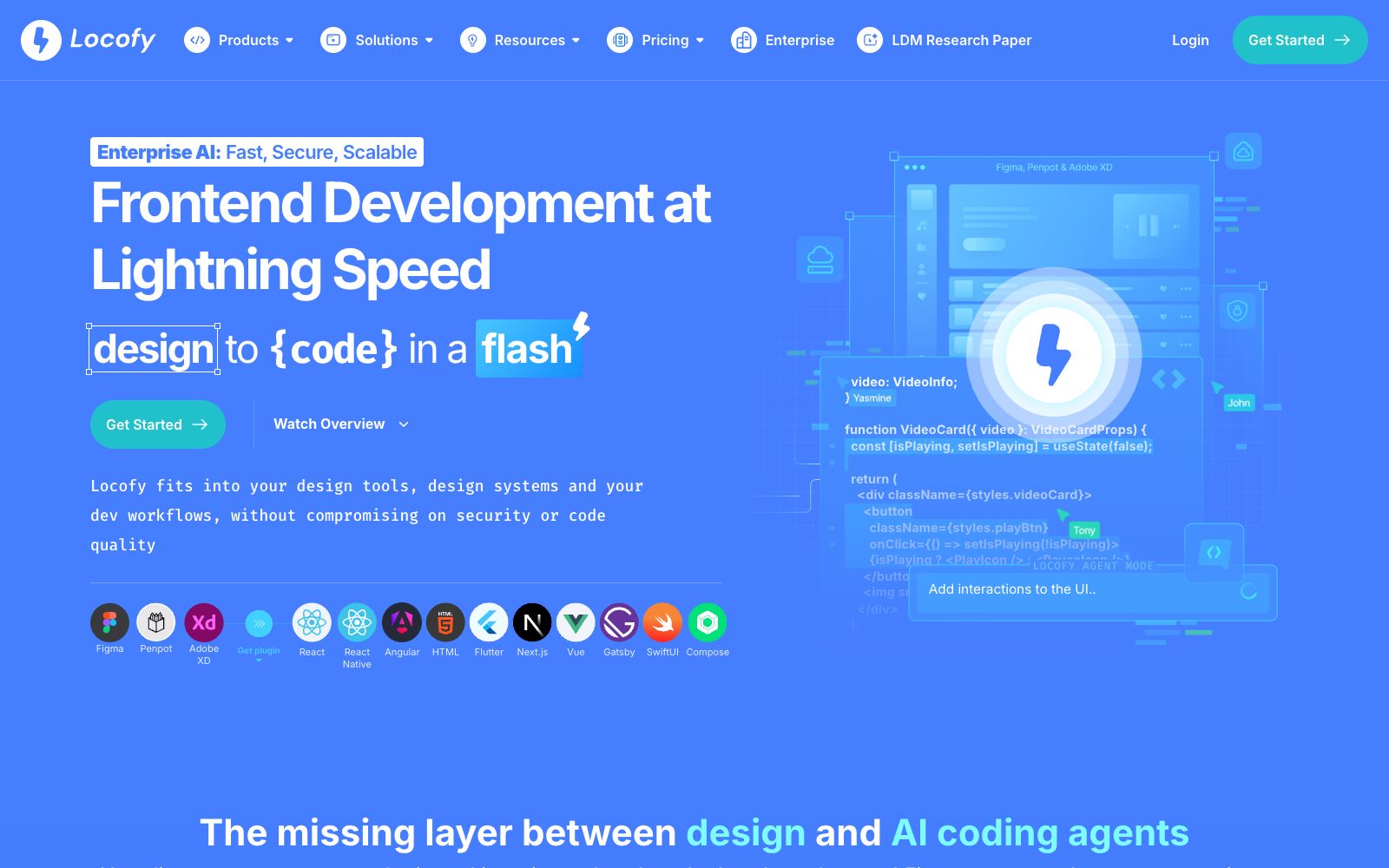
Locofy is a design-to-code tool, and its official website slogan is "Complete Design to Code with AI, Frontend Development Blazingly Fast". The official description states: It converts Figma and Penpot design drafts into developer-friendly code, supporting React, React Native, HTML & CSS, Flutter, Vue, Angular, Next.js, etc. It also claims to be SOC2 and ISO certified, with cloud or on-premises deployment options.
Who is it for?
- Front-end engineers who have a complete set of design drafts and want to directly get runnable front-end code.
- Small teams that need to roll out the same design to both Web and mobile platforms simultaneously.
- Product and R&D teams that repeatedly align pixels between design delivery and development and aim to reduce restoration deviations.
- Large and medium-sized teams with compliance requirements that need their suppliers to hold SOC2 and ISO certifications.
Key features
6Figma and Penpot Import
The two major design sources listed on the official side, synchronized into the builder via plugins for processing.
Multi-framework Output
The official states that it supports tech stacks such as React, React Native, HTML plus CSS, Flutter, Vue, Angular, and Next.js.
Running pre-checks on your design
Conduct pre-checks on your design before conversion. The official prompt will check the number of components and the scale of image resources.
Converting components & adding props
Convert layers into components and add attributes, and the official will also generate more readable names for the layers.
Applying Auto layout and constraints
Processes auto layout and constraints, and can add interactions and media queries to elements.
LDMtokens Credit System
The platform measures conversion consumption in LDMtokens, and the official interface will prompt for the required credits and balance before operation.
How to use Locofy
- First, organize your design files according to the official pre-check prompts: reduce scattered layers, standardize naming, and control the number of large images, which can significantly improve conversion quality.
- Before exporting, confirm that the target tech stack is on the project's support list to avoid getting code that requires major modifications.
- You still need to manually check the structure, naming and responsiveness of the generated code, and do not directly commit it to the main branch.
- Note that conversions are billed in LDMtokens.
- insufficient credits will interrupt the process.
- The terms for commercial use and deployment are subject to the official website and may be adjusted.
- Please verify them again before formal procurement.
Traffic & popularity
Data month Sep 2026
Locofy receives about 112.8K visits per month and ranks #273,989 worldwide.
Monthly visits
12 monthsTraffic sources
- Search48.6%
- Direct33.3%
- AI assistants7.3%
- Social5.3%
- Referrals4.8%
- Other0.7%
Top countries
- India12.2%
- Germany8.9%
- United States7.5%
- Brazil5.9%
- France5.4%
Estimated from third-party traffic data.
Similar tools
 Screenshot to CodeAn online tool that converts screenshots, design drafts or screen recording videos into clean code, supporting multiple tech stacks such as HTML, React, Vue, etc. The official states that each generation or modification consumes one credit.
 PixsoA domestic AI collaborative design tool that integrates whiteboarding, prototyping, UI design and delivery in one. Its official website states that it supports AI one-click generation of UI design drafts and React/Vue code, connects the entire design-to-development pipeline, and can import Figma files.
 AnimaAn AI development platform for design-to-code, its official website states that it can deliverable applications from design files, URLs or prompts, emphasizes retaining design context and supporting the export of real code, and also provides an interface for platform integration.
 MiaoduoAn AI-driven user interface design tool that supports importing typical interfaces for AI to learn design styles, generating interfaces and components based on text or images, and providing MCP to enable coding tools to understand design drafts and generate front-end code, targeting the collaboration scenario of product, design and research teams.
 PaperA modern design tool focusing on "design, share, deliver", the canvas is built on web standards and connected with code in two-way communication. It can integrate external agents to directly read the canvas content, and has two entry points: desktop and web version.
 FlowstepFlowstep is an AI interface design tool. Officially, it claims to generate multi-screen UIs with prompt words, supports conversational editing or manual modification, and enables exporting code, copying to Figma, and integrating into IDE via MCP.