

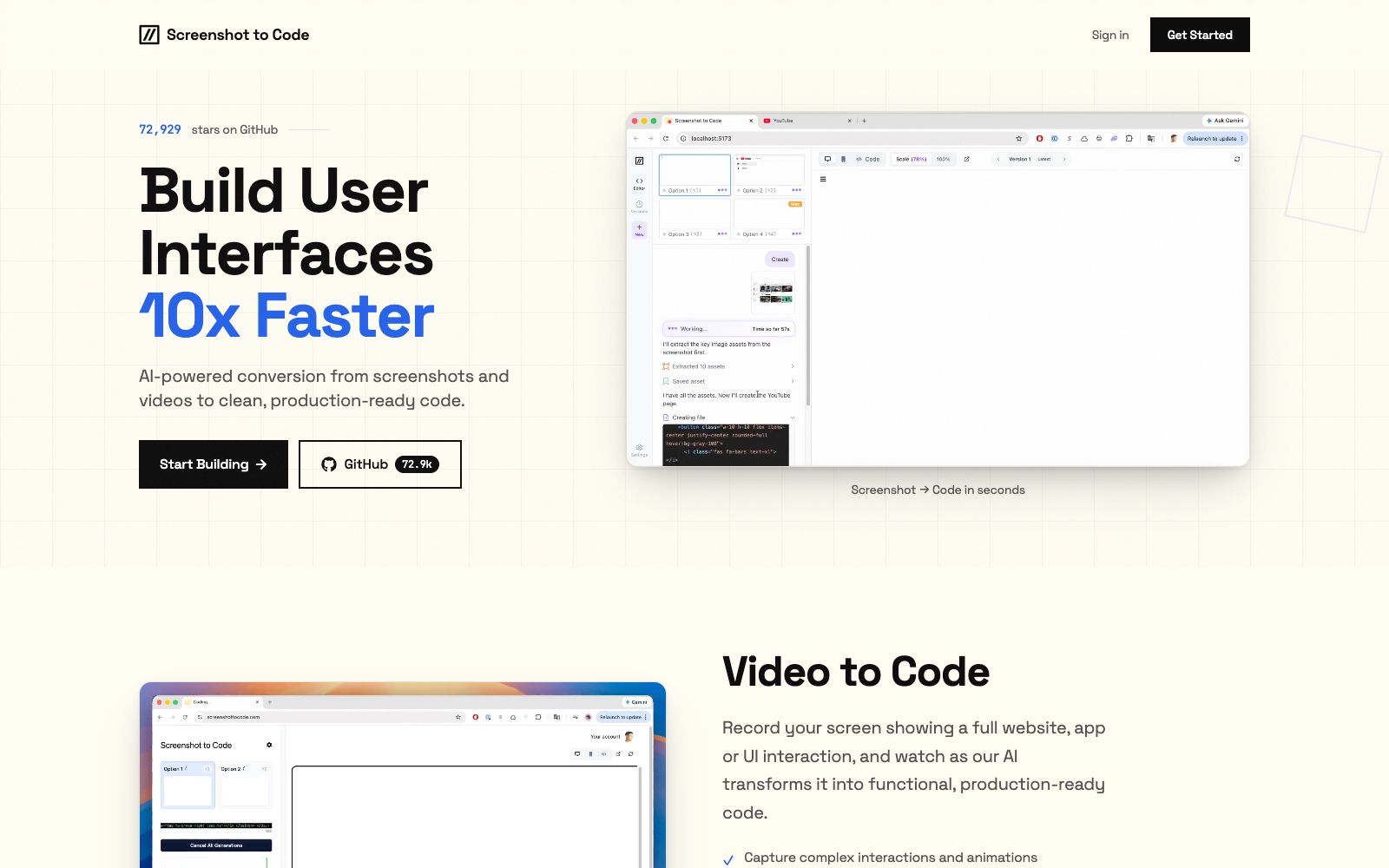

Screenshot to Code
An online tool that converts screenshots, design drafts or screen recording videos into clean code, supporting multiple tech stacks such as HTML, React, Vue, etc. The official states that each generation or modification consumes one credit.
Updated: 2026-10-26
What is Screenshot to Code?
Screenshot to Code is an online tool that converts interface screenshots into code. Its official website's one-sentence positioning is "Turn any screenshot or design into clean code". In addition to uploading images, it supports capturing images by entering a URL, pasting existing code for reverse import, and generating directly through text descriptions. The tech stack can be specified before generation, and the options provided in the official interface include HTML with Tailwind, HTML with CSS, React with Tailwind, Bootstrap, Vue with Tailwind, Ionic with Tailwind, etc.
Who is it for?
- You have a design draft and want to first get a frontend development skeleton that works with HTML or React.
- Independent developers who need to quickly rebuild competitor pages or old system interfaces into prototypes.
- Product managers and designers who only have a single image and want to see what it looks like when converted into code.
- Engineering teams that want to generate code based on their own tech stack and avoid receiving generic code.
Key features
6Screenshot to Code
Upload interface screenshots or design drafts to generate front-end code, supporting uploading multiple screenshots at once.
URL to Code
The official version supports pasting a URL to automatically generate code, and you can also enter a Figma link or the built-in screenshot service key.
Multi-technology stack output
A variety of combinations are available, such as HTML plus Tailwind, HTML plus CSS, React plus Tailwind, Bootstrap, Vue plus Tailwind, etc.
Import from code
Paste existing code, select a tech stack, import it in reverse, and continue iterating based on it.
Instructions for generated code
You can fill in additional instructions before generation to constrain the output style and requirements.
Version Branching
The official note states that updates will fork a new version from the selected one, making it easy to roll back and compare.
How to use Screenshot to Code
- 1The official states that each generation or each additional modification consumes one credit. Provide all the screenshots and requirements at once before starting to save a lot of credits.
- 2Pay attention to the official rules: unused credits expire at the end of each month, and purchases are non-refundable, so don't stock up on too many.
- 3What is generated is merely the skeleton of structure and styles; you need to review the interaction logic, accessibility, and responsiveness on your own.
- 4Confirm the authorization of the generated code and the copyright of the image materials before using it in commercial projects; the official billing and quota rules may be adjusted, so recheck before official use.
Traffic & popularity
Data month Sep 2026
Screenshot to Code receives about 86.9K visits per month and ranks #382,709 worldwide.
Monthly visits
12 monthsTraffic sources
- Direct53.4%
- Search24.1%
- Referrals13.6%
- AI assistants4.4%
- Social3.9%
- Other0.6%
Top countries
- United States22.6%
- India21.1%
- Taiwan, China6.4%
- Brazil5.0%
- Uzbekistan4.2%
Estimated from third-party traffic data.
Similar tools
 LocofyConvert Figma and Penpot design files into developer-friendly front-end code. The official claims that it supports multiple frameworks such as React, Flutter, and Vue, and has SOC2 and ISO certifications.
 AnimaAn AI development platform for design-to-code, its official website states that it can deliverable applications from design files, URLs or prompts, emphasizes retaining design context and supporting the export of real code, and also provides an interface for platform integration.
 UI to Code AIA tool that converts screenshots, images, PDFs, or PSDs into front-end code, outputs React, Vue, Next.js, or HTML/CSS with real-time preview, and allows downloading the entire project package or copying individual components.
 MiaoduoAn AI-driven user interface design tool that supports importing typical interfaces for AI to learn design styles, generating interfaces and components based on text or images, and providing MCP to enable coding tools to understand design drafts and generate front-end code, targeting the collaboration scenario of product, design and research teams.
 PixsoA domestic AI collaborative design tool that integrates whiteboarding, prototyping, UI design and delivery in one. Its official website states that it supports AI one-click generation of UI design drafts and React/Vue code, connects the entire design-to-development pipeline, and can import Figma files.
 PaperA modern design tool focusing on "design, share, deliver", the canvas is built on web standards and connected with code in two-way communication. It can integrate external agents to directly read the canvas content, and has two entry points: desktop and web version.