


Uizard
An AI UI design tool for product teams that can generate interface prototypes for apps, websites and desktop software using natural language and screenshots. Its official website claims it is as simple as using PowerPoint, making it ideal for quickly validating product ideas.
Updated: 2026-10-26
What is Uizard?
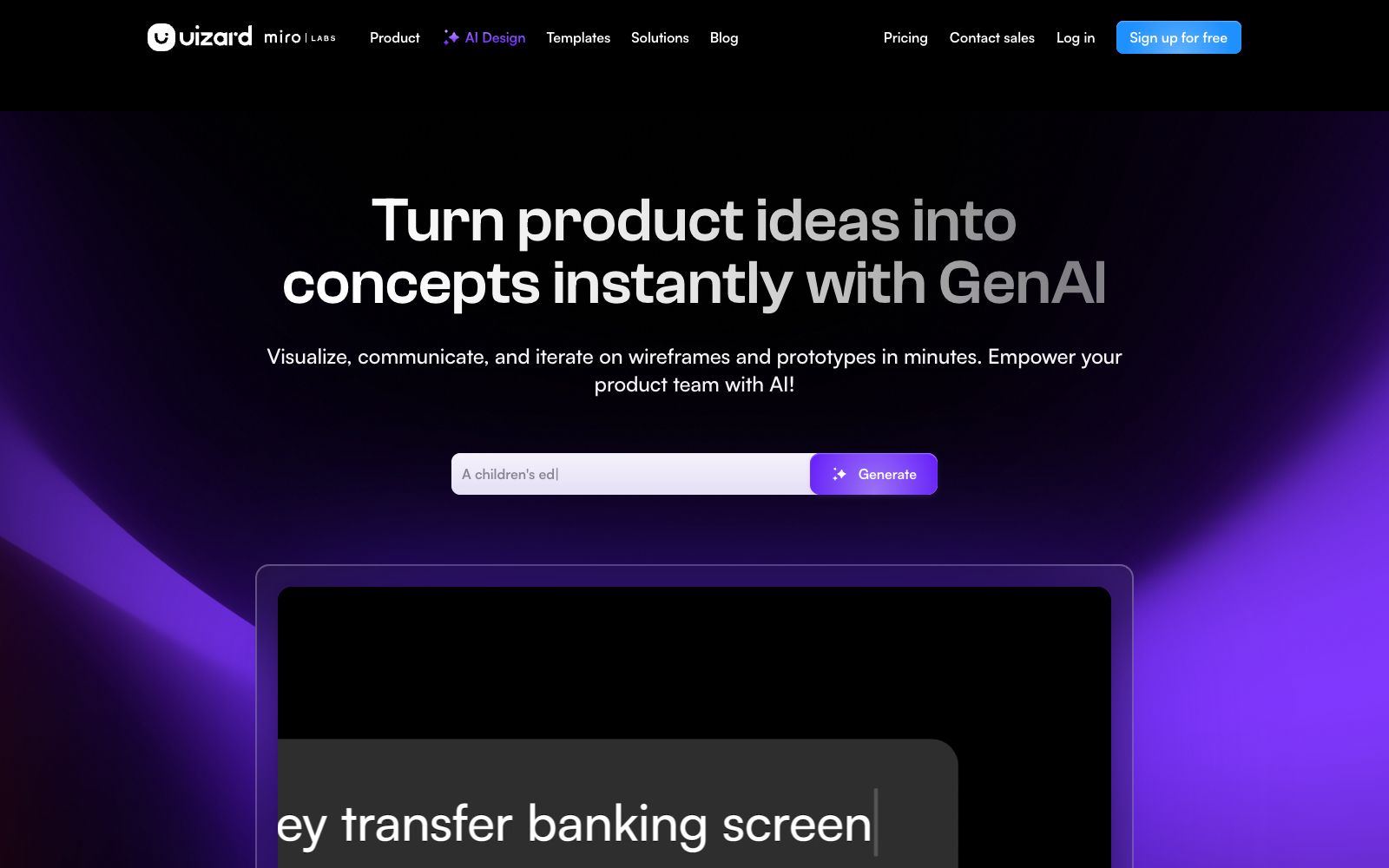
Uizard is an AI UI design tool for product teams. Its official website bears the title "UI Design Made Easy, Powered By AI" and states that "If you can use Google Slides or PowerPoint, you can use Uizard." It supports interface design for apps, websites and desktop software, focusing on generating multi-screen editable prototypes from text, and can also convert screenshots and hand-drawn wireframes into editable versions. The official website describes its target users as product teams: there are corresponding entry points for product managers and product teams, designers and UX personnel, marketers, startup founders, consultants and agencies, developers, as well as large enterprises, and it emphasizes the ability to collaborate in real time with AI and the entire product team.
Who is it for?
- Product managers and product teams who need to turn ideas into visual prototypes in minutes
- Startup founders who need to create MVP demos but lack design resources
- Designers and UX professionals who want to quickly explore multiple directions before refining one
- Consultants and agencies need to deliver interactive mockups to clients
- Developers, who need a starting point to go from an idea to an interface
- Marketers who need to quickly deliver visual solutions for clients
Key features
7Autodesigner 2.0
A new feature listed on the official website, it can generate projects, interfaces and themes with simple text, and produce multi-screen editable prototypes.
Screenshot Scanner
Converts existing interface screenshots into editable mockups, making it easy to revise designs based on references.
Wireframe Scanner
Digitizes hand-drawn wireframes, suitable for the workflow of sketching first and then moving to digital tools.
Component Modification
Select any component, describe the desired changes, and have Autodesigner implement the modifications. The official website positions this feature as a tool for rapid iteration.
Interface Generation
You can continue to generate new interfaces within an existing project to quickly expand the design scope.
Templates & Scenarios
Provides interface templates and wireframe templates for mobile apps, websites, Web Apps, and tablet apps, covering stages such as wireframes, mockups, and prototypes.
Real-time Collaboration
The official website states that you can collaborate in real time with AI and the entire product team, allowing everyone to participate in interface building.
How to use Uizard
- The most effective approach is to first clearly define the scenarios and key processes that the product needs to solve, and then hand it over to Autodesigner to generate multi-screen prototypes.
- This is usually more stable than drafting by putting forward requirements piece by sentence by sentence.
- If you have a reference product, you can use screenshot scanning to convert the interface into an editable draft, and modifying it on this basis is faster than building from scratch.
- if you have hand-drawn sketches, first use wireframe scanning to digitize them.
- When modifying details, prioritize the method of "selecting components and adding description of changes" to avoid regenerating the entire screen, which may cause other parts to be overwritten.
- If you need to present to clients or the team, you can first use a template to create a unified theme, and then supplement the content, which will make the overall look more complete.
- The official website provides a free registration portal, and the specific functions and differences between packages are subject to the instructions on the relevant page.
- For projects involving real brands and user interfaces, pay attention to confirming the authorization of relevant materials and trademarks.
Traffic & popularity
Data month Sep 2026
Uizard receives about 689.5K visits per month and ranks #57,901 worldwide.
Monthly visits
12 monthsTraffic sources
- Search60.4%
- Direct29.8%
- Social3.7%
- Referrals3.1%
- AI assistants1.6%
- Other1.3%
Top countries
- India23.6%
- China8.6%
- United States6.6%
- Singapore4.9%
- Indonesia3.5%
Estimated from third-party traffic data.
In these collections
Similar tools
 Modao AIA domestic intelligent prototyping design and production-research collaboration platform that offers one-click generation of multi-page prototypes, AI-powered PPT and PRD creation, flow chart and mind map generation, as well as design-to-code conversion capabilities. It supports multi-device access and is tailored for collaboration scenarios of product teams.
 FlowstepFlowstep is an AI interface design tool. Officially, it claims to generate multi-screen UIs with prompt words, supports conversational editing or manual modification, and enables exporting code, copying to Figma, and integrating into IDE via MCP.
 MiaoduoAn AI-driven user interface design tool that supports importing typical interfaces for AI to learn design styles, generating interfaces and components based on text or images, and providing MCP to enable coding tools to understand design drafts and generate front-end code, targeting the collaboration scenario of product, design and research teams.
 PixsoA domestic AI collaborative design tool that integrates whiteboarding, prototyping, UI design and delivery in one. Its official website states that it supports AI one-click generation of UI design drafts and React/Vue code, connects the entire design-to-development pipeline, and can import Figma files.
 UX PilotAn AI interface design tool for product teams that can generate wireframes and high-fidelity interfaces from sketches, ideas or requirement documents, supports the reuse of existing design systems, and directs the results to design collaboration and development delivery.
 Jishi DesignA professional online UI design tool for domestic designers, supporting real-time multi-person collaboration, prototyping and interaction, resource management and development annotation, compatible with Figma, Sketch, and XD file formats. It can be used directly in a browser and is permanently free.