


STUDIO AI
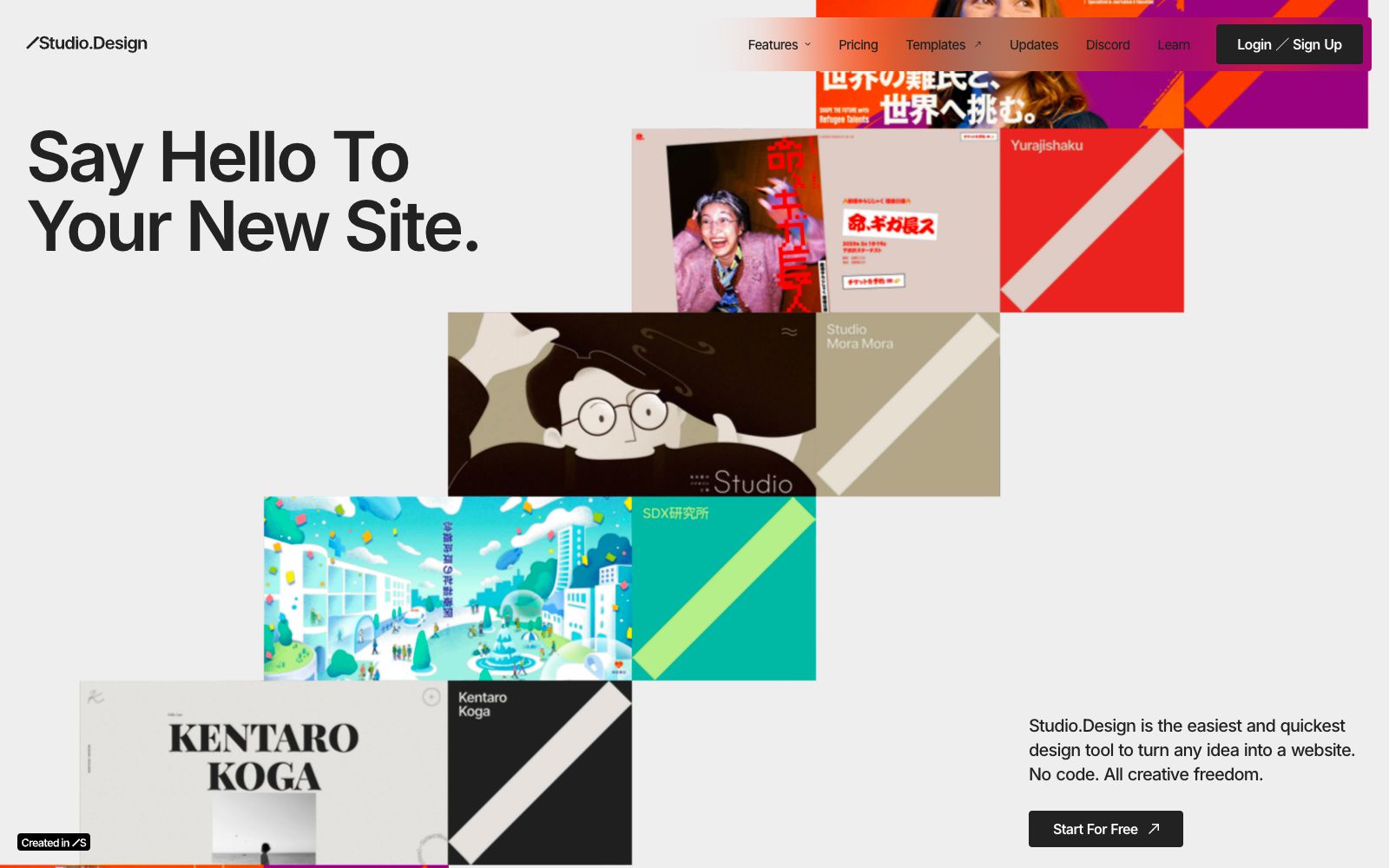
A no-code web design tool from Studio that publishes designs directly as websites. It comes with a visual editor, real-time collaborative CMS, Figma import, and one-click hosting and launch. Ideal for designers to create portfolios and landing pages.
Updated: 2026-10-27
What is STUDIO AI?
Studio.Design is a no-code web design tool, which the official description calls "the fastest way to turn any idea into a website". It integrates a visual editor, a CMS and hosting into one package—just click to launch your website after design, no coding or server configuration required. Compared with common website building template tools, it places greater emphasis on design freedom, supports direct import of Figma files and automatically generates breakpoints.
Who is it for?
- Independent designers: Build personal portfolio websites without wanting to write code, rent servers, or set up environments.
- Small design studios: Deliver brand websites or event landing pages to clients, and republish with one click after revising the drafts.
- Product designers transitioning from Figma to web: They already have finished designs on hand and need to quickly turn them into clickable pages.
- Marketing teams with frequently updated content: Let operations colleagues edit copy via the CMS without having to contact developers every time.
Key features
7Design Editor
The official describes this editor as "intuitively yours", supporting pixel-perfect fine-tuning and dynamic animations, with a visual interface for page layout.
CMS
Content creation is centralized in one place, enabling real-time collaborative editing by multiple users and instant publishing. The official team calls it "CMS without mess".
One-Click Publishing
Publish your online website directly after design is complete. The official statement says that coding and server configuration are all handled by the platform.
Forms
Visually create forms to collect visitor information, customize details such as animations and colors, and the official emphasizes that you are not restricted by templates.
SEO Control
The official claims that you can optimize each piece of content individually and automatically generate a sitemap.
Lottie Animations
Built-in Lottie support allows direct file import to add effects to pages, perfect for telling brand stories.
Figma Import
Import existing designs from Figma; the official states that breakpoints are automatically generated, and you can then publish the site officially.
How to use STUDIO AI
- 1Start with a template: The official website offers free and paid templates from designers around the world, and the official states that you can fully customize them without writing any code.
- 2If you have a Figma draft, don't build from scratch: breakpoints are automatically generated after import, saving a lot of time compared to manual adaptation.
- 3Prefer Lottie for animations: The official lists Lottie import as a standalone feature, which is more controllable than stacking animations in the editor yourself.
- 4Configure SEO block by block before launch: The official says you can optimize each piece of content individually and generate a sitemap automatically. Don't leave this step to the end.
- 5Try templates for free first: The official website provides both free and paid templates. Use a free template to get the process right before deciding whether to purchase.
Traffic & popularity
Data month Sep 2026
STUDIO AI receives about 1.6M visits per month and ranks #20,564 worldwide.
Monthly visits
12 monthsTraffic sources
- Direct64.6%
- Search18.2%
- Referrals11.6%
- Social2.7%
- Mail1.5%
- Other1.3%
Top countries
- Japan93.5%
- United States0.8%
- Taiwan, China0.8%
- Vietnam0.8%
- Thailand0.4%
Estimated from third-party traffic data.
Similar tools
 OJOAn AI design Agent workbench for product teams that generates editable UIs and interactive prototypes from a single requirement, an image, or a URL, and directly outputs front-end code that can be committed to a repository. The official claims it can combine more than 200 skills.
 MotionsitesMotionSites is a landing page prompt library for AI website building. It turns blocks such as Hero, footer, and CTA into copyable prompts, and also provides dynamic background materials, suitable for quick content creation.
 Brandmark Logo MakerEnter the brand name and style to generate a logo, along with a complete set of materials such as brand guidelines, business cards, social media images and one-page websites. It supports vector export and is suitable for startup teams to quickly build their brand visuals.
 KhromaAn AI color matching tool for designers: first select your favorite colors to train the algorithm, then generate an unlimited number of color combinations. It supports filtering by hue and color value, and provides hexadecimal codes, CSS codes and WCAG contrast ratings.
 ArtfloAn AI workflow platform for designers, combining infinite canvas, new models and AI Skills, allowing inspiration, materials and finished works to flow on the same canvas.
 LineSVGAn AI tool that converts text or images into editable SVG line drafts, officially claims to output real vector strokes, with adjustable line width, color and dashed lines after generation, and can be exported to Figma and Illustrator.