


LLM
An open-source command-line tool and Python library for calling OpenAI, Claude, Gemini, Qwen, DeepSeek, and other models from the terminal. It stores prompts, responses, and embeddings locally in SQLite.
Updated: 2026-10-26
What is LLM?
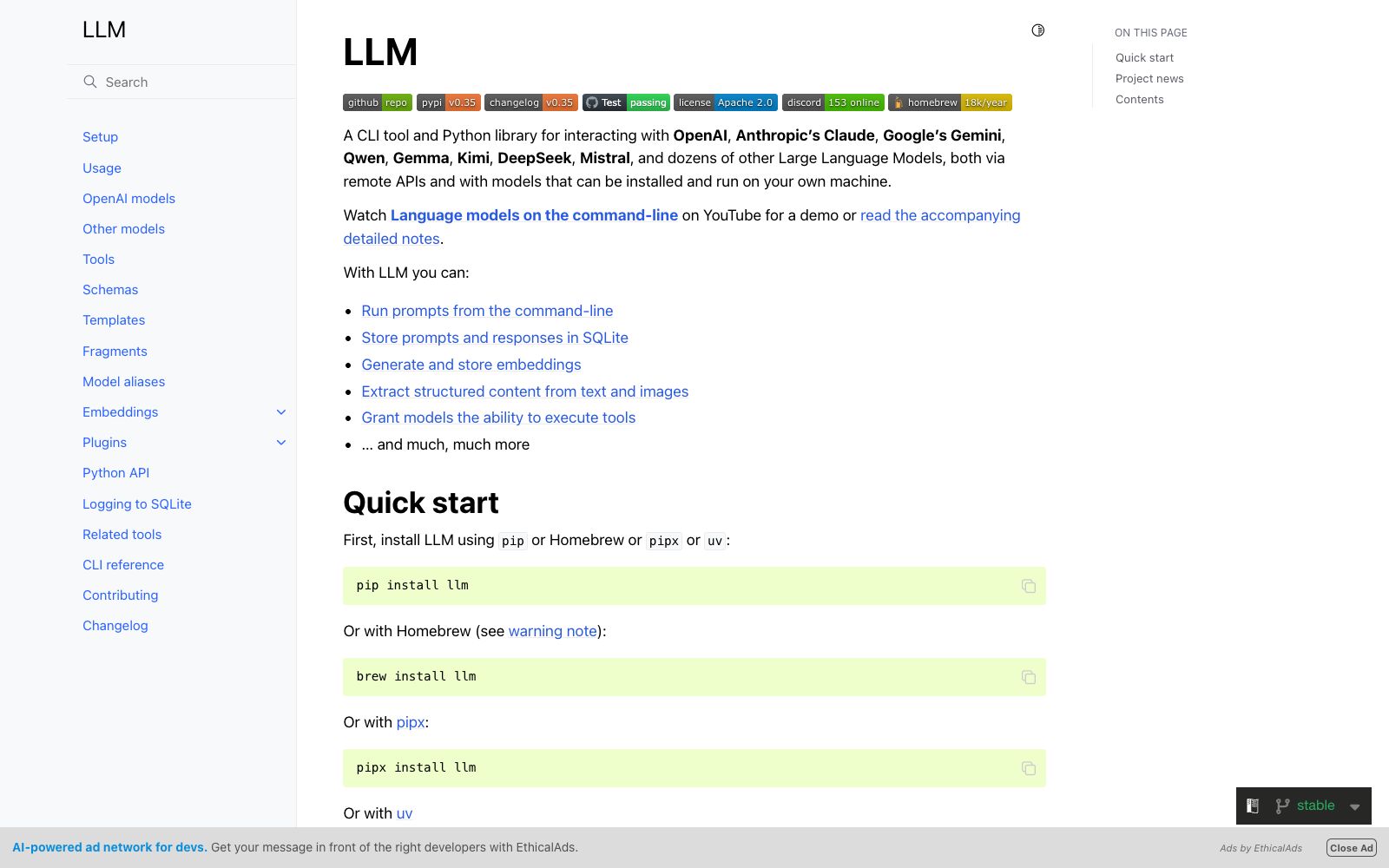
LLM is a command-line tool and Python library developed by renowned open-source developer Simon Wilison, bringing large models back to the terminal: directly triggering prompts for dozens of models such as OpenAI, Claude, Gemini, Qwen, Gemma, Kimi, DeepSeek, and Mistral within the command line, supported by remote APIs and models installed and running locally. Its core principle is that "model calls should be composable like Unix pipes," and every prompt and response is locally retained by default, retrievable and reproducible. The project page provides quick hands-on examples, project updates, and complete documentation, with official demo videos and detailed notes for new users to get started quickly. Its emergence provides developers with a unified entry point that does not rely on graphical interfaces in an increasingly fragmented API call environment, consolidating differences between models under a single command.
Who is it for?
- Developers accustomed to command-line workflows need to embed model calls into scripts, batch tasks, or automate tasks, as well as users who value local traceability, reproducibility, and autonomous data control. It is especially suitable for those who like to "manage everything with text and commands" and want to integrate AI calls into their existing toolchain, maximizing value when combined with pipelines and scripts. For scenarios requiring batch comparison of output quality across multiple models, it can also serve as a unified evaluation entry point.
Key features
5Command Line Prompt
Directly initiate conversations or generate them in a single turn within the terminal. The output can be connected to a pipeline for further processing, or saved to a file or passed to the next command.
Local SQLite Storage
Prompts, responses, and even embedding vectors are written by default to local SQLite, allowing real-time backtracking of actual input and output for each run, and can be retrieved and exported.
Multi-model plugin system
Connects dozens of model service providers through plugin mechanisms, supports installation and locally running open-source models, and calls different models uniformly with a single command.
Embedding and Structured Extraction
Can generate and store embedding vectors, and extract structured content from text and images, providing a foundation for local retrieval and information organization.
Python Library
The same capabilities are encapsulated as the Python API, making it easy to call directly in scripting, testing, and automation tasks, and aligned with CLI capabilities.
How to use LLM
- It's best to start by "moving one-time API debugging into the terminal" and gradually build your own prompt template library and log habits.
- For batch tasks, it's recommended to use templates, embeddings, and structured outputs together, so the results accumulate into searchable local assets.
- When you look back afterward, you can accurately reproduce the actual prompts and parameters from each run—this is what makes it stand out from graphical interface tools.
- If you use multiple models at the same time, try using it to unify the entry point, then fix it to specific models by task type, reducing the cost of switching back and forth.
- Another practical tip is to alias commonly used commands or write shell functions, solidifying parameters and model selections, so daily calls can be almost mindlessly reused.
Things to know
Traffic & popularity
Data month Sep 2026
LLM receives about 12.7K visits per month.
Monthly visits
12 monthsTraffic sources
- Direct36.4%
- Search31.9%
- Referrals15.0%
- Social8.5%
- Mail2.6%
- Other5.5%
Top countries
- United States42.6%
- India27.3%
- Russia8.2%
- United Kingdom5.1%
- France5.0%
Estimated from third-party traffic data.
Similar tools
 Gemini CLIGoogle's open-source command-line AI agent brings model capabilities directly to the terminal. It features built-in search grounding, file and command operations, supports collaboration via standard extension protocols and code hosting platforms, and offers 1,000 free daily requests upon personal account login.
 OllamaOpen-source large model local runtime: one-click to launch the model, and prompts never leave the local machine, yet can also connect to the cloud. Suitable for developers who run models locally and are concerned about data leakage, it supports installation on all three desktop platforms.
 CrushA terminal AI coding tool by Charm, which connects your tools, code and workflows to the large model of your choice, and is officially available on macOS, Linux, Windows and BSD.
 aiderAn AI pair programming tool that runs in the terminal, automatically maps codebases, supports over 100 languages and multi-model access, directly commits every change to Git, and is fully traceable throughout the process.
 MLflowMLflow is the largest open-source AI engineering platform, covering Agents, LLMs and traditional models: it integrates link monitoring, system evaluation, prompt optimization, AI gateways and model deployment into one solution, making AI iteration ten times faster.
 ClineOpen-source AI programming agent, officially said to adopt the Plan-then-Act mode to modify code across files and execute bash commands in editors and terminals, supporting MCP extensions and multi-Agent collaboration.