


Ollama
Open-source large model local runtime: one-click to launch the model, and prompts never leave the local machine, yet can also connect to the cloud. Suitable for developers who run models locally and are concerned about data leakage, it supports installation on all three desktop platforms.
Updated: 2026-10-26
What is Ollama?
Ollama solves a very specific problem: you don’t want to send your prompts to someone else’s server, but you still want to use open-source models locally. It supports macOS, Windows, and Linux, and offers both local and cloud-based options. The official emphasis is that prompts will not be stored or used for training. For those doing local inference, its value doesn’t lie in how powerful the models are, but in being able to get everything up and running with a single command. Below, I’ll clarify what it can do and how to use it.
Who is it for?
- Individuals and teams with confidential or compliant data that cannot be shared externally
- People who want to run small and medium-sized open models on laptops for local inference and don't want to pay for usage calls
- People who are used to working in the command line and are willing to manage model versions and hardware resources on their own
- People who want to compare the differences between local models and cloud models and conduct controlled experiments with the same prompts
Key features
6Run open-source models locally
Pull up the model on your own machine, keep the inference process on the local device, and do not go through third-party services.
Cloud option
The same product can also send requests to the cloud for processing, providing a fallback when the local machine lacks sufficient computing power.
Privacy-focused
The official statement says that prompts will not be stored or used for training, which is its key differentiator.
Model Library & Documentation
The official website provides a list of Models, documentation, a pricing page, download links, and also hosts a blog.
Activity Reference
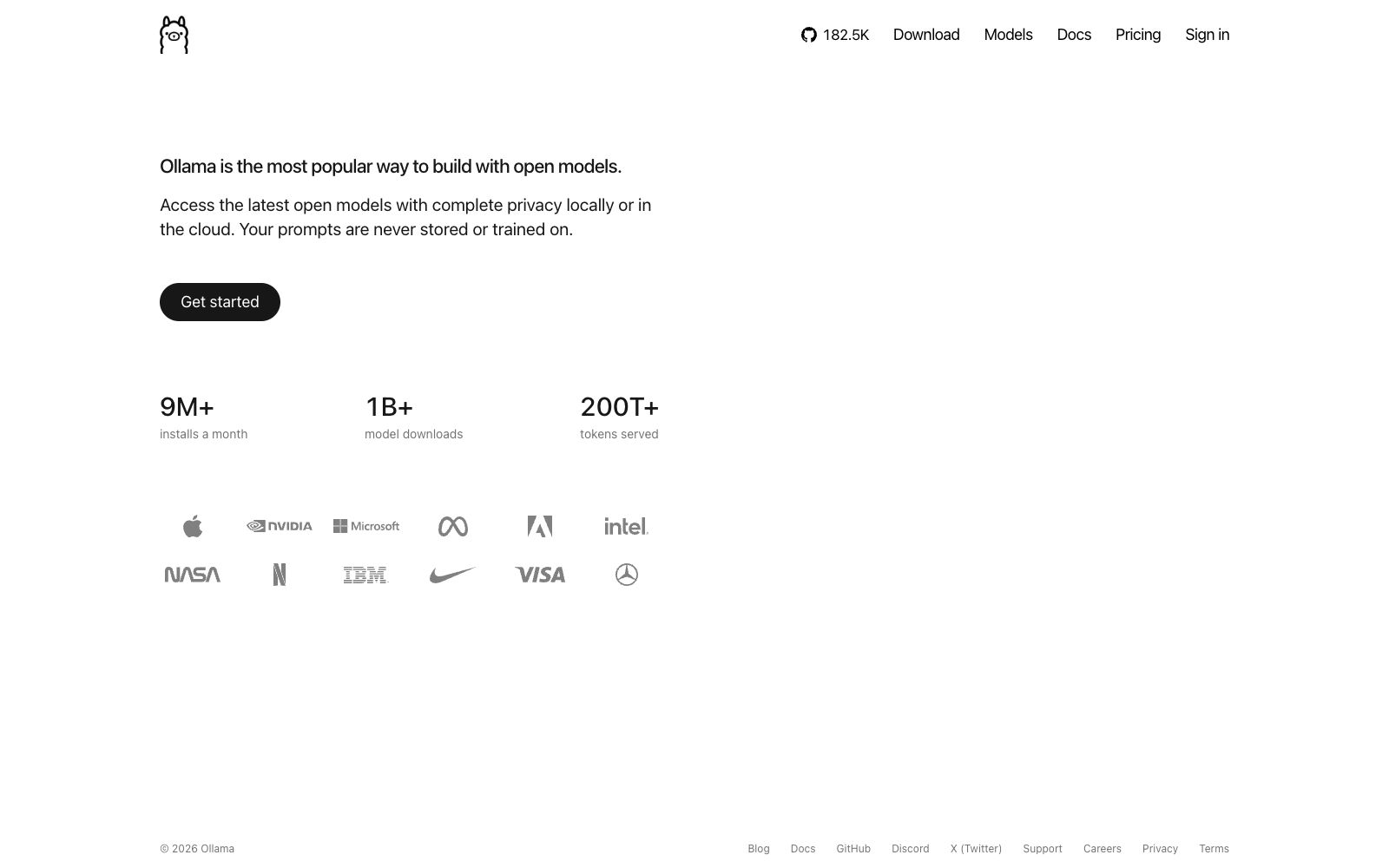
The official website shows over 180,000 GitHub stars, more than 9 million monthly installations, over 1 billion model downloads, and more than 200 trillion service tokens, all as stated by the official.
Community & Support
The official website provides access to GitHub, Discord, X and other platforms, and also has separate pages for Careers, Privacy and Terms.
How to use Ollama
- 1First, follow the Get started guide on the official website to get the model running locally, then consider the cloud option. You need to test the performance differences between the two yourself.
- 2The several installation volume and token volume figures on the official website are references for activity; indicate they are official sources when citing them, and do not treat them as your own benchmark.
- 3The speed of local inference depends on hardware and quantization methods; do not copy others' parameter configurations, start with small models first.
- 4The official website also lists Pricing, indicating that the cloud version is a paid service. Please review the terms and scope of application before using it.
- 5The privacy commitment is subject to the text on the official website's Privacy page; when dealing with sensitive data, read the original terms before making a decision.
- 6Before rolling it out to the team, confirm one thing: can your colleagues' machines run it? No matter how powerful the model is, it's a waste of effort if the hardware doesn't match.
Traffic & popularity
Data month Sep 2026
Ollama receives about 15.0M visits per month and ranks #3,391 worldwide.
Monthly visits
12 monthsTraffic sources
- Direct42.8%
- Search42.7%
- Referrals5.3%
- AI assistants4.1%
- Social3.9%
- Other1.2%
Top countries
- China19.6%
- United States13.7%
- India9.5%
- Germany3.7%
- Brazil3.5%
Estimated from third-party traffic data.
Similar tools
 UnslothOpen-source local AI workstation: download models and chat directly on the desktop, fine-tune models without writing code, locally generate and edit images and videos, and connect coding agents to your own GPU.
 Stable DiffusionStability AI's generative AI product line includes open-source image models and enterprise-grade image, video, 3D/4D models as well as audio toolkits. It supports commercial licensing and can be deployed locally or managed by the enterprise.
 LLMAn open-source command-line tool and Python library for calling OpenAI, Claude, Gemini, Qwen, DeepSeek, and other models from the terminal. It stores prompts, responses, and embeddings locally in SQLite.
 KiloOpen-source AI coding agent, covering VS Code, JetBrains, CLI and cloud, supporting access to more than 500 models and zero markup for self-provided keys, and using local models can protect code privacy.SShu Qingzhou AgentShu Qingzhou Agent is a localized Excel data processing intelligent agent launched by Beijing Qiance Shuzhi Technology Co., Ltd. It supports access to local large models, data cleaning and multi-table association, and automatically saves the generated code as scripts for offline reuse.
 Cherry StudioAn open-source cross-platform desktop AI client that allows switching between large models from over 50 service providers in a single window. Conversations, drawings, translations, and knowledge bases are all stored locally, making it ideal for users who need to configure their own API keys and keep their data private.