

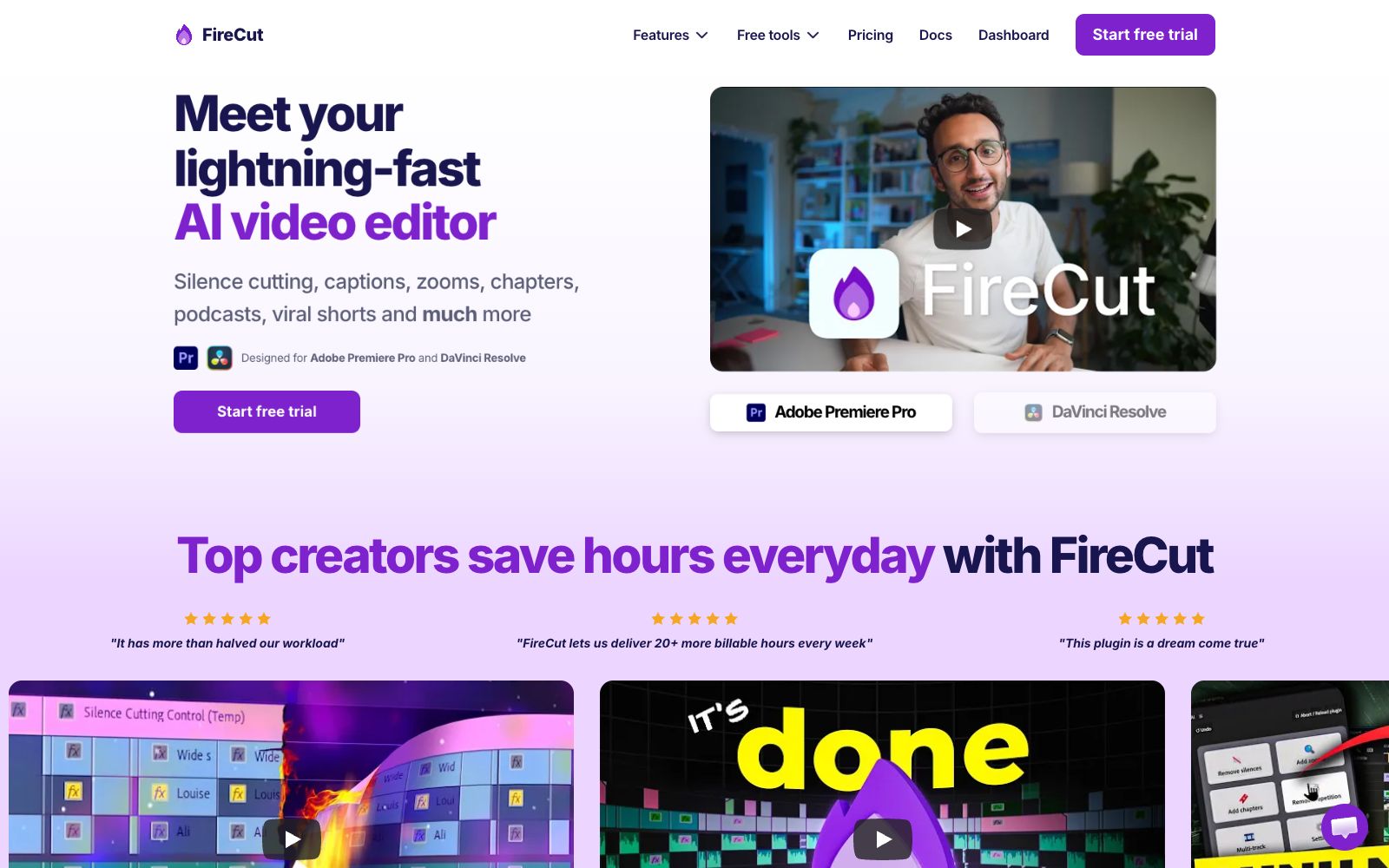

FireCut AI
FireCut is a editing plugin built into Premiere Pro and DaVinci Resolve. It can remove silences and filler words with one click, generate subtitles in over 50 languages and automatically split chapters. It is suitable for rough cutting of voiceovers and podcasts.
Updated: 2026-10-27
What is FireCut AI?
FireCut is a clipping plug-in developed by FireCrafts, which can be directly installed and used in Adobe Premiere Pro and DaVinci Resolve. It compresses the most time-consuming tasks in rough cutting—muting audio, removing filler words, adding subtitles, applying zoom effects, and finding empty shots—into a single click, and the finished video remains on your own timeline. Different from independent online clipping websites, it does not require moving the materials and will not alter the original project structure.
Who is it for?
- YouTube and podcast creators: One long episode requires producing the full video, clips, and subtitles, which often takes a full day of manual editing.
- Freelance editors working on commercial projects: Users on the official website say this tool adds over 20 billable hours per week for them.
- Short video operators: Quickly split live streams or long videos into multiple vertical screen clips.
- Game and commentary creators: Official users mentioned that even live streams with strong randomness can be accurately divided into chapters.
- Small teams and agencies: Even without dedicated editors, they can maintain a stable output rhythm.
Key features
6One-Click Rough Cut
Magic Cut organizes raw footage into usable edits based on content, ideal for the first rough cut of monologues, interviews, and daily recordings.
Remove Silence & Filler Words
Automatically identifies pauses, repetitions, filler words and profanity and cuts them out; users on the official website claim that a single podcast episode is 5 minutes shorter as a result.
Multilingual Subtitles
Supports transcription in over 50 languages and generates subtitle styles with dynamic effects.
Auto Zoom & Chapters
Generates zoom transitions at appropriate points to enhance pacing and automatically splits content into chapters.
Built-in B-roll and Background Music
B-roll is provided by Storyblocks and included in the subscription, along with automatic background music and dubbing functions.
Podcasts & Short Videos
Provides automatic editing and segment cutting for podcasts, splitting long content into short videos suitable for social media platforms.
How to use FireCut AI
- 1Getting started: First, make a copy of the sequence in the same project, then proceed to muting and subtitles. After confirming everything is correct, add zoom effects and B-roll.
- 2Free trial: The official website offers a free trial. You can use one real piece of footage to verify the recognition quality before deciding whether to subscribe.
- 3Adjust the thresholds first: The silence duration and filler word list can be adjusted according to your speaking habits; the default values are too aggressive and may cut off your breaths.
- 4Subtitles need to be proofread: Names, brands and professional terms must be checked one by one and should not be delivered directly.
- 5Authorization: B-roll footage is sourced from Storyblocks. Before commercial use, confirm that the subscription terms cover your distribution channel.
Traffic & popularity
Data month Sep 2026
FireCut AI receives about 253.3K visits per month and ranks #151,665 worldwide.
Monthly visits
12 monthsTraffic sources
- Search44.8%
- Direct24.6%
- Social18.2%
- Referrals7.0%
- AI assistants4.1%
- Other1.4%
Top countries
- United States23.0%
- India9.4%
- Turkey7.4%
- Brazil7.2%
- United Kingdom7.1%
Estimated from third-party traffic data.
Similar tools
 AutoEditAn AI editing plugin built into Premiere Pro that automatically trims silences, catchphrases and repetitive shots and generates subtitles, suitable for weekly-updating UP owners and podcast teams to compress rough cut time.
 AutoCutAn AI plugin built into the timeline of editing software that automatically mutes silent parts, generates word-by-word subtitles, switches camera angles, and inserts B-roll footage. It is suitable for batch rough cutting of podcasts, voice-over videos and long footage.
 ReelaAn AI video studio for individual creators and small teams, the official said that you can complete dubbing, background music and automatic editing by uploading scripts, photos or materials, supporting digital human avatars and material remixing, and claiming that finished videos can be produced within 10 to 20 minutes.
 NemoVideoA chat-driven AI video editing assistant. Just tell it what you want or upload materials and you can get a finished video. It has built-in trend topic selection, automatic subtitle and dubbing features. The official says you don't need any editing skills at all.
 Eddie AIAn AI video tool for professional editing. After uploading materials, you can get a rough cut through conversation. It supports multi-camera synchronization and shot logging, and can be exported to Premiere, DaVinci and Avid.
 Colourlab.aiAn AI color grading tool for film and television post-production, which automatically balances and matches different shots, simulates film texture, and can be docked with the timelines of editing software such as Resolve and Premiere.