


Eddie AI
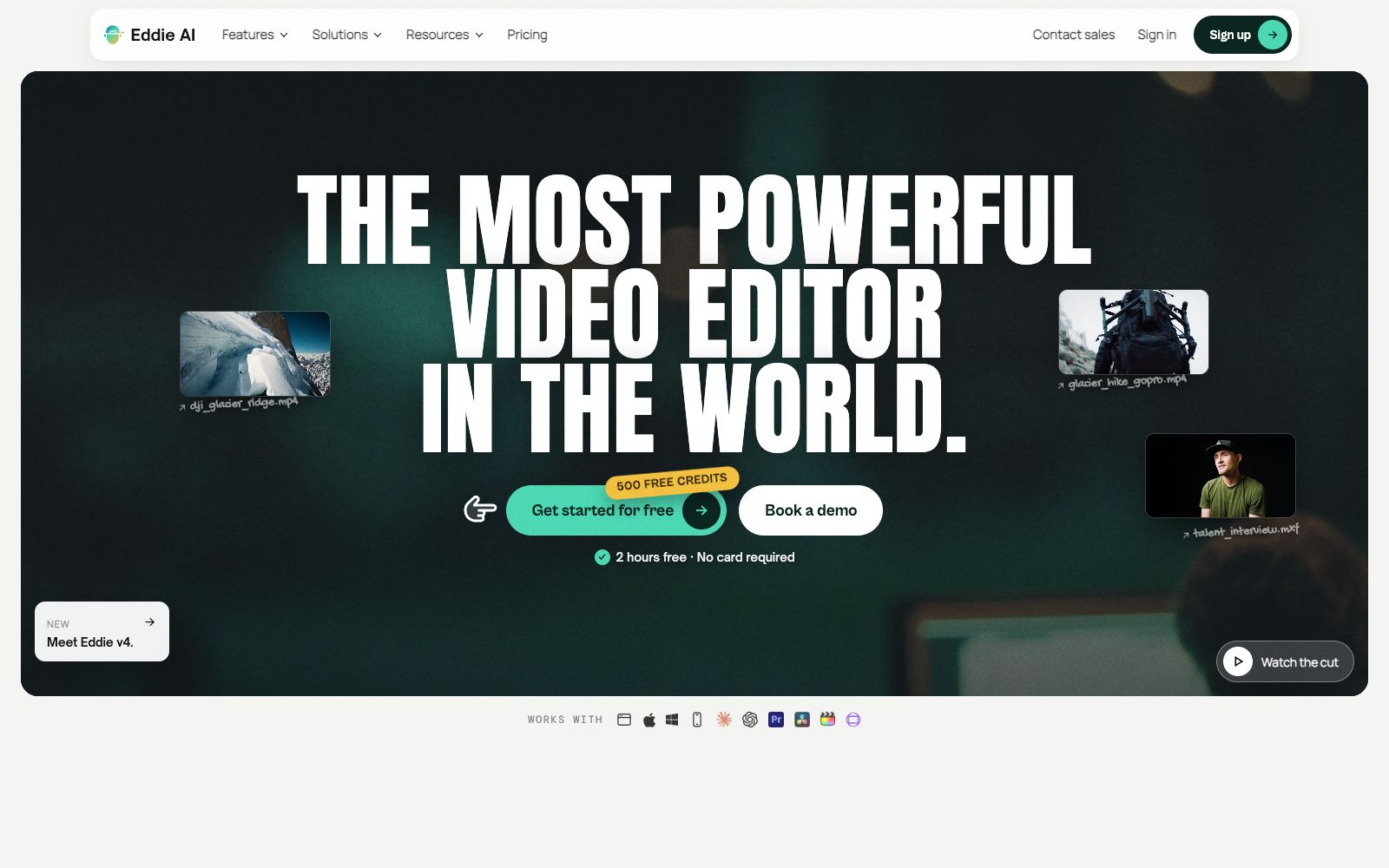
An AI video tool for professional editing. After uploading materials, you can get a rough cut through conversation. It supports multi-camera synchronization and shot logging, and can be exported to Premiere, DaVinci and Avid.
Updated: 2026-10-27
What is Eddie AI?
Eddie AI is an AI video editing tool focused on "uploading, asking questions, and exporting", developed by Press Play Labs. Instead of offering consumer-oriented one-click video creation, it first reads and marks long footage such as interviews and documentaries, and then delivers rough cuts that can be further processed according to your requirements. Unlike similar products that only output finished videos, it transfers the results back to your original editing software. The official claims that more than 60,000 video professionals use it.
Who is it for?
- **Documentary and long-form interview editors**: Their footage runs into hours, and logging and selecting shots are the most time-consuming pre-production work.
- **YouTube and podcast teams**: They need to quickly cut long programs into short clips suitable for social media platforms.
- **Corporate video teams**: They handle numerous projects such as weddings, conferences, and promotional videos, with the rough cut phase being extremely repetitive.
- **Independent Creators**: They handle shooting and post-production on their own and don't have assistants to go through the footage.
- **Teams using agent workflows**: They want editing actions to be directly callable by Claude or ChatGPT.
Key features
6Transcription and Camera Angle Synchronization
After uploading footage, it transcribes sentence by sentence and aligns multi-camera angles; you can directly ask in the conversation which clip a certain segment is in.
Conversational Editing
Make requests using natural language. For example, ask to create a 30-second trailer from travel footage, and the result will include shot sequence and music rhythm. You can then ask it to tighten the opening, add subtitles, or convert it to vertical format.
Asset Management
Supports logging of main shots and auxiliary shots, selecting usable clips and tagging them. The official claims this is the most appreciated feature by documentary users.
Motion Effects & Packaging
Generate dynamic graphics like number scrolls, intro cards, data panels, and word-by-word subtitles with a single sentence, saving the time spent on building templates in software.
Multi-platform & Multi-software
Available on web, Mac, Windows, and iPhone; supports MP4 export, and enables round-trip workflows with Premiere Pro, DaVinci Resolve, Final Cut Pro, and Avid. The official version states that the free version of DaVinci is also supported.
Integrate with conversational AI
Connect Eddie as a tool within Claude, ChatGPT, Claude Code, Codex, and Cursor via MCP, and request a clip directly in the chat interface.
How to use Eddie AI
- Sign up to get 500 credits, which the official says is equivalent to about 2 hours of footage and no credit card is required.
- first test the transcription quality with a clip from your real project.
- Try to include the duration, aspect ratio and purpose when asking questions, for example, "16:9, one minute, with subtitles", which is more efficient than just saying "cut a video" in a general way.
- In terms of security and compliance, the official claims it has passed SOC 2 Type II audit, supports SAML single sign-on and is GDPR-compliant.
- For sensitive materials, you can first check the agreement terms in the Trust Center.
- When exporting back to Premiere or DaVinci Resolve, pay attention to the assets paths and proxy files.
- otherwise, the links may break easily.
- Use it as a pre-editing assistant rather than a replacement: it can create the structure, but you still decide the pacing and what to keep or cut.
Traffic & popularity
Data month Sep 2026
Eddie AI receives about 32.6K visits per month and ranks #1,025,861 worldwide.
Monthly visits
12 monthsTraffic sources
- Search42.1%
- Direct39.3%
- Referrals6.3%
- Mail5.8%
- Social4.7%
- Other1.8%
Top countries
- United States52.1%
- India3.3%
- United Kingdom2.9%
- France2.7%
- Australia2.7%
Estimated from third-party traffic data.
Similar tools
 AutoEditAn AI editing plugin built into Premiere Pro that automatically trims silences, catchphrases and repetitive shots and generates subtitles, suitable for weekly-updating UP owners and podcast teams to compress rough cut time.
 Lanta AIOnline AI video generation platform that supports text-to-video, image-to-video and video-to-video. It allows setting scenes and camera movements, maintaining character consistency across shots, and synchronously generating sound effects and dialogue. It is suitable for social media short videos, product advertisements and story-based content.
 Colourlab.aiAn AI color grading tool for film and television post-production, which automatically balances and matches different shots, simulates film texture, and can be docked with the timelines of editing software such as Resolve and Premiere.
 NemoVideoA chat-driven AI video editing assistant. Just tell it what you want or upload materials and you can get a finished video. It has built-in trend topic selection, automatic subtitle and dubbing features. The official says you don't need any editing skills at all.
 AutoCutAn AI plugin built into the timeline of editing software that automatically mutes silent parts, generates word-by-word subtitles, switches camera angles, and inserts B-roll footage. It is suitable for batch rough cutting of podcasts, voice-over videos and long footage.
 VislaVisla is an enterprise-oriented AI video workflow platform that can automatically generate finished videos from scripts, PPTs or existing materials. It also provides screen recording, digital human dubbing and team collaboration review, making it suitable for marketing, training and sales teams to produce videos in batches.