


QuickMagic
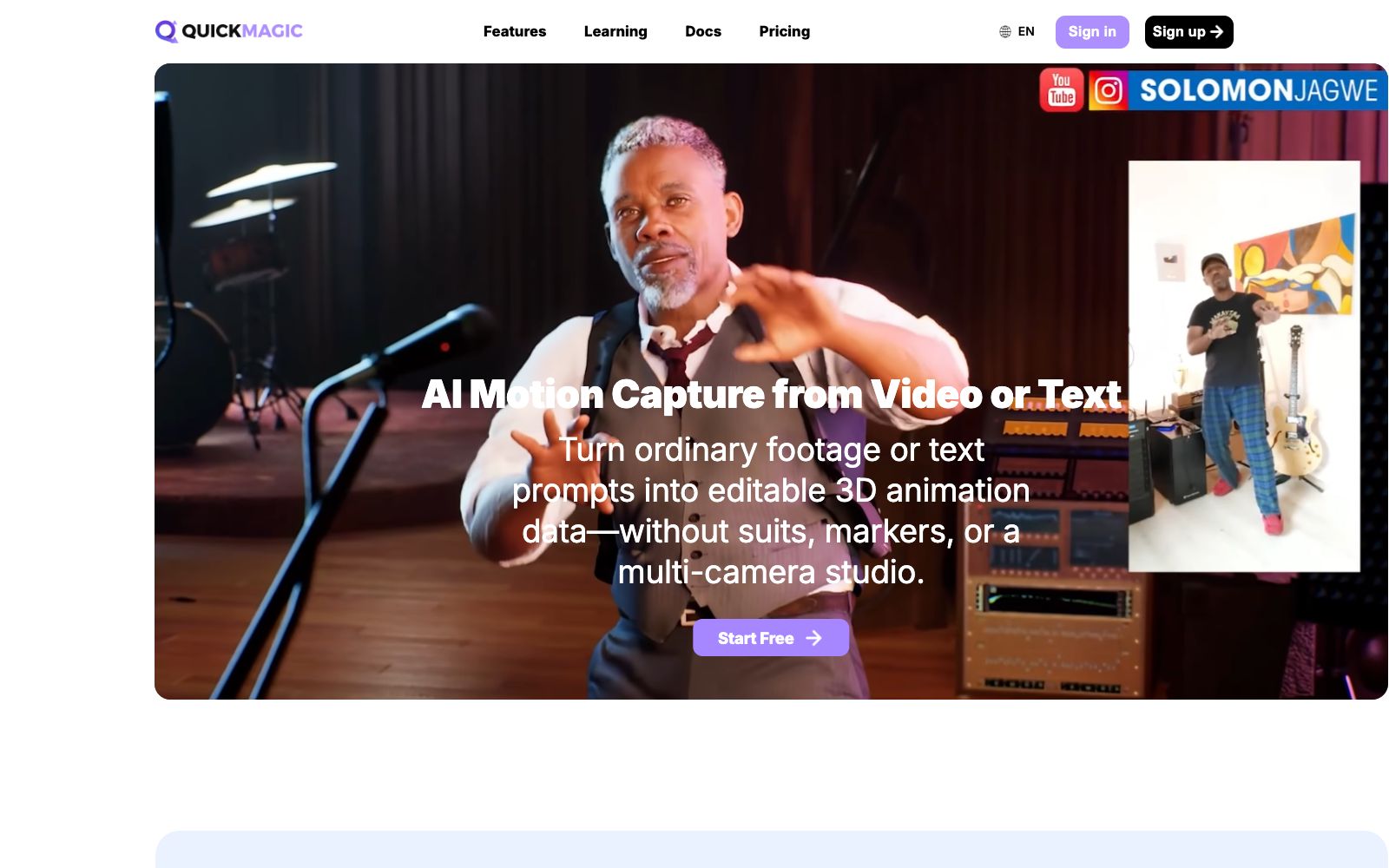
QuickMagic is a markerless AI motion capture tool. You can upload a video to estimate the whole-body, hand and facial movements, generate motion drafts with text prompts, and export editable animation data compatible with 3D software. It is suitable for animators and game developers to create character animations.
Updated: 2026-10-27
What is QuickMagic?
QuickMagic is a markerless AI motion capture tool, which its official website summarizes as "generating AI motion capture from video or text". Traditional optical motion capture requires wearing motion capture suits, attaching reflective markers, and setting up a multi-camera studio, but this tool only needs a video shot by a mobile phone or a webcam to estimate the movements of the whole body, hands and face frame by frame, and convert them into editable 3D animation data. The difference lies in the relaxed input requirements: single camera position, movable lens, and multiple people in the same frame are all supported. At the same time, it also provides another way to generate action drafts with text prompts.
Who is it for?
- Independent animators and small teams: Without a motion capture studio budget, start with a reference video and then clean up keyframes in 3D software.
- Game and engine developers: They need to quickly produce character action prototypes or supplement materials for digital humans and UEFN projects.
- VTubers and MMD creators: Generate dance and performance clips using text or video, then fine-tune them after export.
- Humanoid robot researchers: They need human motion references for simulation and imitation learning experiments, and can directly use the robot model presets.
Key features
5Video Motion Capture
Upload footage shot with mobile phones, webcams or cameras. The tool estimates the movements of the body, hands and face frame by frame to output editable animation data. It supports full-body and upper-body capture, single and multi-person workflows, as well as fixed and moving camera footage, and provides controls for pose, frame rate and action cleaning. The official statement notes that the effect is affected by subject visibility, motion blur, occlusion, camera movement and action type.
Text Generation Action
Describe an action, posture or character performance in natural language, and generate draft actions that can be previewed, exported and further refined. The uses listed on the official website include storyboarding and rehearsal, game and animation prototyping, character performance conception, as well as MMD, VTuber and digital human content.
Robot Motion Reference
Human motion references can be generated from videos or text for simulation, imitation learning experiments and behavioral prototype verification. Currently, the exported presets cover models such as Unitree's G1, H1, and H1_2. For the official prompt on the specific supported scope and joint definitions, please refer to the corresponding page.
Multi-format Export
Supports formats such as FBX, BVH, BIP, C4D, VMD, Mixamo, as well as presets for pipelines targeting Unreal Engine, Character Creator & iClone, Roblox, UniRobot, etc., which can be imported into software like Blender, Unity, Maya, 3ds Max, MotionBuilder, Cascadeur, MikuMikuDance. The official notes that export availability varies by package and workflow.
Free Trial & Storage
A free plan is available for trial use. Specific limitations, export formats, queue priority, video duration and storage are subject to the pricing page. The FAQ on the official website states that free version assets are stored for 15 days, while paid plans offer persistent storage within the account.
How to use QuickMagic
- Shooting is more important than parameter adjustment: The official recommendation is to keep the subject clearly visible, ensure sufficient lighting, minimize motion blur, and minimize occlusion time.
- for full-body capture, try to use a full-body composition.
- Movements involving complex floor contact, rapid rotations, and close interactions between two people are prone to issues.
- Preview the global displacement before exporting and then decide whether to perform manual cleanup.
- Mobile camera setups are usable, but camera shake and sudden view changes reduce stability.
- Select the correct tracking mode before exporting.
- Commercial usage rights depend on the subscription plan and whether you hold the rights to the uploaded materials, characters, and audio.
- Read the current User Agreement before official commercial use.
- The free version is only suitable for verifying the workflow.
- materials are deleted after 15 days, so upgrade once you confirm long-term use.
Traffic & popularity
Data month Sep 2026
QuickMagic receives about 61.9K visits per month and ranks #464,745 worldwide.
Monthly visits
12 monthsTraffic sources
- Direct33.8%
- Search32.8%
- Social18.9%
- AI assistants7.4%
- Referrals5.4%
- Other1.7%
Top countries
- United States25.2%
- South Korea11.8%
- Spain10.0%
- Germany5.1%
- Japan3.9%
Estimated from third-party traffic data.
Similar tools
 Lanta AIOnline AI video generation platform that supports text-to-video, image-to-video and video-to-video. It allows setting scenes and camera movements, maintaining character consistency across shots, and synchronously generating sound effects and dialogue. It is suitable for social media short videos, product advertisements and story-based content.
 AutoAEAutoAE is an AI tool that turns a single sentence, script or image into dynamic graphics. Templates allow for replacing text and materials, enabling the export of watermark-free 1080p videos in minutes. It can also be integrated into programming agents. Ideal for short video hooks, product launches and lip-sync packaging.
 AutoCutAn AI plugin built into the timeline of editing software that automatically mutes silent parts, generates word-by-word subtitles, switches camera angles, and inserts B-roll footage. It is suitable for batch rough cutting of podcasts, voice-over videos and long footage.
 VivixAn AI team focused on real-time interactive multimodal models officially states that Vivix-A1 powers full-body real-time avatars and Vivix-W1 generates real-time evolving worlds, providing APIs, Playground and technical reports.
 LiveAvatar by HeyGenLiveAvatar is a real-time digital human interface by HeyGen that outputs 1080p video. The company claims the first frame takes less than 300 milliseconds and there is no upper limit on concurrency. It can clone an avatar from a single photo, making it suitable for AI customer service and live-streaming digital humans.
 VislaVisla is an enterprise-oriented AI video workflow platform that can automatically generate finished videos from scripts, PPTs or existing materials. It also provides screen recording, digital human dubbing and team collaboration review, making it suitable for marketing, training and sales teams to produce videos in batches.