

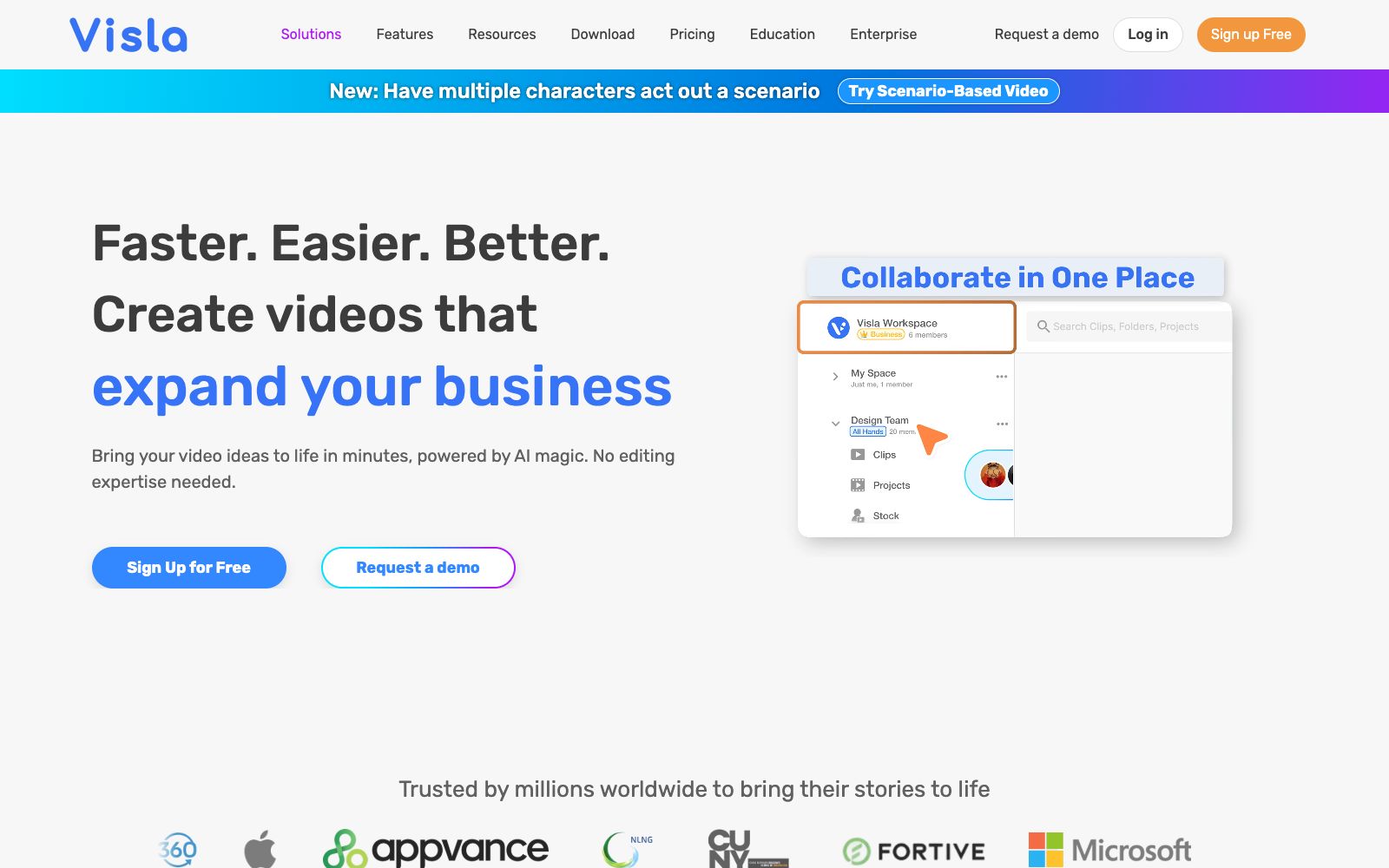

Visla
Visla is an enterprise-oriented AI video workflow platform that can automatically generate finished videos from scripts, PPTs or existing materials. It also provides screen recording, digital human dubbing and team collaboration review, making it suitable for marketing, training and sales teams to produce videos in batches.
Updated: 2026-10-27
What is Visla?
Visla is an AI video production platform for enterprise teams, and its official website summarizes it as bringing recording, creation, editing, and collaboration together in one place. Its entry point is not a timeline, but a sentence, a script, a PPT slide or existing footage: the AI Video Agent reads it and directly delivers a first draft with voiceover, visuals, transitions and subtitles. Compared with tools that only offer single-point generation, Visla weaves recording, digital humans, editing and approval into a single streamlined workflow.
Who is it for?
- Marketing teams: Create a series of short videos for product launches and event previews to maintain brand consistency.
- Training and HR: Record standard operating procedures and new employee onboarding content into step-by-step tutorials.
- Sales and Pre-sales: Quickly adapt product demonstrations and case videos according to the client's industry.
- Customer Success: Turn frequently asked questions into searchable help videos.
- Enterprises with compliance requirements: Teams that require single sign-on, approval chains, and commitments to data security.
Key features
7AI Video Agent Video Production
Starting from ideas, scripts, text, links, clips, images, audio, PPTs, or PDFs, the official claims that complete videos can be produced within minutes, with duration, rhythm, aspect ratio, andasset library all customizable.
Recording Suite
Supports recording from cameras, screens and step-by-step operations, suitable for demonstrations, tutorials and meetings without the need for complex setups.
Digital Human & Voice Cloning
Offers over 100 public AI avatars, and you can also create custom avatars and pair them with cloned voices for voiceovers.
Dual-mode Editing
The scenario-based editor enables frame-by-frame refinement, while the AI editor handles automatic cropping, summarization, and enhancement.
Team Collaboration
Manage materials with workspaces and team spaces, with real-time feedback and approval all in one place.
Enterprise-grade Security
Officially certified SOC 2 Type II and supports SSO; the enterprise edition includes unlimited workspaces, multiple brand kits, image libraries, and APIs.
Ecosystem Integration
Offers integrations with Slack, Zoom, Canva, Adobe Express, Zapier and a ChatGPT plugin.
How to use Visla
- 1First, use an existing PPT or screen recording to go through the entire workflow, observe how well the Agent understands the materials, and then decide how much manual refinement to invest in.
- 2It is recommended to create a brand kit with brand colors, fonts, opening and ending credits, and reuse it in subsequent videos to avoid adjusting them one by one.
- 3Digital avatars are suitable for voiceovers and internal training, while real-person footage or on-location materials are still recommended for official external content.
- 4Sign up for free to try it out, and the specific quotas and export restrictions are subject to the pricing page on the official website.
- 5When involving portrait and voice cloning, be sure to obtain written authorization from the person being cloned and comply with the regulations regarding the marking of deep synthetic content.
Traffic & popularity
Data month Sep 2026
Visla receives about 531.5K visits per month and ranks #69,232 worldwide.
Monthly visits
12 monthsTraffic sources
- Search39.6%
- Direct30.7%
- AI assistants20.0%
- Social5.4%
- Referrals3.4%
- Other0.8%
Top countries
- United States10.8%
- Brazil8.9%
- Mexico8.8%
- India8.0%
- Colombia7.2%
Estimated from third-party traffic data.
Similar tools
 ReelaAn AI video studio for individual creators and small teams, the official said that you can complete dubbing, background music and automatic editing by uploading scripts, photos or materials, supporting digital human avatars and material remixing, and claiming that finished videos can be produced within 10 to 20 minutes.
 LiveAvatar by HeyGenLiveAvatar is a real-time digital human interface by HeyGen that outputs 1080p video. The company claims the first frame takes less than 300 milliseconds and there is no upper limit on concurrency. It can clone an avatar from a single photo, making it suitable for AI customer service and live-streaming digital humans.
 Vadoo AIVadoo AI is a creation platform that aggregates multiple video and image generation models in one workspace. It supports text-to-video, image-to-video and stylization conversion, and can also cut long videos into short ones, making it suitable for batch production of social media content.
 NemoVideoA chat-driven AI video editing assistant. Just tell it what you want or upload materials and you can get a finished video. It has built-in trend topic selection, automatic subtitle and dubbing features. The official says you don't need any editing skills at all.
 PexoThe AI video Agent developed by EXTREMO can produce finished videos by stating requirements in a chat: it automatically plans scripts, scenes and shots, supports modifying via dialogue after marking positions, and the official claims that the finished videos come with voiceovers, background music and special effects.
 Vid.AIEnter an idea, automatically write scripts, dub, match scenes, add subtitles, and output face-free videos that can be directly published. Suitable for batch updates of short and long video accounts for science popularization content.