


AutoEdit
An AI editing plugin built into Premiere Pro that automatically trims silences, catchphrases and repetitive shots and generates subtitles, suitable for weekly-updating UP owners and podcast teams to compress rough cut time.
Updated: 2026-10-27
What is AutoEdit?
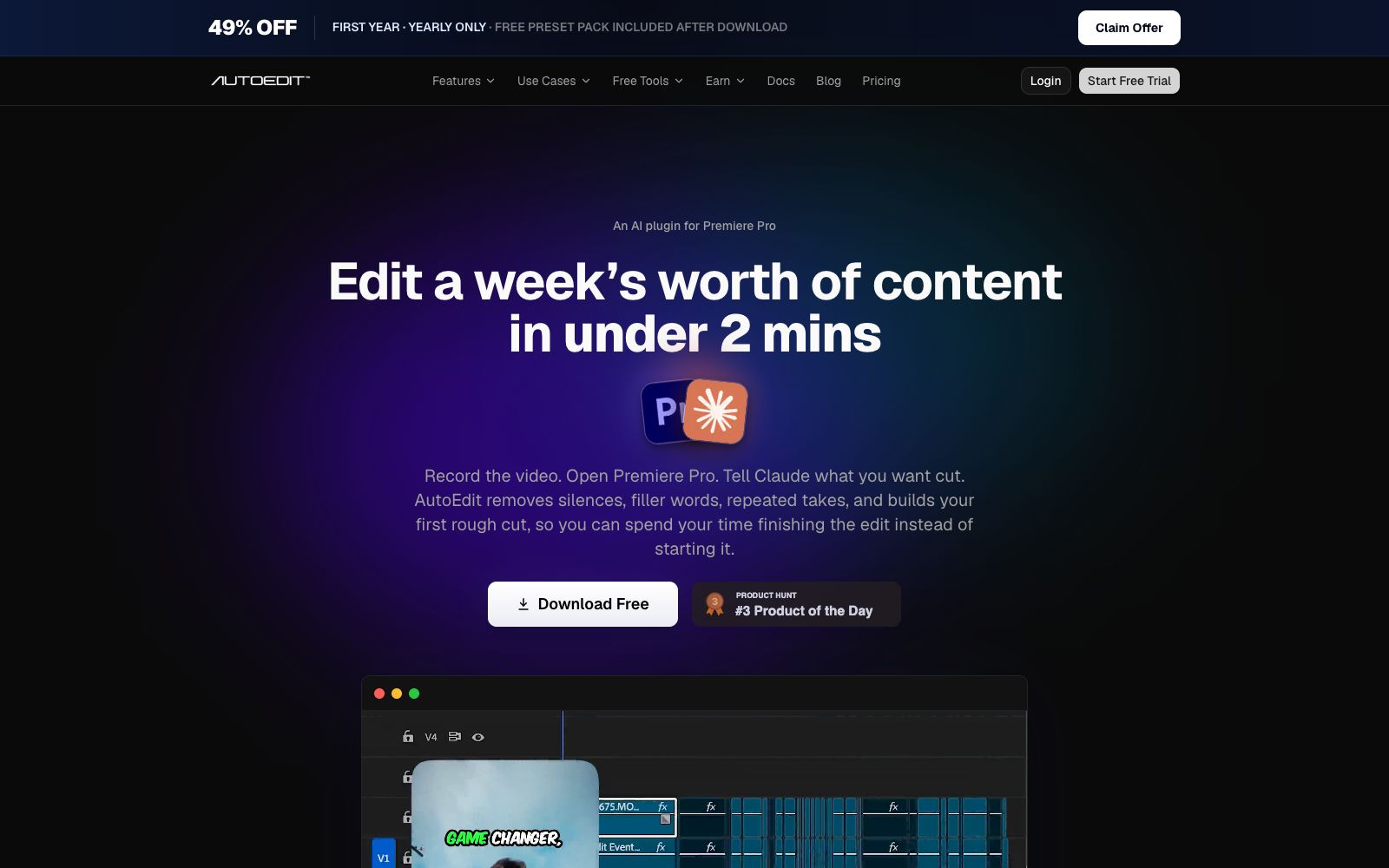
AutoEdit is an AI editing plugin embedded in Premiere Pro, powered by the Claude model. It is used by stating your editing intention in one sentence within the software. It does not make creative decisions; instead, it specializes in the preliminary processes that have to be repeated for every video: removing silences, cutting out filler words, and selecting the best takes. The company claims that over 15,000 editors worldwide use it, and it has a 4.67-star rating on Trustpilot.
Who is it for?
- **Weekly YouTubers**: Verbal broadcast footage often lasts an hour, and the most time-consuming part is the first round of selecting shots.
- **Podcast Teams**: A single episode involves long recordings with multiple cameras, and manually switching between camera angles can take almost a full day.
- **Short video creators**: Need to quickly cut long content into vertical video clips and then refine each clip one by one.
- **Freelance editors**: They take on a large volume of orders and want to use automation to handle repetitive mechanical work, freeing up time for storytelling.
- **Corporate content teams**: They have a lot of internal interviews and event recordings, but lack dedicated editors.
Key features
6Conversational Rough Cut
Input a command similar to "Cut all silence and filler words" within Premiere Pro, and the model will generate a first version of the timeline after understanding the semantics. The official claims that the process from raw footage to a rough cut can be completed within 30 seconds.
Judgment Based on Semantics, Not Waveforms
The official emphasizes that the basis for editing is the content's meaning. It can identify how many times the same segment has been recorded repeatedly, retaining the best take and deleting all other attempts.
Silence and Filler Word Removal
Automatically removes silent pauses and filler words like "um" and "uh", while preserving the natural speaking pace and rhythm as much as possible.
Multi-camera Podcast Switching
The podcast mode identifies the current speaker and automatically switches cameras, eliminating the tedious manual work of adding keyframes segment by segment.
Subtitle Generation & Vertical Aspect Ratio Reconstruction
Automatically generates subtitles, and the official claims support over 99 languages; the reconstruction feature converts horizontal finished videos to vertical without manual re-framing.
Results remain editable
All cuts are placed on the native timeline, without being locked or flattened, and subsequent frame-by-frame adjustments are possible.
How to use AutoEdit
- 1First download the free version and test it on footage under ten minutes to confirm the model's accuracy in recognizing your accent and speaking pace before deciding to purchase a paid subscription.
- 2The official says there is a discount for the annual subscription of the Creator mode in the first year, which includes 100 dialogue clip credits per month. It's more cost-effective to pay annually for long-term use.
- 3Treat the AI rough cut as a first draft; you still need to review the rhythm and narrative yourself. The official also makes it clear that it is not a replacement for editors, but eliminates the repetitive first pass.
- 4The plug-in runs locally within Premiere Pro, and there is no need to upload footage to the web; for team collaboration, it is still necessary to ensure that the project file and the footage disk path are consistent.
- 5After generating subtitles, randomly check proper nouns and personal names, as automatic transcription usually makes the most mistakes with these terms.
Traffic & popularity
Data month Sep 2026
AutoEdit receives about 352.3K visits per month and ranks #103,955 worldwide.
Monthly visits
10 monthsTraffic sources
- Social52.0%
- Direct23.4%
- Search20.2%
- Referrals3.1%
- Mail1.4%
Top countries
- India24.4%
- United States23.5%
- Pakistan9.3%
- Brazil6.4%
- Mexico3.8%
Estimated from third-party traffic data.
Similar tools
 FireCut AIFireCut is a editing plugin built into Premiere Pro and DaVinci Resolve. It can remove silences and filler words with one click, generate subtitles in over 50 languages and automatically split chapters. It is suitable for rough cutting of voiceovers and podcasts.
 AutoCutAn AI plugin built into the timeline of editing software that automatically mutes silent parts, generates word-by-word subtitles, switches camera angles, and inserts B-roll footage. It is suitable for batch rough cutting of podcasts, voice-over videos and long footage.
 Eddie AIAn AI video tool for professional editing. After uploading materials, you can get a rough cut through conversation. It supports multi-camera synchronization and shot logging, and can be exported to Premiere, DaVinci and Avid.
 NemoVideoA chat-driven AI video editing assistant. Just tell it what you want or upload materials and you can get a finished video. It has built-in trend topic selection, automatic subtitle and dubbing features. The official says you don't need any editing skills at all.
 Vadoo AIVadoo AI is a creation platform that aggregates multiple video and image generation models in one workspace. It supports text-to-video, image-to-video and stylization conversion, and can also cut long videos into short ones, making it suitable for batch production of social media content.
 Colourlab.aiAn AI color grading tool for film and television post-production, which automatically balances and matches different shots, simulates film texture, and can be docked with the timelines of editing software such as Resolve and Premiere.