


NemoVideo
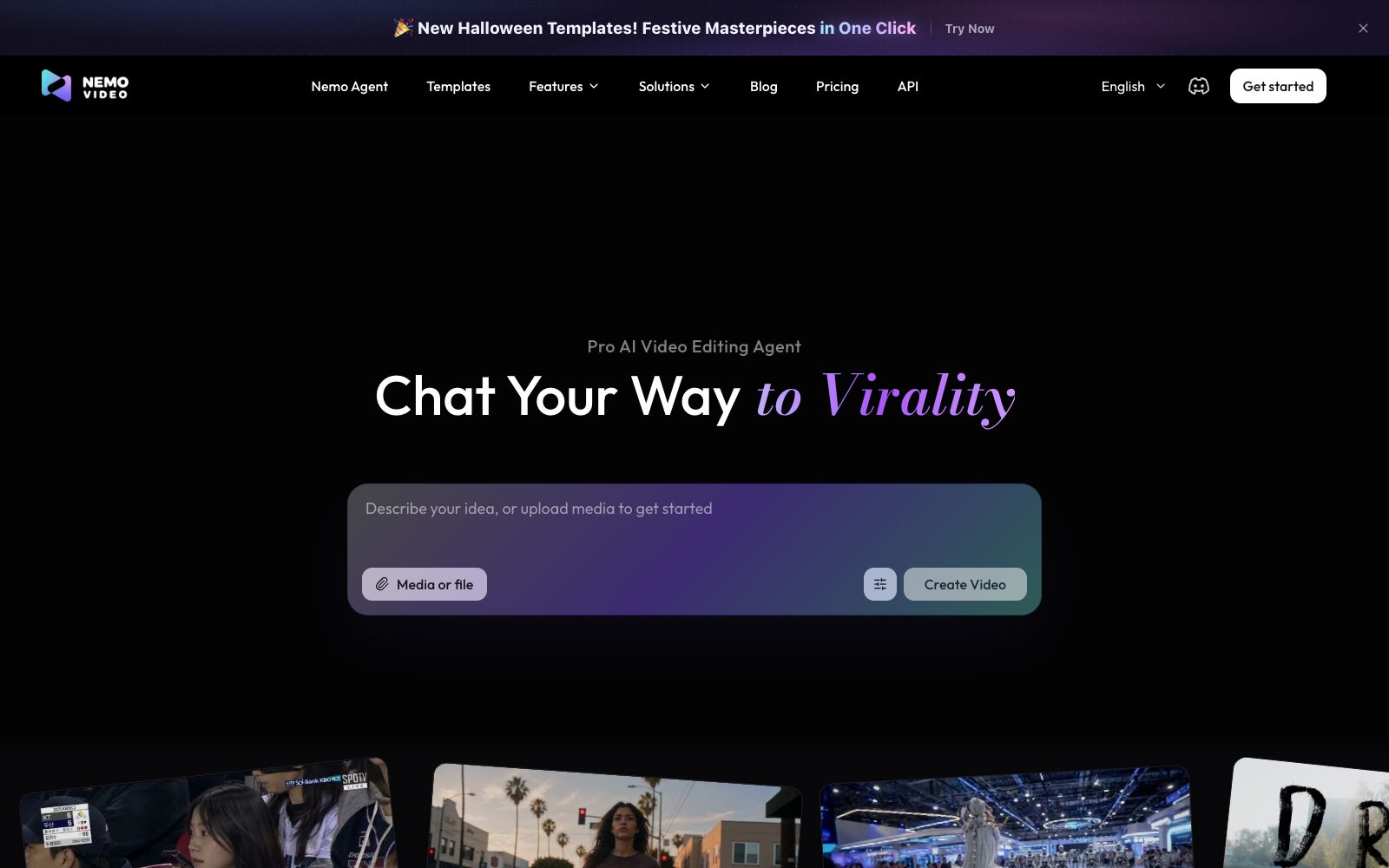
A chat-driven AI video editing assistant. Just tell it what you want or upload materials and you can get a finished video. It has built-in trend topic selection, automatic subtitle and dubbing features. The official says you don't need any editing skills at all.
Updated: 2026-10-27
What is NemoVideo?
NemoVideo positions itself as an AI video editing Agent: it doesn't require learning timelines. Just input your ideas or materials and explain your requirements through chat, and it will take care of tasks like selecting clips, adding subtitles, and dubbing by itself. The official page emphasizes not special effects, but communication effectiveness. It has built-in trend analysis and scene-divided templates, allowing a piece of content to go from idea to publishable in just a few minutes. Its target users are also clear: livestream sellers and freelance editors who need to produce multiple pieces of content daily, rather than post-production companies making feature films.
Who is it for?
- Livestreaming e-commerce influencers: They need to post multiple short videos a day and don't have time to edit each one carefully.
- Freelance video editors: Eliminate repetitive tasks like rough cutting, subtitling and dubbing, and focus only on creative work.
- E-commerce and independent site operators: Quickly transform product materials intofeed-based advertising videos.
- Social media content teams: Those who need to stably produce series content with a unified style.
- Affiliate marketers and cashback bloggers: They have a large amount of materials but lack the manpower to sort them into publishable short videos.
Key features
6Viral+ Studio
Throw materials or a single idea into the dialog box, $1 Agent directly produces a finished video; templates are categorized by travel, oral broadcast, business, festivals and other types, and using templates is faster than writing descriptions from scratch; the official also provides an API, and templates can be applied repeatedly to maintain a consistent tone when creating series content.
Inspiration Center
The official states that it will analyze popular trends on video platforms and generate scripts based on them, entrusting the step of finding content topics to AI as well.
SmartPick Clip Selection
Automatically removes duplicate, shaky, and meaningless clips, selects usable highlight segments from long footage, and is ideal for raw footage shot for dozens of minutes in one go.
Smart Caption Subtitles
One-click subtitle generation, offering a variety of subtitle styles, and allowing alignment with rhythm for emphasis, eliminating manual timing and alignment.
SmartAudio Dubbing & Background Music
Automatically adds voice-overs and background music, eliminating the need to find separate text-to-speech tools and music libraries.
Dubbing Video Editor
For footage with real-person appearances, it automatically inserts b-roll and matches the audio, making it suitable for explanatory, review, and live-streaming product dubbing videos.
How to use NemoVideo
- Start with a template first: You can see the structure of the finished product without writing prompt words, then decide which parts to take over yourself.
- Save the project file: Templates will be updated iteratively, save an editable project before the update to avoid being unable to revert to the old version after the platform update.
- The quality of your footage determines your ceiling: AI selection can only pick the best clips, not fix bad ones.
- When shooting, keep more usable shots and save both landscape and portrait versions separately.
- Mandarin voiceover requires a preview check: Auto-dubbed audio often has errors in pauses and emphasis.
- Listen to each sentence one by one before exporting, and replace with a human voice recording if necessary.
- Adapt for multiple platforms: The subtitle safe area, duration, and cover aspect ratio vary across different platforms, so make separate adjustments before publishing the same video.
- Determine the main publishing platform first: The duration and rhythm differ greatly between platforms, so choose the main platform first, then set the video length $1 first three seconds according to its requirements.
- Try the free tier first: The official site states you can start for free without a credit card, but free exports usually have limitations.
- Confirm you can download normally before deciding whether to upgrade.
Traffic & popularity
Data month Sep 2026
NemoVideo receives about 462.1K visits per month and ranks #94,823 worldwide.
Monthly visits
12 monthsTraffic sources
- Search48.9%
- Direct38.5%
- Social7.3%
- Referrals2.2%
- AI assistants1.8%
- Other1.3%
Top countries
- China8.3%
- United States7.9%
- India7.7%
- South Korea6.8%
- Brazil5.4%
Estimated from third-party traffic data.
Similar tools
 ReelaAn AI video studio for individual creators and small teams, the official said that you can complete dubbing, background music and automatic editing by uploading scripts, photos or materials, supporting digital human avatars and material remixing, and claiming that finished videos can be produced within 10 to 20 minutes.
 AutoCutAn AI plugin built into the timeline of editing software that automatically mutes silent parts, generates word-by-word subtitles, switches camera angles, and inserts B-roll footage. It is suitable for batch rough cutting of podcasts, voice-over videos and long footage.
 Vid.AIEnter an idea, automatically write scripts, dub, match scenes, add subtitles, and output face-free videos that can be directly published. Suitable for batch updates of short and long video accounts for science popularization content.
 Eddie AIAn AI video tool for professional editing. After uploading materials, you can get a rough cut through conversation. It supports multi-camera synchronization and shot logging, and can be exported to Premiere, DaVinci and Avid.
 VoraA free AI video generator under FineShare, it can create vertical and horizontal short videos by inputting text or images. Officially, it supports 720P and 1080P watermark-free output, and also comes with prompt reverse derivation, watermark removal, and image quality enhancement features.
 Anijam AIAn AI tool for generating videos via chat divides cinematic short films, animations, UGC ads, and social media short videos into different studios. It supports four types of inputs: text, scripts, images, and audio, and requires no editing skills.