

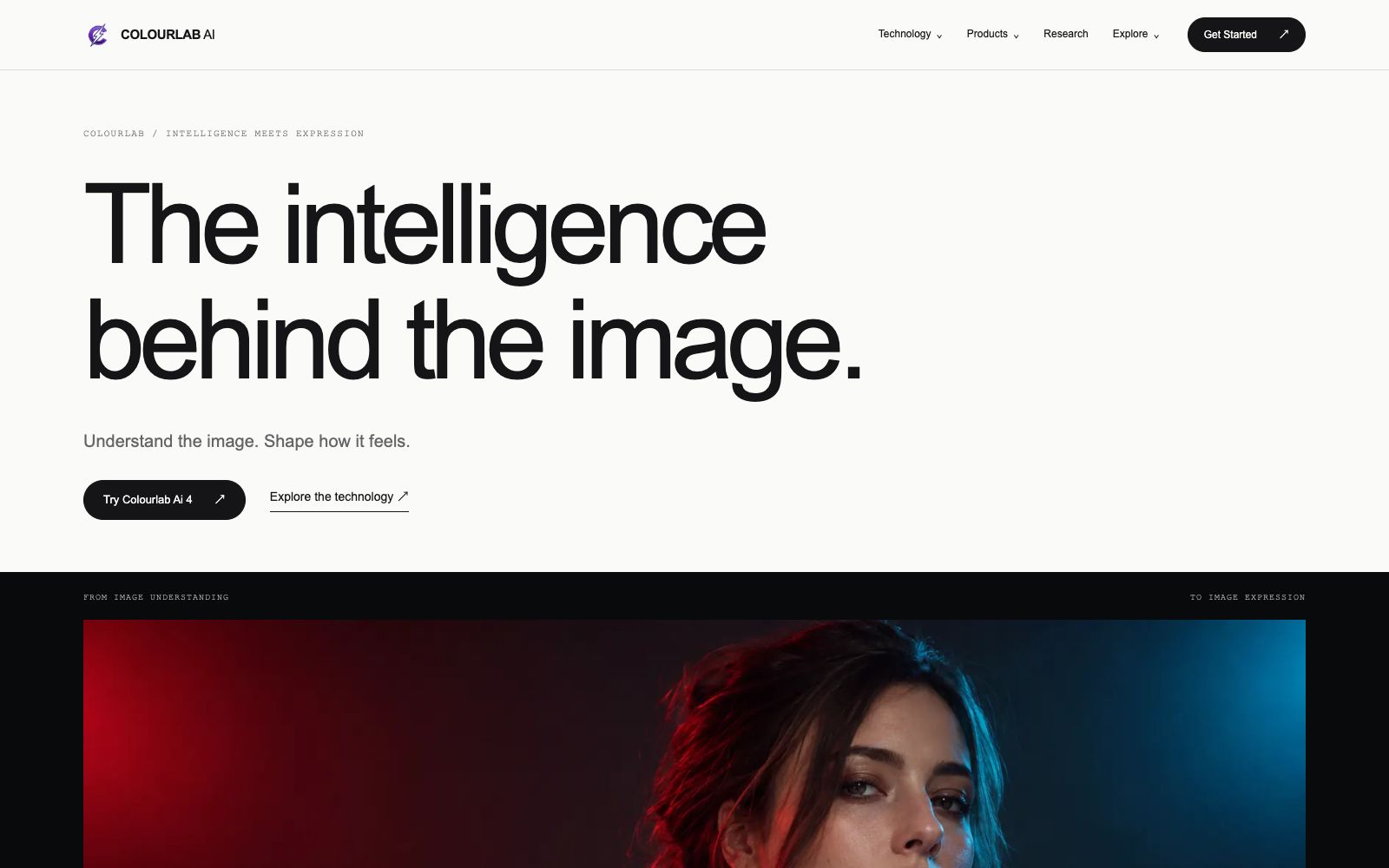

Colourlab.ai
An AI color grading tool for film and television post-production, which automatically balances and matches different shots, simulates film texture, and can be docked with the timelines of editing software such as Resolve and Premiere.
Updated: 2026-10-27
What is Colourlab.ai?
Developed by Color Intelligence, Colourlab is described on its official website as having been working on film experience-based neural network and image processing technologies since 2018. It is not just a filter library, but separates "understanding thevisuals" and "expressing emotions": first letting AI adjust exposure and color relationships smoothly, then leaving the final tonal decision to humans. Its product line includes Colourlab Ai 4, Look Designer 4, Filmlab Ai, Astra Film and Cine IS, forming an image system from material interpretation to final output. For independent post-production teams, the value lies in entrusting repetitive balancing and matching work to machines, and reserving limited energy for tonal judgment.
Who is it for?
- Colorists and directors of independent short films and commercials.
- Small post-production studios that handle both editing and color grading.
- Documentary editors who need to unify the visual look of multi-camera footage.
- Content creators who want to give camera or mobile phone footage a cinematic look.
- Post-production supervisors who need to create a consistent look for brand materials.
Key features
6AI Matching
Unifies shots captured from different camera positions and under varying lighting into a single visual language. Brightness, color, and saturation can be adjusted separately, with the final decision still left to the colorist.
Auto Balancing
Powered by reference footage, Colourlab Ai 4 automatically completes balance and match, then allows manual refinement of the look. The official positioning is "Professional color grading, made simpler."
Film Look
You can directly select a film stock, create your own profile in Look Designer, or use Filmlab Ai for a dedicated finish. Astra Film is available to start for free.
Color Management
Cine IS is responsible for bridging the gap between source material interpretation, working spaces and display output, while making room for film emulation and color space processing to prevent gaps in the workflow pipeline.
Conversational Color Grading
After integrating with Claude and MCP, you can issue commands in natural language, such as retrieving a Resolve timeline, balancing clips, and then pushing it back. The official website provides examples of this workflow, and the results require manual review.
Timeline Integration
Supports DaVinci Resolve, Adobe Premiere Pro, Final Cut Pro, and Avid Media Composer; no intermediate file export is required after color grading.
How to use Colourlab.ai
- The official website offers a 14-day free trial.
- The current version is designed for Apple silicon Macs.
- Be sure to check your hardware and system requirements before setting up the software to avoid finding out it's incompatible halfway through the installation.
- First, use a representative shot to establish a reference, then perform batch matching, which saves time compared to manual adjustment shot by shot and makes it easier to maintain a consistent look across the entire film.
- Pushing back to Resolve will overwrite the original grade of the affected clips.
- back up your project or create a copy of the timeline before making changes.
- Film emulation involves third-party material licensing.
- confirm the usage scope of the profile before commercial delivery, and do not bring trial looks into client projects.
- Conversational color grading is suitable for repetitive work.
- creative decisions still need to be made by yourself.
- the official price starts at $49 per month, and the specific terms shall be subject to the pricing page on the official website.
Traffic & popularity
Data month Sep 2026
Colourlab.ai receives about 23.1K visits per month and ranks #1,385,891 worldwide.
Monthly visits
12 monthsTraffic sources
- Search60.3%
- Direct22.7%
- AI assistants7.2%
- Mail3.9%
- Referrals3.8%
- Other2.2%
Top countries
- United States31.2%
- India12.3%
- Vietnam6.0%
- Canada4.4%
- Turkey4.0%
Estimated from third-party traffic data.
Similar tools
 Eddie AIAn AI video tool for professional editing. After uploading materials, you can get a rough cut through conversation. It supports multi-camera synchronization and shot logging, and can be exported to Premiere, DaVinci and Avid.
 MovieFlowAn AI video platform that generates narrative short films by inputting a single sentence or a complete screenplay. It breaks down stages such as screenwriting, storyboarding, and shooting into callable Agents. It also provides two editing methods: canvas and workflow, with multiple video and image models to choose from.
 AutoCutAn AI plugin built into the timeline of editing software that automatically mutes silent parts, generates word-by-word subtitles, switches camera angles, and inserts B-roll footage. It is suitable for batch rough cutting of podcasts, voice-over videos and long footage.
 Lanta AIOnline AI video generation platform that supports text-to-video, image-to-video and video-to-video. It allows setting scenes and camera movements, maintaining character consistency across shots, and synchronously generating sound effects and dialogue. It is suitable for social media short videos, product advertisements and story-based content.
 NemoVideoA chat-driven AI video editing assistant. Just tell it what you want or upload materials and you can get a finished video. It has built-in trend topic selection, automatic subtitle and dubbing features. The official says you don't need any editing skills at all.
 QuickMagicQuickMagic is a markerless AI motion capture tool. You can upload a video to estimate the whole-body, hand and facial movements, generate motion drafts with text prompts, and export editable animation data compatible with 3D software. It is suitable for animators and game developers to create character animations.