


Decksy AI
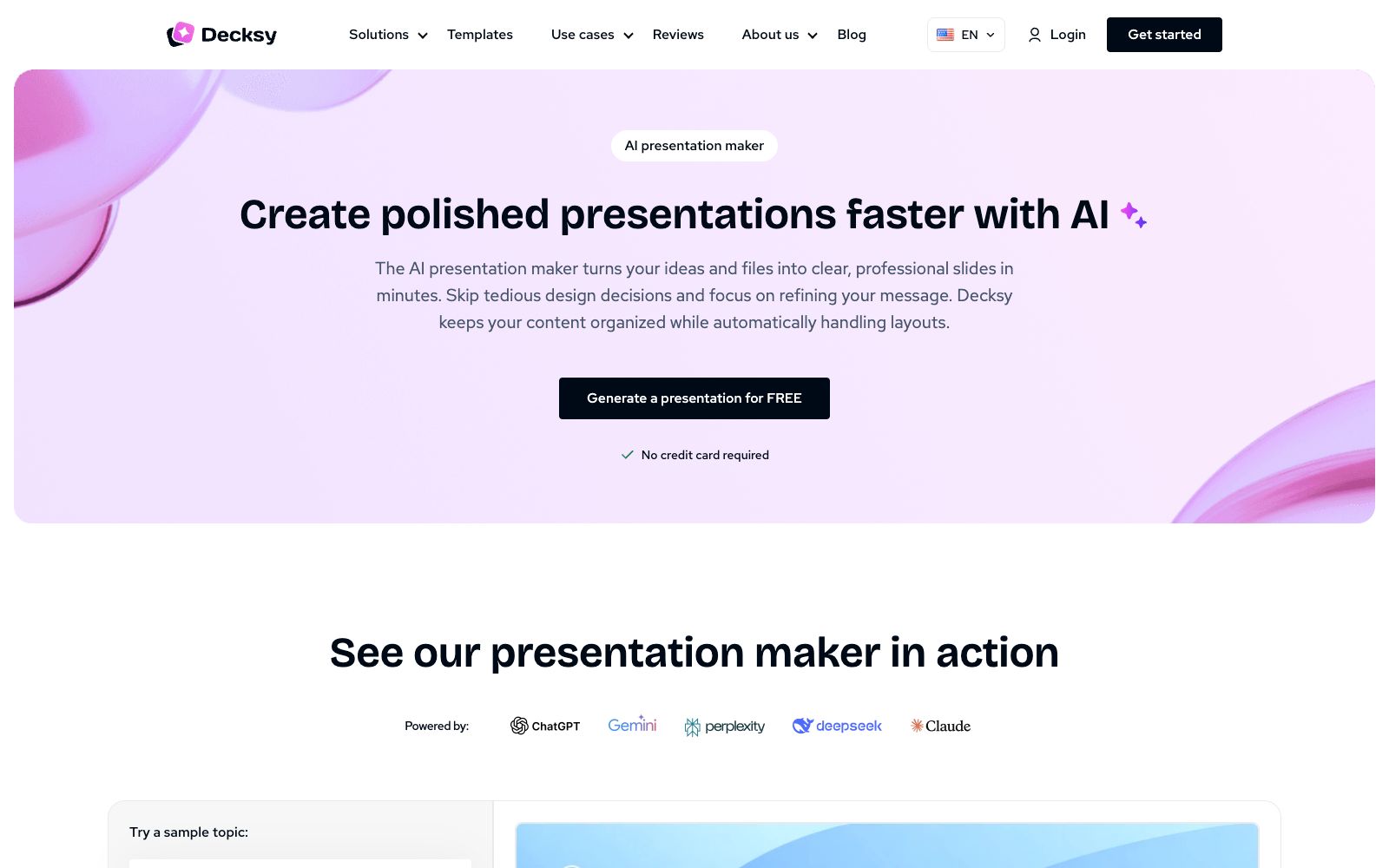
Decksy AI is an online AI presentation generator. Its official website states that it offers free generation without the need for a credit card. You can get structured slides by entering a topic or uploading files such as PDF, Word, and Excel. It supports regenerating a single page and exporting editable PPTX files.
Updated: 2026-10-26
What is Decksy AI?
Decksy's official website positions itself as an "AI presentation maker" — turning ideas and documents into clear and professional slides, and the page states that it has more than 200,000 users. Its difference from ordinary template websites is that it does not just use templates: the official website says that the AI will first read your content, suggest the rhythm, break down long paragraphs of text and sort out the story line, and then apply the visual elements.
Who is it for?
- Professionals who need to quickly turn reports, annual reviews or research materials into presentation scripts
- Teams in sales, marketing, HR and other roles that need to deliver numerous external presentations and do not want to get stuck in the design process
- Teachers and students: Organize handouts or papers into classroom slides
- People who have existing old drafts and want to modernize them, or those who want to migrate from Canva to PowerPoint
- People who have already written the content with ChatGPT and only need layout
Key features
6Theme or File Generation
Input a one-sentence theme or upload PDF, PPT, Word, TXT, Excel, or MD files. The official website states that after the AI reads the content, it will create a logically complete presentation, suitable for reports, research, and business documents.
Deep Research
The official website states that this engine will crawl verified sources, add citations, and cross-check conclusions using models such as ChatGPT, Gemini, and DeepSeek to complete fact-checking before the first slide is designed.
Single-page Regeneration
If you are dissatisfied with just one slide, you can regenerate only that slide without rebuilding the entire presentation. Shortening a paragraph, making it more conversational, or restructuring it into a more organized format only takes a few seconds.
Automatic Layout
The official website states that the AI handles visual hierarchy, fonts, white space, and page margins, allowing you to create a decent layout without learning graphic design. You can also switch to 16:9, 4:3, or vertical aspect ratio with one click.
Editable Export
Export as natively editable PPTX files; text, graphics, charts, and icons can be further modified in PowerPoint. PDF export is also available. The official website states that charts are data-linked, so numbers can be directly updated in the spreadsheet when changed.
Brand Consistency
The official website states that you can upload brand kits (color values, logos, fonts), which will be followed during generation. It also automatically creates the underlying Slide Master, ensuring that subsequent page additions won't cause layout distortion.
Things to know
Usage Tips
- The three steps provided on the official website are: enter a topic or paste a file → select the topic and presentation style → choose a satisfactory version and download the PPTX; when writing a topic, provide the outline, core information and expected number of pages together for more accurate output.
- Free to start: The homepage indicates that you can generate a presentation for free without a credit card; the official FAQ states that with a subscription, you can generate unlimited pages and enjoy AI editing. The specific price is subject to the official pricing page, and you can cancel the subscription by yourself in the account's subscription settings.
- The official website states that it uses enterprise-level encryption, and the uploaded documents and proprietary data will not be used for model training; however, for materials involving undisclosed financial information, customer lists or confidential contracts, it is still recommended to desensitize them before uploading.
- Deep Research includes citations. Before delivery, still spot-check the original sources of several key data points, and do not release the automatically generated content to the public directly.
- Check the fonts and charts in PowerPoint after export: The official website states that it can match brand fonts, but you need to confirm the license yourself if commercial authorization is required for the fonts.
Traffic & popularity
Data month Sep 2026
Decksy AI receives about 5.5K visits per month and ranks #5,142,815 worldwide.
Monthly visits
6 monthsTraffic sources
- Direct34.7%
- Search31.9%
- Referrals12.3%
- Social7.4%
- Display ads5.1%
- Other8.7%
Top countries
- United States46.3%
- Vietnam13.5%
- India7.4%
- Spain6.9%
- Philippines4.7%
Estimated from third-party traffic data.
In these collections
Similar tools
 SlideSpeakAn AI presentation tool that turns PDFs, Word documents, Excel spreadsheets, or a single theme into editable slides, exports native PPT files, and fully retains fonts and layouts.
 Chatly AIAn AI workbench that delivers a full task from a single prompt, covering conversations, documents, slides, spreadsheets, images, videos, music and in-depth research. The official claims that the entire process from ideas to finished products can be completed in one place.
 SlidesGPTSlidesGPT is an AI PowerPoint generator that can convert prompts, blog posts or PDFs into structured presentations, and export them as PowerPoint, Google Slides and PDF files, suitable for education, research and sales scenarios.
 MagicSlidesAn AI presentation tool that can generate a complete set of slides by entering a topic, pasting text or uploading PDF and video links. It supports layouts such as SWOT and timelines, and over 136 languages. It is suitable for quickly creating courseware and roadshow scripts on the spot.
 AIPPTMiaochu PPT (AIPPT) is a domestic AI one-click presentation tool. It supports entering a topic or uploading documents such as Word and PDF to generate outlines and slides, and allows for online editing and file export.
 GenPPTGenPPT is an AI presentation generator that can convert your notes, outlines or PDFs into slides available for meetings and classes. It reviews the outline first before generation, supports editing in conversations and exporting to PowerPoint, PDF and PNG.