


Chronicle AI
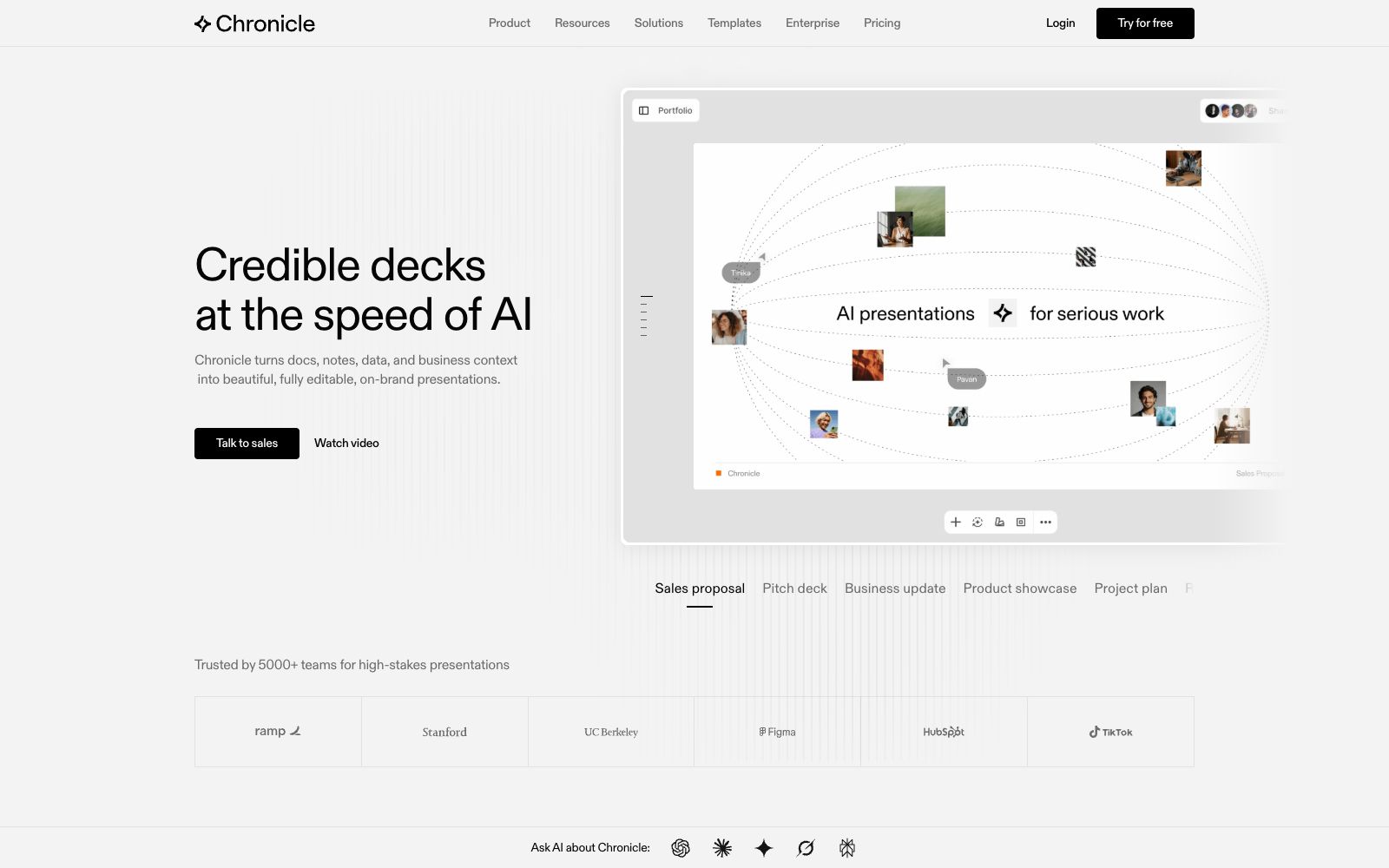
Chronicle AI is an AI presentation creation tool for professional teams. It can convert documents, notes and business data into editable, brand-compliant slides, and supports chart visualization, tool embedding, as well as export in multiple formats such as PPT and PDF.
Updated: 2026-10-26
What is Chronicle AI?
The official website of Chronicle AI describes itself as "a modern AI presentation software built for professional slides", transforming documents, notes, data and business contexts into beautiful, fully editable and brand-aligned presentations. It particularly emphasizes "Built for Serious Business", with a team background from McKinsey, BCG and Apple, focusing on high-credibility scenarios.
Who is it for?
- Sales and product teams: Create professional and credible sales proposals and product presentation materials.
- Consulting firms and institutions: Create high-stakes research reports and project plan presentations.
- Startups and agencies: Rapidly generate external materials and proposals within brand constraints.
- Enterprise teams: Use the enterprise edition to integrate brand guidelines and existing tools into the presentation workflow.
Key features
8Start from multiple sources
Paste raw notes, outlines, meeting documents, or existing decks and consolidate them all into one presentation.
Generate Professional Slides
Turn ideas into finished slides in one click, with professional charts and visuals.
AI Editing
Refine and iterate with natural language instructions, and freely customize layouts based on a free canvas.
Brand Rules
One-click import of brand fonts, colors and visual guidelines to ensure consistent presentation across teams.
Chart Visualization
Effortlessly visualize data, charts, graphs, metrics and tables to enhance persuasiveness.
Multi-format Export
Can export to PPT, PDF, or publish as a website, facilitating delivery for different scenarios.
API and MCP
Provides Chronicle API and MCP to facilitate integration with existing systems and tools.
Template Gallery
The official website offers a gallery of templates created by top designers, which you can use as a reference to start your presentation.
How to use Chronicle AI
- Exporting as a website for external display is suitable, but pay attention to the settings of hosting and access permissions.
- Verify data charts with raw data.
- AI visualizations are for draft reference only.
- Try the free version first to confirm if free canvas editing and brand import align with your workflow.
- It is recommended to verify data charts with the original data, and the visualizations generated by AI are for draft reference only.
- After exporting to PPT, you can continue editing in PowerPoint and check if the fonts are available in the target environment.
- Before integrating with 100+ tools and brand rules, clarify the boundaries of data permissions and export scope.
- The official stated that data such as the team background and "5000+ teams" may be updated, and should be verified before official use.
- When you start using it, it is recommended to first use the free quota to go through the core workflow, confirm that the output quality meets your expectations, and then evaluate whether it is worth upgrading to a paid plan.
Traffic & popularity
Data month Sep 2026
Chronicle AI receives about 420.3K visits per month and ranks #56,038 worldwide.
Monthly visits
12 monthsTraffic sources
- Search43.5%
- Direct38.7%
- Referrals11.5%
- Mail2.8%
- Social1.6%
- Other1.9%
Top countries
- India54.4%
- United States8.9%
- Bangladesh3.2%
- United Kingdom2.9%
- Malaysia2.7%
Estimated from third-party traffic data.
Similar tools
 SlideSpeakAn AI presentation tool that turns PDFs, Word documents, Excel spreadsheets, or a single theme into editable slides, exports native PPT files, and fully retains fonts and layouts.
 GenPPTGenPPT is an AI presentation generator that can convert your notes, outlines or PDFs into slides available for meetings and classes. It reviews the outline first before generation, supports editing in conversations and exporting to PowerPoint, PDF and PNG.
 auxiauxi is an executive-level PowerPoint tool for consulting and investment banking. It accesses large models through MCP and turns AI-generated drafts into formal slides in accordance with your templates and brand guidelines.
 PitchPitch is an AI presentation collaboration platform for teams. It supports generating slides from prompts, batch generation by importing data, unification of brand libraries and viewing analysis. It covers the entire process from creation, collaboration to delivery, and is suitable for teams to make proposals and roadshows.
 ChesoAI presentation creation tool that generates editable slides from ideas, files and research materials. Officially, it supports multiple output formats such as interactive H5, visual canvases and videos, and allows for online refinement, sharing and export.
 SlidesGPTSlidesGPT is an AI PowerPoint generator that can convert prompts, blog posts or PDFs into structured presentations, and export them as PowerPoint, Google Slides and PDF files, suitable for education, research and sales scenarios.