


SlidesAI
A tool that converts notes, documents, PDFs or prompts into presentations, which can be directly used on Google Slides, PowerPoint, ChatGPT and web platforms. It supports brand kits for unified visual styles and can be exported as PDFs.
Updated: 2026-10-26
What is SlidesAI?
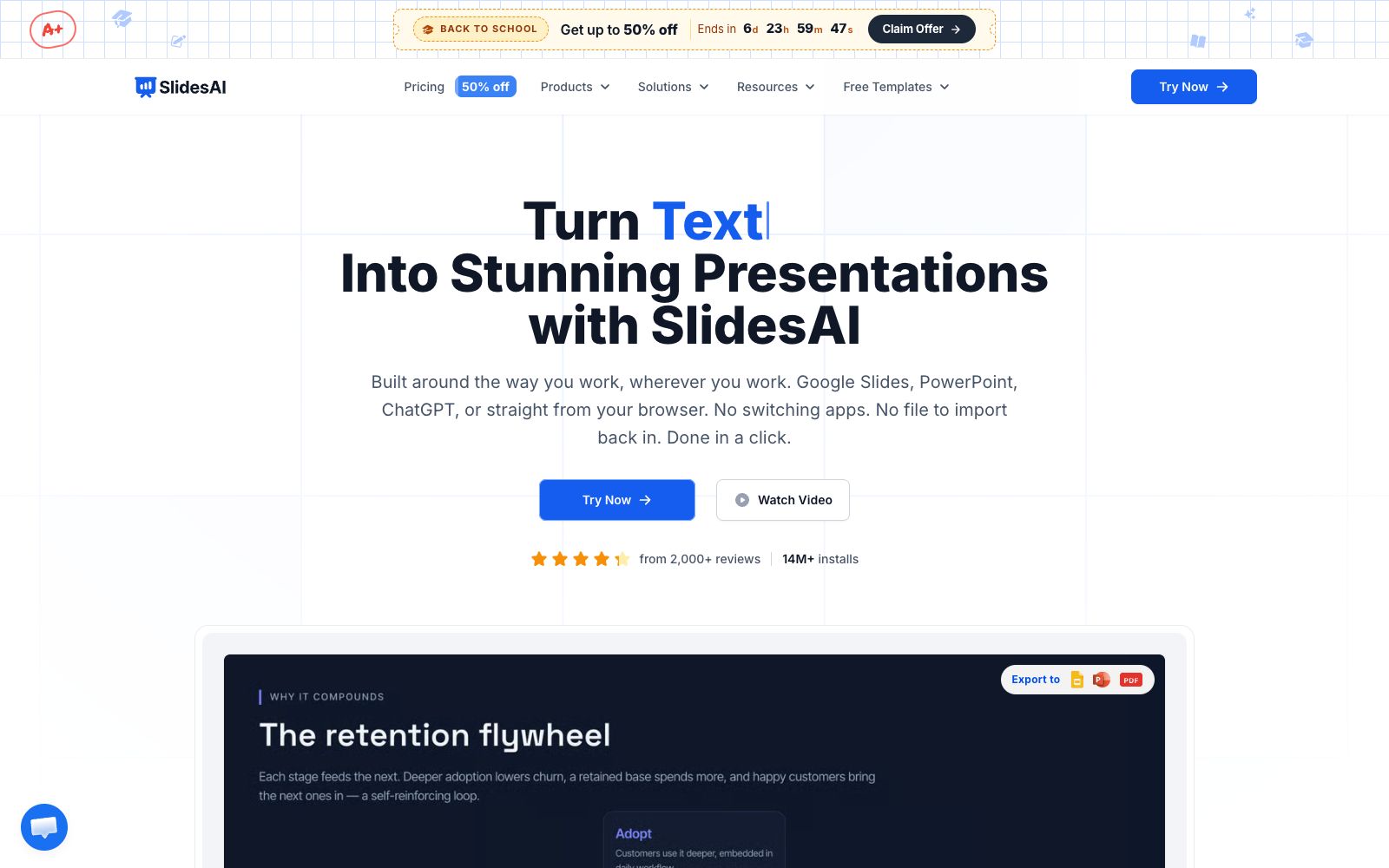
SlidesAI is a presentation generation tool provided by slidesai.io, and its official website title is "Turn Text, Docs & Prompts into Presentations in Seconds". Its key feature is "Works Where You Work": instead of generating content elsewhere and then importing it back, it is directly integrated into Google Slides, PowerPoint and ChatGPT. Additionally, it offers a web version that doesn't require any software installation.
Who is it for?
- Teachers and trainers who collaborate on Google Slides and want to reduce the number of tools they use.
- Marketers and sales professionals who need to create sales proposals and business updates.
- Small and medium-sized teams and startups that need a unified external visual standard.
- People who want to quickly turn discussion results into slides in ChatGPT.
Key features
7Web App
Paste content to generate a presentation instantly. The official says no installation is required, and it works on any device.
PowerPoint and Google Slides Add-ins
Create and polish presentations directly within both applications without switching to another app.
ChatGPT Integration
Describe your requirements in the conversation, and the results will be directly saved to Google Slides.
Brand Kit
Upload your own PPT, and the official states that every presentation generated will follow your color scheme, fonts, logos, and layout, eliminating the need to reapply templates.
Multi-source Input
Supports notes, prompts, documents, and plain text. The official website lists use cases such as sales proposals, business updates, corporate presentations, teacher courseware, children's courses, and social media content.
Export to PDF
The finished presentation can be exported as a PDF.
Multi-scenario Coverage
It lists business meetings, classroom handouts, and thesis defenses as applicable scenarios, and provides usage guidance for professionals and educators respectively.
How to use SlidesAI
- 1First upload a PPT you are satisfied with to train the Brand Kit, and the subsequent generated presentations will basically not need style adjustments.
- 2Separate the input text with clear heading levels; the AI will create slides based on the levels, and mixing them will cause pagination confusion.
- 3The web version is suitable for creating presentations on an ad-hoc basis, while plugins are recommended for long-term maintained slides; editing directly in the original software is more convenient.
- 4Before using the exported PDF for an official presentation, check the font embedding status to avoid font loss when switching computers.
- 5The installation volume and review data displayed by the official may change; please base your judgment on your own trial results.
- 6Pricing tiers and export restrictions may be subject to change; confirm the official pricing page before official use.
Traffic & popularity
Data month Sep 2026
SlidesAI receives about 77.7K visits per month and ranks #472,254 worldwide.
Monthly visits
12 monthsTraffic sources
- Search61.6%
- Direct26.8%
- Referrals5.1%
- AI assistants3.6%
- Social2.3%
- Other0.6%
Top countries
- United States18.1%
- Vietnam8.6%
- India5.4%
- Russia5.3%
- Mexico4.8%
Estimated from third-party traffic data.
Similar tools
 Plus AIAn AI presentation assistant built directly into PowerPoint and Google Slides, which can generate slides from prompts or documents, supports rewriting, rearranging layouts, brand customization and image matching. The official states that the output is permanently owned by the user.
 SlideSpeakAn AI presentation tool that turns PDFs, Word documents, Excel spreadsheets, or a single theme into editable slides, exports native PPT files, and fully retains fonts and layouts.
 SlidesGPTSlidesGPT is an AI PowerPoint generator that can convert prompts, blog posts or PDFs into structured presentations, and export them as PowerPoint, Google Slides and PDF files, suitable for education, research and sales scenarios.
 PowerPresentPowerPresent is an AI presentation tool for formal reporting. It can generate complete presentations from prompts or documents, support online editing and presentation, and export to PowerPoint or Google Slides.
 AIPPTMiaochu PPT (AIPPT) is a domestic AI one-click presentation tool. It supports entering a topic or uploading documents such as Word and PDF to generate outlines and slides, and allows for online editing and file export.
 MagicSlidesAn AI presentation tool that can generate a complete set of slides by entering a topic, pasting text or uploading PDF and video links. It supports layouts such as SWOT and timelines, and over 136 languages. It is suitable for quickly creating courseware and roadshow scripts on the spot.