


PopAi
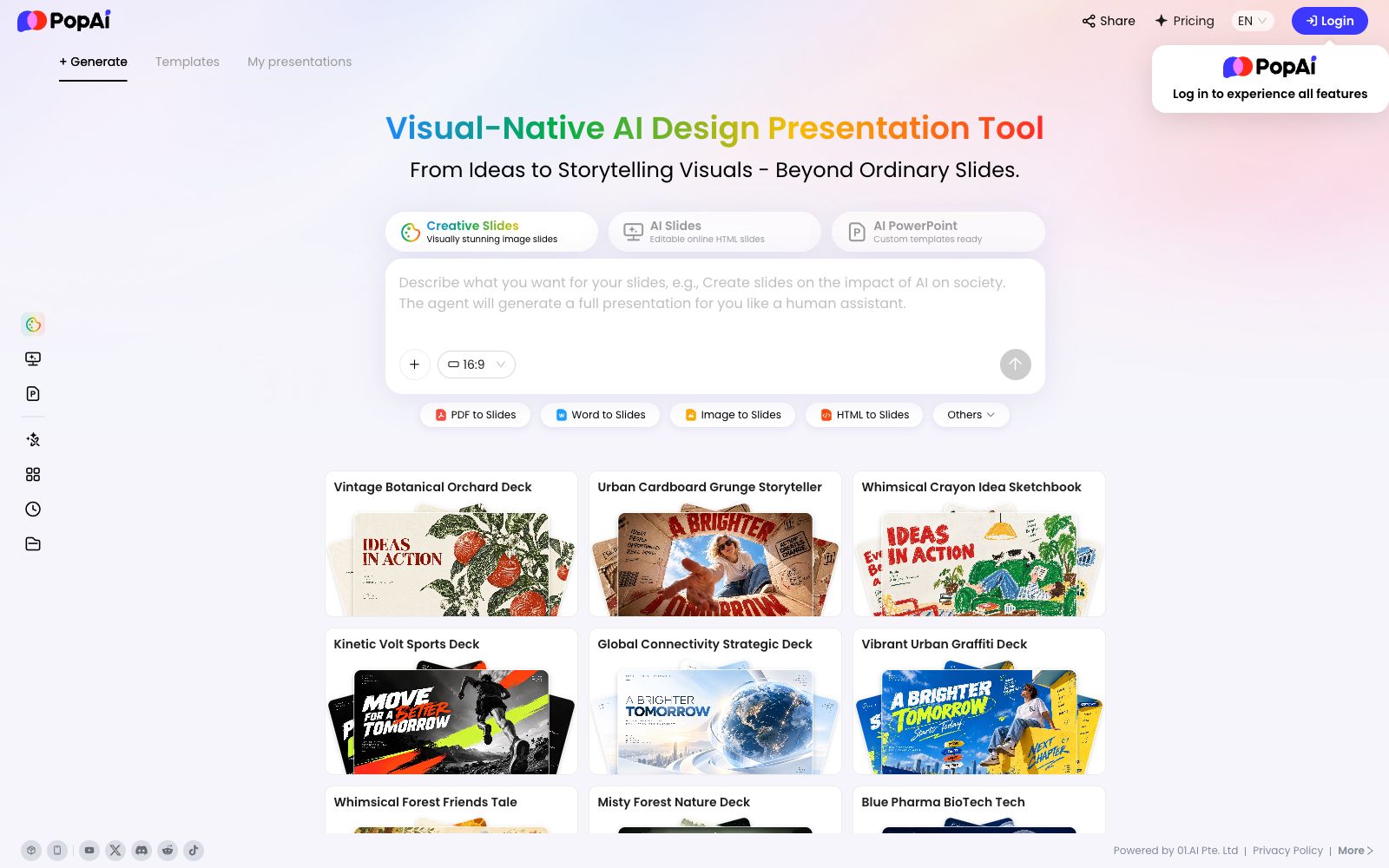
Online presentation generation tool: starting from prompts, PDFs, Word documents, PPTX files or web pages, it first organizes the outline and then generates slides. You can continue to edit and polish them, and export them as PPTX or PDF. Officially, it is said to be completed in one workspace.
Updated: 2026-10-26
What is PopAi?
PopAi is an online presentation tool provided by popai.pro, which the official website calls "Fast and Smart AI Presentation Agent". It condenses the main steps of creating a presentation into a single workflow: first provide a topic or source file, then confirm the structure and visual direction, followed by polishing the content, and finally export. The official emphasizes that the output is editable rather than individual images.
Who is it for?
- Professionals who need to create a business presentation or project update from scratch.
- Consultants and sales professionals who have ready-made documents and want to directly convert them into slides.
- Primary and secondary school teachers and university faculty who need to prepare lessons and make courseware.
- Startup teams that want to quickly compare several visual styles before finalizing the design.
Key features
7Start with Ideas or Existing Content
You can start with an idea, or upload PDF, Word documents, PPTX files, or add web pages as materials.
Build the Story Before Designing the Slides
The official recommendation is to first build the narrative thread before doing the design, and generate an outline for you to review and confirm.
Enter a Topic or Upload a File
You can describe the topic, audience, purpose and preferred tone, and the official also provides examples of prompt words.
Review the Outline and Choose a Style
First review the structure and then select the visual direction, avoiding getting stuck in layout design right away.
Edit, Export, and Share
Revise the presentation in the same workspace and export it as PPTX or PDF.
Keep Editing and Sharing in One Workflow
The official integrates editing and sharing into the same workflow, eliminating the need to transfer files back and forth.
Multi-scenario Templates
The official website lists its uses such as business presentations, courseware, reports, and project updates.
How to use PopAi
- 1When stating your requirements, clearly specify the topic, audience, purpose, and tone in one go; you can directly follow the format of the example prompts provided by the official.
- 2Always review the outline before generating the pages. The cost of making changes at the outline stage is much lower than rearranging content after the presentation is complete.
- 3When uploading an existing document, delete irrelevant sections first, and the AI will allocate pages according to the content proportion.
- 4After exporting the PPTX, check the fonts and animations in PowerPoint, as effects may be lost across different software.
- 5The commercial usage authorization scope of images and templates is subject to the official statement; please verify this once before external release.
- 6Free quotas and export restrictions may be adjusted; confirm the official pricing page before official use.
Traffic & popularity
Data month Sep 2026
PopAi receives about 414.0K visits per month and ranks #86,966 worldwide.
Monthly visits
12 monthsTraffic sources
- Search49.0%
- Direct31.5%
- Social8.2%
- Display ads4.9%
- Referrals3.4%
- Other3.0%
Top countries
- United States17.3%
- Malaysia10.5%
- India6.9%
- Colombia6.7%
- Spain6.2%
Estimated from third-party traffic data.
Similar tools
 PPT AIOnline presentation generation tool: enter a topic or upload a document to automatically generate a finished draft. It has built-in multi-model engines and free professional templates, allows specifying the target audience and tone for different scenarios, and the official claims it can save about 90% of the production time.
 PowerPresentPowerPresent is an AI presentation tool for formal reporting. It can generate complete presentations from prompts or documents, support online editing and presentation, and export to PowerPoint or Google Slides.
 GenPPTGenPPT is an AI presentation generator that can convert your notes, outlines or PDFs into slides available for meetings and classes. It reviews the outline first before generation, supports editing in conversations and exporting to PowerPoint, PDF and PNG.
 AIPPTMiaochu PPT (AIPPT) is a domestic AI one-click presentation tool. It supports entering a topic or uploading documents such as Word and PDF to generate outlines and slides, and allows for online editing and file export.
 SlideSpeakAn AI presentation tool that turns PDFs, Word documents, Excel spreadsheets, or a single theme into editable slides, exports native PPT files, and fully retains fonts and layouts.