


SlidesPilot
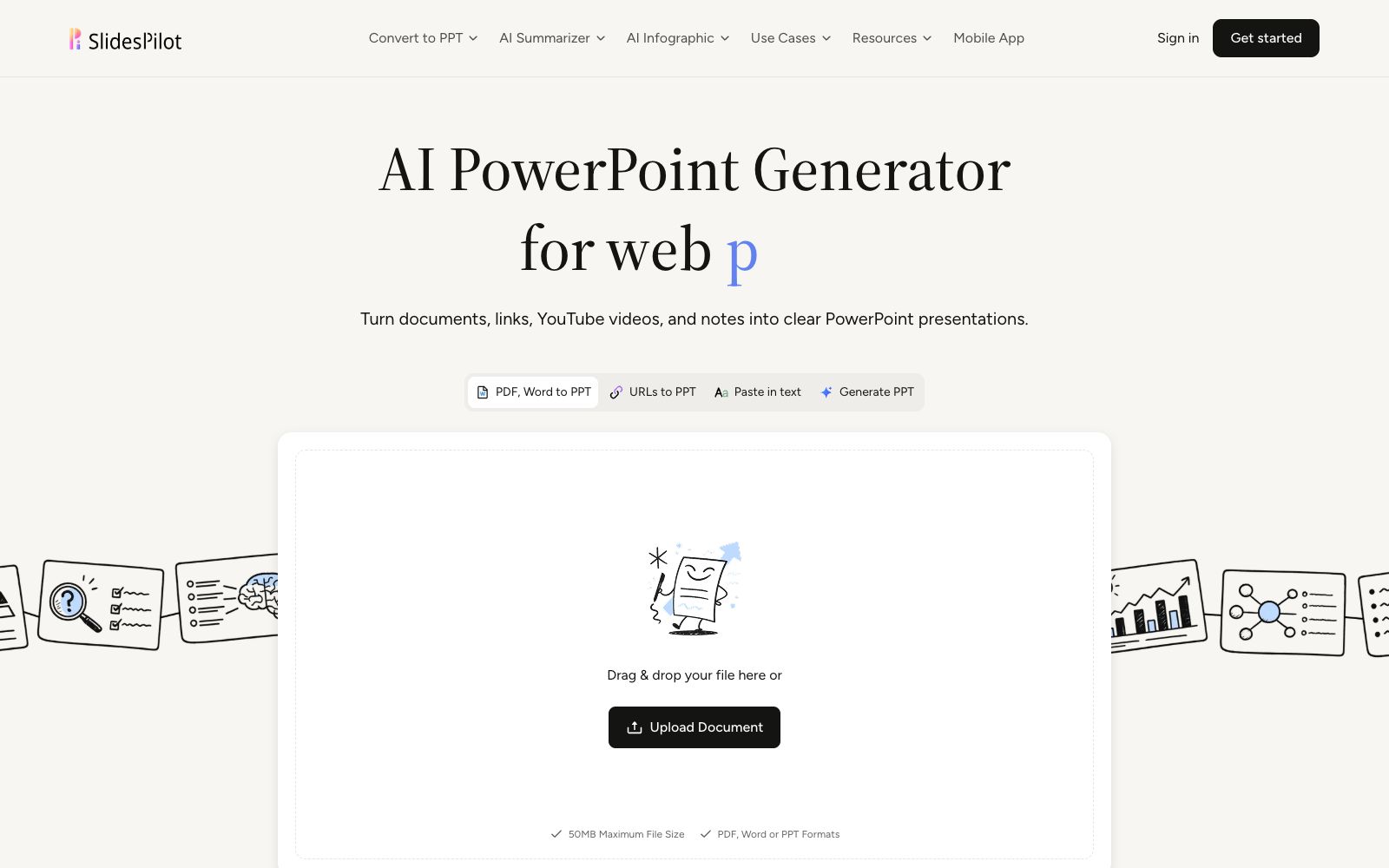
An online tool that converts materials such as PDFs, Word documents, web pages, videos, and Markdown into PowerPoint. The official states that it first analyzes the source files and then builds the narrative thread. It supports charts and diagrams and theme control, and can export slide files.
Updated: 2026-10-26
What is SlidesPilot?
SlidesPilot is an online presentation generator available on slidespilot.com, with the official website titled "AI PowerPoint Generator from Any Source". It emphasizes that its output should be "grounded in your source material", meaning the content strictly follows the source files. The company states that 3 million people have already used it to create presentations.
Who is it for?
- Students and researchers who need to organize research papers and dissertations into defense slides.
- Managers who need to convert business reports and meeting minutes into presentation materials.
- Teachers and trainers who want to turn lecture videos or long web content into handouts.
- Consultants who often need to quickly turn Word or PDF documents provided by clients into proposals.
Key features
8Documents, Links, Videos, and Text
Supports multiple sources such as PDF, Word, URL links, YouTube videos, Markdown and plain text, with the official single file size limit of 50MB.
Analyze the Source Material
The official states that it first analyzes the source material before generation to grasp the primary and secondary relationships.
Source-Aware Slide Structure
Build the narrative main thread based on the logic of the source material, rather than dividing slides evenly.
AI-Assisted Content and Design
Content and layout design are assisted by AI.
Charts, Tables, and Diagrams
Supports inserting charts, tables and diagrams into slides.
Themes and Brand Controls
Offers themes and brand controls for consistent visual identity.
PowerPoint Export and Sharing
The finished presentation can be exported as a PowerPoint file and shared.
Supporting Tools
The official website also offers a series of AI summarization tools and infographic generation features, covering timelines, Venn diagrams, SWOT analyses, pyramid charts, and more.
How to use SlidesPilot
- 1Delete the table of contents, appendices, and irrelevant sections from the source material before uploading, as the AI will treat all content equally.
- 2The official limit for a single file is 50MB. If the file exceeds this, split it first or compress the images before uploading.
- 3After generation, conduct a self-check by following the "Source Material vs. Final Presentation" comparison guide on the official website to ensure no key arguments are lost.
- 4It is recommended to double-check the numbers in charts and tables yourself, as automatically generated diagrams may simplify and omit qualifying conditions.
- 5For undisclosed research content, first confirm the official processing and retention rules for uploaded files.
- 6After exporting, if you plan to use it in a company template, first apply the brand theme and then check the headers and footers page by page.
Traffic & popularity
Data month Sep 2026
SlidesPilot receives about 92.8K visits per month and ranks #377,803 worldwide.
Monthly visits
12 monthsTraffic sources
- Search67.4%
- Direct27.0%
- Referrals2.1%
- AI assistants1.5%
- Social1.4%
- Other0.7%
Top countries
- United States12.3%
- India10.6%
- Indonesia9.2%
- Taiwan, China4.8%
- Russia4.0%
Estimated from third-party traffic data.
Similar tools
 1dppt1dppt is an AI presentation tool operated by Guangzhou Wei'a Information Technology Co., Ltd. It supports generating PPTs in one sentence, converting documents to PPTs in seconds, and features AI automatic typesetting and polishing, as well as a vast number of templates and Agent mode.
 SlideSpeakAn AI presentation tool that turns PDFs, Word documents, Excel spreadsheets, or a single theme into editable slides, exports native PPT files, and fully retains fonts and layouts.
 TinyWowFree online toolbox that brings together hundreds of tools such as PDF, image, video, and AI writing tools, covering format conversion, editing, compression, and AI generation. The official offers a 7-day free trial of Premium membership.
 Mind Map WizardOnline AI mind map generation tool: enter a topic, paste a link or upload a PDF to generate a mind map. The official website states it requires no registration and has no ads. You can edit it and then export it as PDF, JPG or SVG, as well as share it.
 PopAiOnline presentation generation tool: starting from prompts, PDFs, Word documents, PPTX files or web pages, it first organizes the outline and then generates slides. You can continue to edit and polish them, and export them as PPTX or PDF. Officially, it is said to be completed in one workspace.
 PowerPresentPowerPresent is an AI presentation tool for formal reporting. It can generate complete presentations from prompts or documents, support online editing and presentation, and export to PowerPoint or Google Slides.