

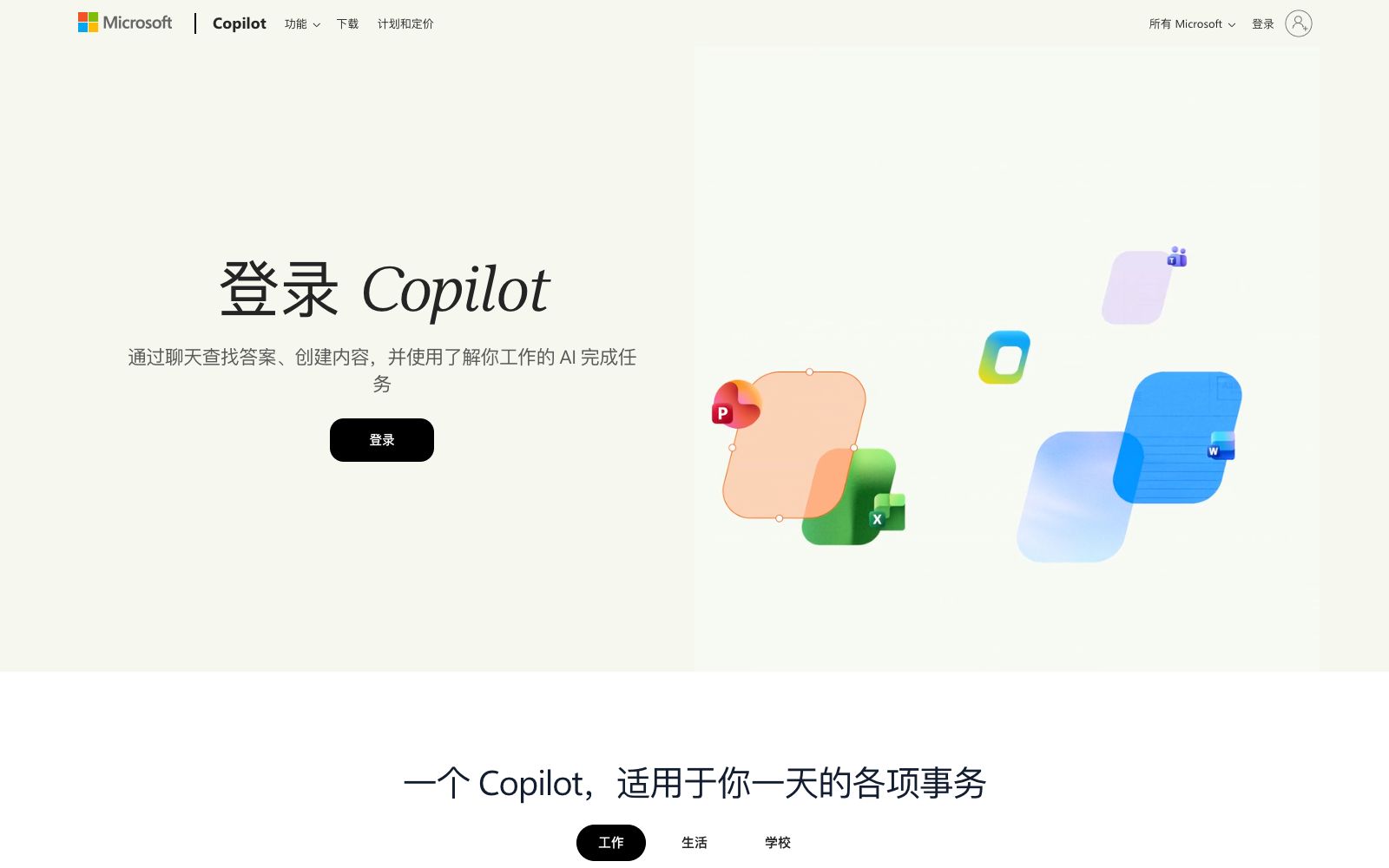

Microsoft Copilot
Microsoft AI Assistant offers chat and Q&A, web search, writing and brainstorming assistance, and image generation. The free version is available on the web and mobile devices without subscription, while Copilot Pro provides priority access to more powerful models and faster image generation.
Updated: 2026-11-01
What is Microsoft Copilot?
Microsoft Copilot is an AI assistant launched by Microsoft for personal and work scenarios, officially positioned as an "AI partner that understands your work". The free version can be used on the Web, Windows, macOS, iOS, Android and Edge browsers without a subscription. After logging in to a personal Microsoft account, you can save historical conversations, use image creation and voice interaction. It is different from Microsoft 365 Copilot: the latter is provided with a Microsoft 365 subscription, embedded in office applications such as Word/Excel/PowerPoint/Outlook/Teams and connected to organizational data, while the free version of Copilot is good at online Q&A and creation.
Who is it for?
- Students and researchers who need to quickly search for information online and obtain source-attributed summaries
- Office workers who frequently write emails, copy, and social media posts and want to use AI to assist in drafting and polishing
- Individual creators who want to generate illustrations, covers, or concept images with a single sentence
- Those who already use the Windows/Edge/Microsoft Account ecosystem and want an assistant that’s always at hand
- Light users who want to try it for free first and then upgrade to Copilot Pro on demand
Key features
6Chat Q&A and Real-time Search
Enter questions to get direct answers, and based on web searches, provide real-time results with sources, making it suitable for quick fact-checking and research.
Writing and Brainstorming
Assists in drafting, revising, and polishing copy and emails. Officially, it can help gather ideas and expand thoughts into more complete paragraphs.
Content Summarization
Summarizes long texts and web pages. Copilot in Edge can also provide summaries and key insights for the web pages you are browsing.
Image Generation
Generates images based on text descriptions (officially called Image Creator), available after logging in.
Voice and multi-device continuous conversation
It is officially claimed to support voice interaction (Copilot Voice), with conversations synced across devices via your account and a seamless experience on the web, desktop and mobile platforms.
Copilot Pro Enhancements
The paid version allows priority access to more advanced models during peak hours, longer voice call durations, early access to experimental features, and faster image generation (100 more generations per day).
How to use Microsoft Copilot
- Start with a specific task, such as asking Copilot to summarize a web page or draft an email.
- Experiencing its web search and writing skills will be more rewarding than just casual chatting.
- The free version already covers daily Q&A, writing and image generation.
- Before subscribing to Copilot Pro officially, confirm whether you really need priority models and faster image generation.
- Image generation involves creative content.
- pay attention to material copyrights and the platform's content specifications before commercial use.
- Microsoft will roll out features gradually by region, and the availability of some capabilities (such as voice and specific languages) may vary.
- It is recommended to check the official website's list of available regions again before officially relying on it.
- if the work scenario involves organizational data, switch to Microsoft 365 Copilot with enterprise data protection.
Traffic & popularity
Data month Sep 2026
Microsoft Copilot receives about 57.5M visits per month and ranks #880 worldwide.
Monthly visits
12 monthsTraffic sources
- Direct60.5%
- Search27.9%
- Referrals5.9%
- AI assistants2.0%
- Social2.0%
- Other1.7%
Top countries
- United States24.4%
- Japan6.9%
- United Kingdom5.6%
- Australia5.2%
- Brazil3.9%
Estimated from third-party traffic data.
In these collections
Similar tools
 DoubaoThe AI intelligent assistant launched by ByteDance integrates capabilities such as dialogue and Q&A, writing, translation, PPT, image and video generation, supports real-time voice communication. The official states that it is free to use after logging in, and is available in both web version and computer client.
 DotlaneAn AI assistant that aggregates multiple large models, officially said to converse with multiple mainstream models in one interface, and provides custom workspaces, in-depth search, file parsing and image generation capabilities.
 Mural AIMural AI is a visual collaboration whiteboard for teams, integrated with AI capabilities that help turn ideas into mind maps, categorize and group them, distill key points, and connect with Microsoft 365 Copilot, designed for brainstorming and strategic work.
 Tencent YuanbaoTencent has launched an all-round AI assistant integrated with the Hunyuan Hy4 preview model. It supports in-depth reasoning, multi-style writing, AI search, image recognition, image generation and editing, as well as photo-based question answering. Covering learning, office and daily life scenarios, it is available on web and mobile platforms.
 Google GeminiA general AI assistant under Google, supporting text conversations, image and video generation, Deep Research and real-time voice. It can access Google services such as Gmail and Docs, and has a web version and an app.
 Ant LingguangA full-modal AI assistant launched by Ant, it can cover writing copy, drawing, translation, programming and casual chatting. It has built-in online Q&A and flash app creation, and is available on both the web version and mobile App.