

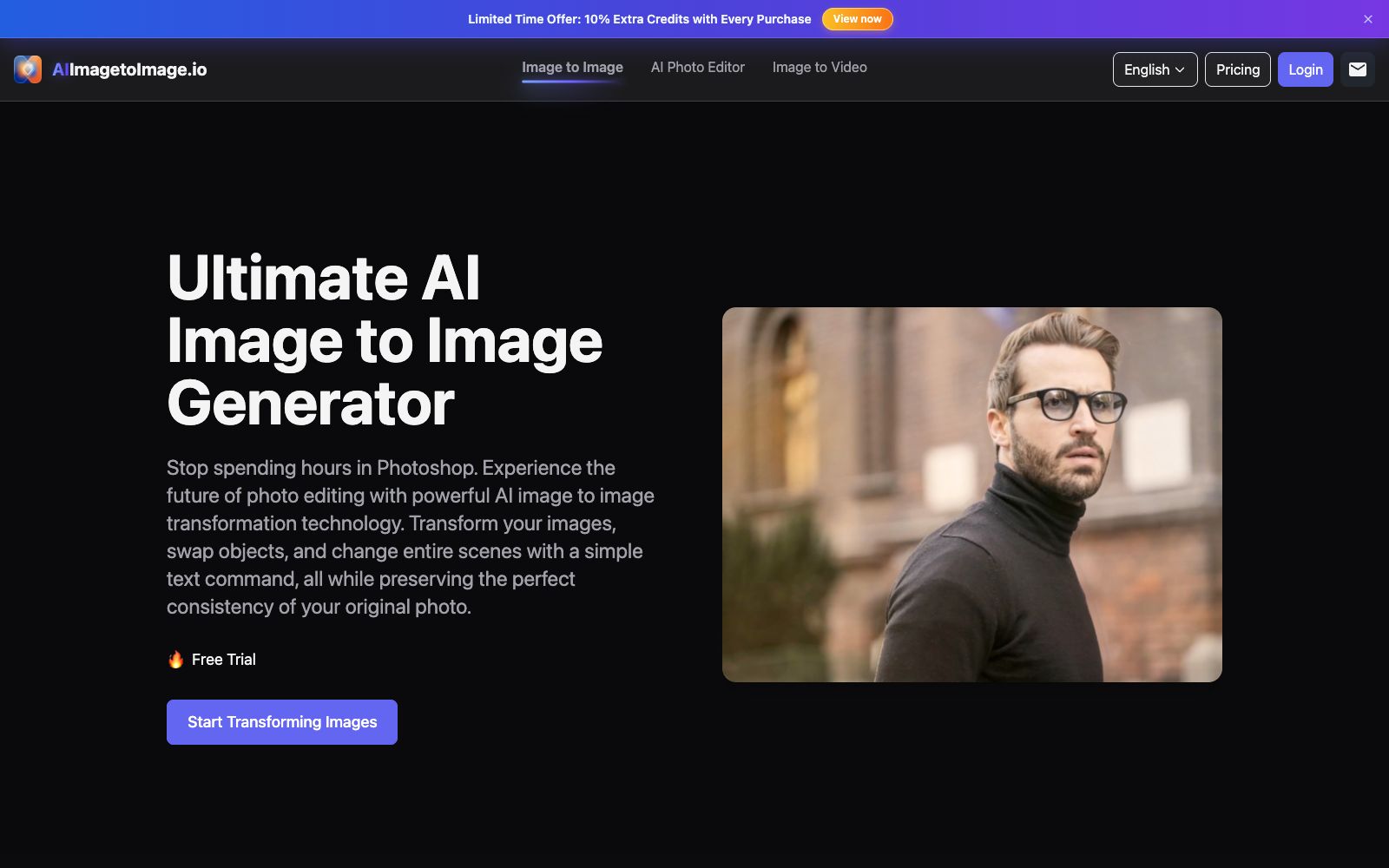

AI Image to Image Generator
A registration-free online image-to-image tool. Upload a photo and describe it in one sentence to change the background, adjust the style, create professional avatars, expand the canvas, and restore old photos. It is ideal for e-commerce and social media operators to quickly generate images.
Updated: 2026-10-27
What is AI Image to Image Generator?
AI Image to Image Generator is a browser-based image-to-image tool. The core idea is to turn photo editing into "saying one sentence". You upload a photo, specify what you want to change, and it redraws the image based on the original structure. Changing backgrounds, switching styles, removing clutter, and expanding the canvas can all be done in the same input box. The official website emphasizes that you can try it without registration, and it supports JPG, PNG and WebP formats. Compared with professional software that requires layers and masks, it sacrifices fine control in exchange for results in a few seconds.
Who is it for?
- E-commerce and social media operations: Use a single product image to batch-create materials for different scenarios and festive atmospheres.
- Job seekers and freelancers: Turn casual selfies into usable professional avatars.
- Concept designers and illustrators: Quickly create variations from sketches and shorten the time for trial drafts.
- People with old photos at home: Restore blurry, discolored, and damaged old photos and enlarge them conveniently.
Key features
6Text-driven image editing
Describe the changes in natural language, such as turning a photo into a watercolor painting or replacing the background with a futuristic city, and the model regenerates the image accordingly.
Consistency Preservation
Uses the original image as a strict blueprint, while maintaining facial structure, textures, and body proportions, and the official states that it can prevent the edited image from looking unlike the original person.
Object and Background Replacement
You can replace objects, accessories or clothing in the image with just one sentence, and also erase passers-by and clutter and automatically complete the background.
Group Derivative Features
Professional avatar generation, resolution enhancement, old photo restoration, and canvas expansion are all integrated into one set of tools without needing to switch to other platforms.
Model and Aspect Ratio Options
Two models, Standard and nano-banana, are available, and images can be generated in common aspect ratios such as 1:1, 16:9, and 9:16.
Private Processing
The official states that uploaded images and data are kept confidential during processing, and the history records are only retained for one day.
How to use AI Image to Image Generator
- Write the prompt to say "what to change" rather than "what to draw": Describing local changes is more reliable than piling on adjectives.
- Change only one thing at a time: Do background replacement and style adjustment separately, making it easier to identify which description caused the issue if the result fails.
- Save the original image in a timely manner: History records are only kept for one day, so download satisfactory results immediately.
- Confirm authorization before commercial use: The official website's FAQ contains Q&As related to commercial use.
- For photos involving real people, portrait authorization must also be obtained, and the specific terms shall be subject to the official instructions.
- Don't aim for perfection in one go: Generate a few versions with low requirements to find the direction, then gradually add details.
Traffic & popularity
Data month Sep 2026
AI Image to Image Generator receives about 47.7K visits per month and ranks #634,626 worldwide.
Monthly visits
12 monthsTraffic sources
- Direct60.8%
- Search35.0%
- Referrals2.1%
- AI assistants1.2%
- Social0.9%
Top countries
- United States33.7%
- Hungary19.4%
- United Kingdom16.8%
- India12.2%
- Morocco4.8%
Estimated from third-party traffic data.
Similar tools
 neural.loveAn AI image and video toolkit in the browser that can restore old photos, enhance image quality, edit images with text commands, convert static photos into videos, and even generate resume avatars from a single selfie. All tools share a single credit system, making it ideal for people who need to edit materials and create illustrations.
 Pixlio AIPixlio AI is an image creation and retouching workspace in the browser. It aggregates models such as GPT Image and Seedream, enabling text-to-image generation, background replacement, deletion and modification of text in images, and application of style presets. It is suitable for e-commerce product images and social media materials.
 AI Image UpscalingA registration-free online image enlargement tool that offers four models, 2x and 4x magnification, up to 16K output, supports transparent images and batch processing, and is suitable for restoring old photos, enlarging product images and illustration line art.
 AragonThe AI portrait generator launched by Aragon allows you to upload a few selfies, choose your outfit and background, and it can produce up to 100 studio-quality professional headshots within 30 minutes.
 AnimeGeniusFree 2D anime painting station, supporting text-to-image, photo-to-anime, real-time graffiti generation, and anime image-to-video. It has hundreds of built-in painting styles and character types, suitable for fan art creation and avatar materials.
 Image to PromptImage to Prompt is a free image reverse prompt tool. Upload an image to generate structured descriptions that can be used for drawing models. It supports multi-model adaptation and multi-language output, making it suitable for recreating styles and organizing materials.