


Image to Prompt
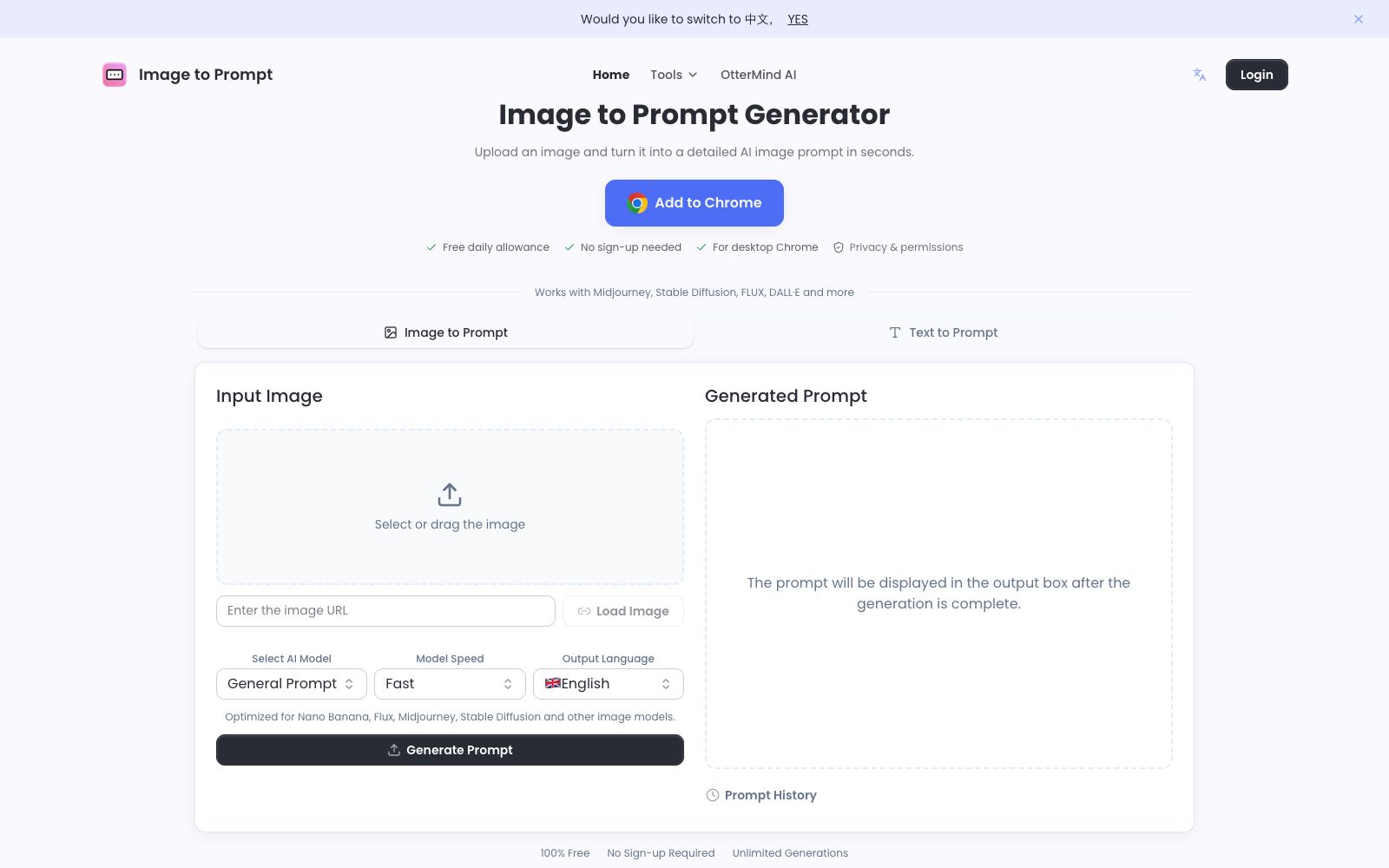
Image to Prompt is a free image reverse prompt tool. Upload an image to generate structured descriptions that can be used for drawing models. It supports multi-model adaptation and multi-language output, making it suitable for recreating styles and organizing materials.
Updated: 2026-10-27
What is Image to Prompt?
Image to Prompt solves a very specific problem: when you see a picture you like but can't figure out what prompts to use to recreate it. This website breaks down the uploaded image into subject, scene, lighting, composition and style, and outputs text that can be directly copied and pasted into a drawing model. The official emphasizes that it is completely free, requires no registration, has unlimited generation times, and the server does not save the uploaded images.
Who is it for?
- Visual designers: They see reference images and want to replicate the styles, needing to quickly get usable descriptions.
- E-commerce and operations: Convert competitor images and scene images into prompts, then batch generate materials with the same tonal style.
- AI painting beginners: They don't know how to write prompts, so they can first use the reverse-engineered results to compare and learn the description structure.
- Content Creators: Add a reusable generation description for published images.
- People conducting competitive visual analysis: Convert a batch of images into text to identify recurring descriptive terms in similar materials.
- People who need to organize material libraries: Convert images into text indexes in batches for easy retrieval.
Key features
7Image to Prompt
Drag and drop or select an image, and after a few seconds, get a structured description in the output box that can be copied to any drawing tool.
Model Adaptation
The official team has listed optimizations for models such as Nano Banana, Flux, Midjourney, and Stable Diffusion, and the output language can also be switched.
Reference Image Gallery
Examples are organized by style on the site, and each set comes with complete prompts that can be directly used as writing templates.
Text to Prompt
In addition to images, it also provides a text expansion entry to complete a sentence into a complete description.
History and Example Trial Run
The outputs are saved in the prompt history for easy retrieval. If you're unfamiliar with the output granularity, you can first click on an example image to run a trial.
Privacy Protection
The official states that the server does not store images and deletes them immediately after generation is complete.
Browser Extension
Provides a Chrome extension for easy access on desktop browsers.
How to use Image to Prompt
- 1The clearer the image, the better: The official recommends uploading images with clear and distinct subjects; blurry images or those with too many elements will reduce accuracy.
- 2The result is a draft, not a final version: The official explicitly states that you can manually revise it; if the accuracy is insufficient, you can reshoot from a different angle or replace the reference image.
- 3Try the sample images first: Run through the in-site samples to confirm the granularity and wording habits of its output, then upload your own images.
- 4Reverse engineering is good for learning structure: Pay attention to how it breaks down the subject, lighting, shots and styles, which is more useful than memorizing a single prompt by heart.
- 5Please pay attention to copyright when using others' works. The prompts derived from them can be reused, but the commercial rights of the original images do not transfer accordingly.
- 6When generating images, use the reverse-engineered result as a skeleton and then add your own composition and color matching requirements.
Traffic & popularity
Data month Sep 2026
Image to Prompt receives about 66.4K visits per month and ranks #792,645 worldwide.
Monthly visits
12 monthsTraffic sources
- Direct60.6%
- Search22.4%
- Referrals9.0%
- AI assistants5.6%
- Social1.2%
- Other1.2%
Top countries
- China36.1%
- India10.8%
- United States7.5%
- Thailand4.3%
- France4.0%
Estimated from third-party traffic data.
Similar tools
 ImageFusion AIOnline AI image fusion tool: Upload up to 5 images and select a preset style or reference image to synthesize one image. The official states that it supports PNG/JPEG output and multiple aspect ratios. The finished products can be used for social media avatars, e-commerce and marketing materials.
 DezgoDezgo is a multi-model aggregated image and video generation platform. With one interface, you can call models such as Flux, Qwen Image, and Nano Banana. It also provides free tools such as background removal, image upscaling, and redrawing, making it suitable for horizontally comparing image generation effects.
 AI Image to Image GeneratorA registration-free online image-to-image tool. Upload a photo and describe it in one sentence to change the background, adjust the style, create professional avatars, expand the canvas, and restore old photos. It is ideal for e-commerce and social media operators to quickly generate images.
 AnimeGeniusFree 2D anime painting station, supporting text-to-image, photo-to-anime, real-time graffiti generation, and anime image-to-video. It has hundreds of built-in painting styles and character types, suitable for fan art creation and avatar materials.
 Pixlio AIPixlio AI is an image creation and retouching workspace in the browser. It aggregates models such as GPT Image and Seedream, enabling text-to-image generation, background replacement, deletion and modification of text in images, and application of style presets. It is suitable for e-commerce product images and social media materials.
 Riverflow 2.0An image generation and editing model for commercial visuals, focusing on the restoration of product details, font control, and style consistency. The official version states that it can correct garbled text in images using reference pictures, and it provides API and MCP access.