


UX Pilot
An AI interface design tool for product teams that can generate wireframes and high-fidelity interfaces from sketches, ideas or requirement documents, supports the reuse of existing design systems, and directs the results to design collaboration and development delivery.
Updated: 2026-10-26
What is UX Pilot?
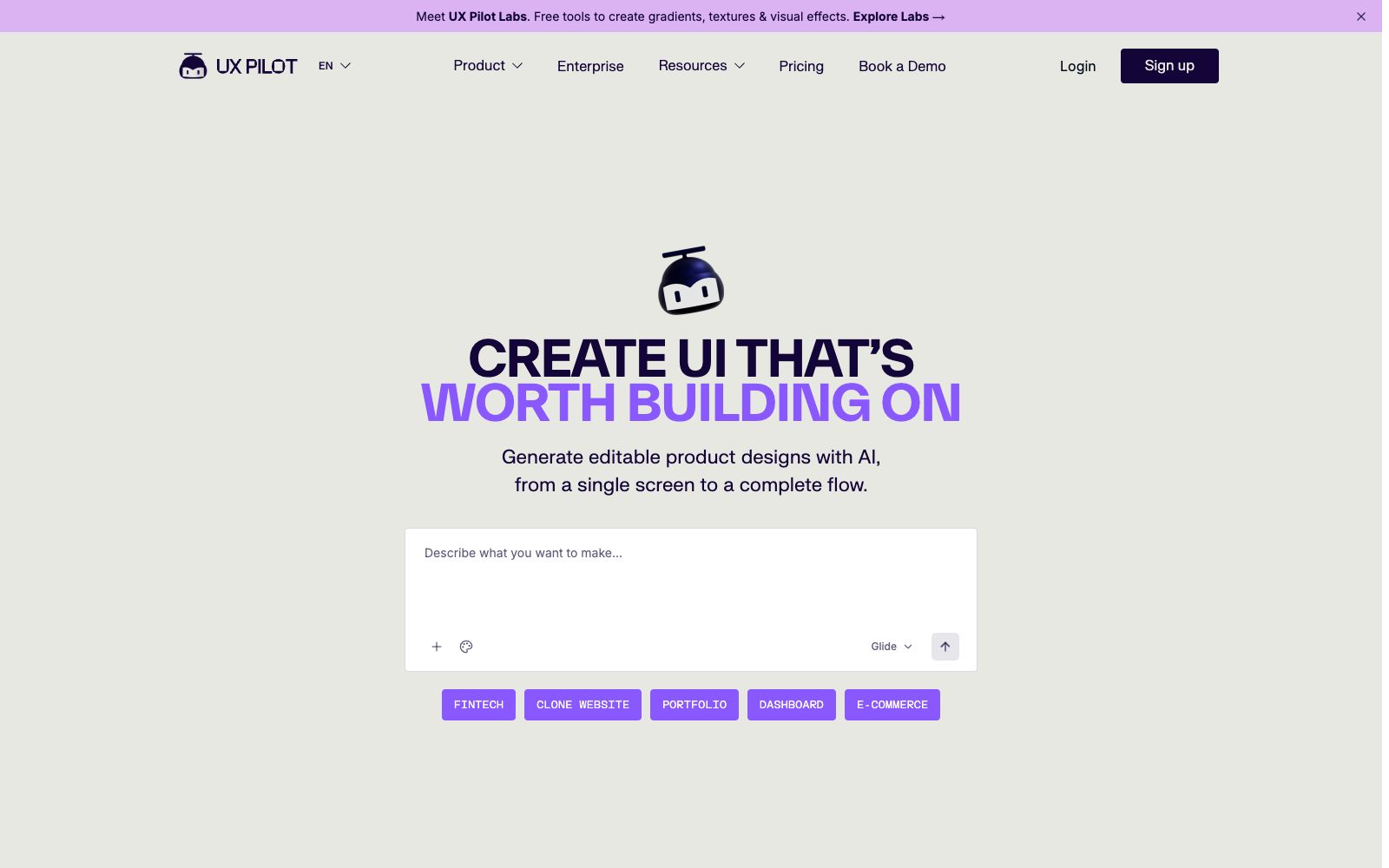
UX Pilot is an AI design tool for product conception and interface implementation. Its official website positions it as a workflow that accelerates user experience and interface design. Instead of just generating a renderings, it starts from sketches, ideas or requirement documents, first sorts out the process and wireframes, then converts them into branded high-fidelity pages, and prepares outputs for subsequent design collaboration and development delivery.
Who is it for?
- Product managers and startup teams who need to quickly turn product requirement documents into wireframes for review meetings to discuss scope and processes.
- UX and UI designers who want to explore multiple page designs simultaneously before refining one version into high-fidelity mockups.
- Mature product teams that have component libraries and brand guidelines and want the generated results to be as close as possible to the existing product system.
- Cross-functional teams that need to share flowcharts, design drafts, and deliverables among design, product, and development teams.
Key features
6Idea to design in lightspeed
Starting from hand-drawn sketches, a product idea, or imported requirement documents, it helps the team brainstorm, refine, and visualize solutions. It is suitable for quickly creating discussable pages when requirements are not yet complete.
SMARTER RAPID WIREFRAMING
Automatically generate structured low-to-high-fidelity wireframes. The official statement says it will incorporate user experience trends suitable for the current workflow, reducing the work of repeatedly dragging and dropping blocks and building elements one by one.
ONE CLICK HI-FI GENERATION
It can further convert the confirmed wireframes into refined, brand-aligned high-fidelity interfaces, all within the same tool without the need to rebuild the pages from scratch.
EXPORT READY TO BUILD CODE
Once the solution is confirmed, it can deliver code for development. Meanwhile, the official website also provides a collaboration path for exporting to Figma, making it convenient for designers and engineers to continue their work.
Use existing design systems
You can build your own generation foundation using the team's existing design systems, integrate components, visual languages and brand specifications into the AI generation process, instead of starting with random styles every time.
Generate flowcharts with AI
In addition to pages, it can generate flowcharts to clarify functional paths, page relationships and interaction sequences first, before proceeding to specific interface design.
How to use UX Pilot
- 1First clarify user goals, key pages, main actions and abnormal states before importing the requirement document; providing only a broad idea will usually make the generated output serve as an inspiration sketch only.
- 2In the first round, generate low-fidelity wireframes first and confirm the information hierarchy; don't rush into visual details. If the workflow is incorrect, the earlier you make revisions, the lower the cost will be.
- 3If your team already has a design system, import common components and styles first before generating high-fidelity designs to avoid replacing colors, fonts, and controls page by page later on.
- 4After exporting to Figma or code, check responsive layouts, interaction states, and accessibility requirements item by item; automated results cannot replace testing on real devices.
- 5The commercial usage scope of design materials, fonts, icons and generated code is subject to official regulations, which may be adjusted and shall be rechecked before official delivery.
Traffic & popularity
Data month Sep 2026
UX Pilot receives about 197.6K visits per month and ranks #267,226 worldwide.
Monthly visits
12 monthsTraffic sources
- Search53.5%
- Direct31.6%
- Referrals7.6%
- Social3.3%
- AI assistants2.1%
- Other1.9%
Top countries
- India17.9%
- United States17.2%
- Brazil5.6%
- Germany3.1%
- Australia3.1%
Estimated from third-party traffic data.
Similar tools
 MasterGo AIA domestic digital interface production platform that provides AI text-to-image prototyping, professional interface design, and design-to-code capabilities. It supports online collaboration between product, design and R&D teams, enterprise asset management, and enterprise-level permission deployment, and is tailored for integrated collaboration scenarios in product design and R&D.
 VisilyAI interface design software for non-designers enables the creation of high-fidelity wireframes and prototypes from various sources of inspiration. It comes with built-in templates, themes, smart components and icon resources, and supports annotation and team collaboration.
 BananiAn intelligent interface design tool that generates editable multi-page prototypes from text or reference interfaces, supports extracting layout styles from screenshots and design links, adjusts visuals using prompts, and shares or exports to design and code workflows.
 FigrFigr is an AI design agent for product teams. According to its official website, it first establishes product context, understands processes, edge cases, documents and design systems, then generates UX workflows, high-fidelity prototypes and design files that can be exported to Figma, and can also deliver deliverables such as PRDs. It is suitable for teams that advance experience design on existing products.
 UizardAn AI UI design tool for product teams that can generate interface prototypes for apps, websites and desktop software using natural language and screenshots. Its official website claims it is as simple as using PowerPoint, making it ideal for quickly validating product ideas.
 Tencent Design ArdotAn AI design tool launched by Tencent, it supports text-to-interface generation, image conversion to editable design drafts, vector editing and dynamic layout, and connects design collaboration with development delivery through design systems, permission auditing and code replication.