


Visily
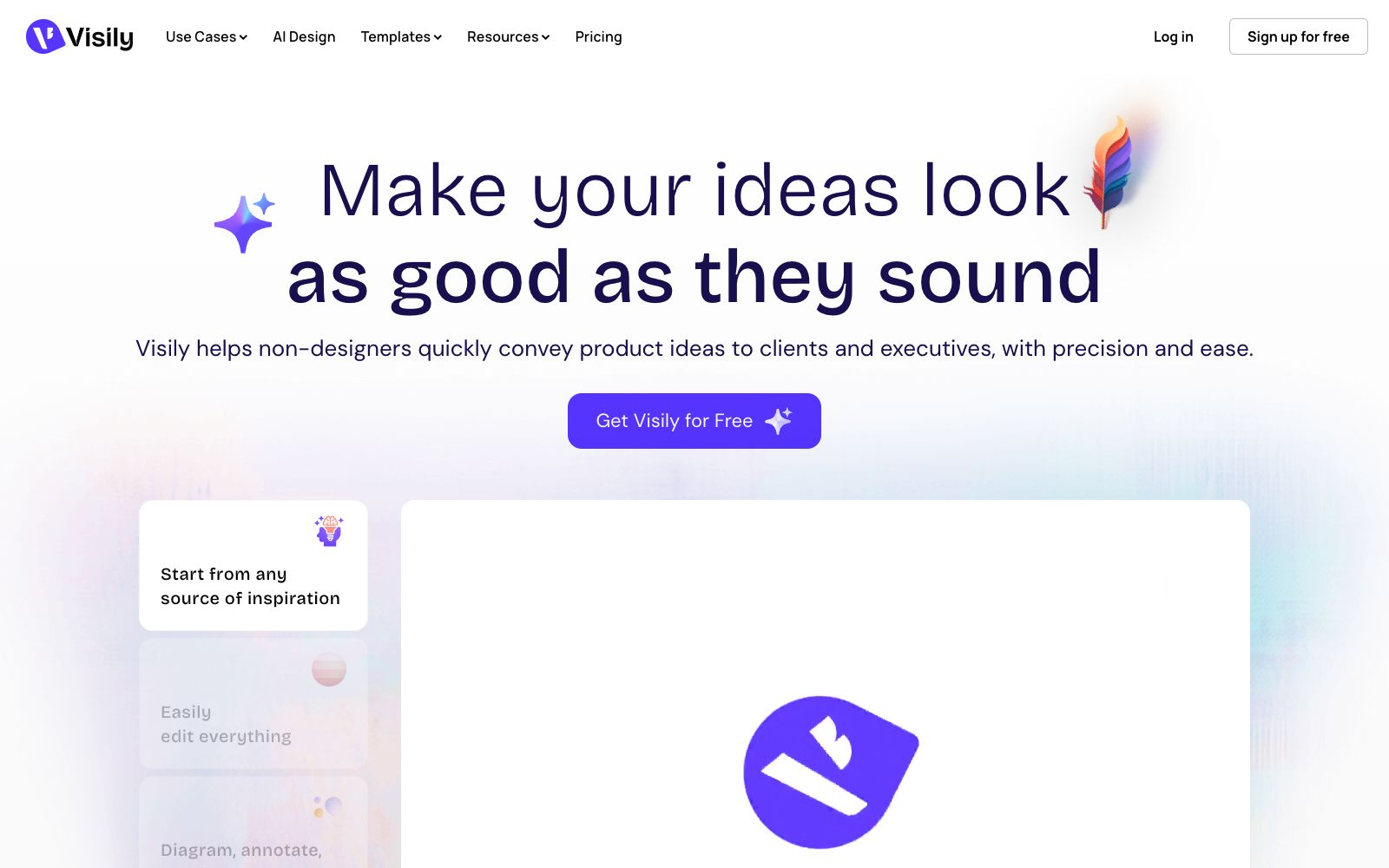
AI interface design software for non-designers enables the creation of high-fidelity wireframes and prototypes from various sources of inspiration. It comes with built-in templates, themes, smart components and icon resources, and supports annotation and team collaboration.
Updated: 2026-10-26
What is Visily?
Visily is an AI interface design software that emphasizes a low learning curve. Its official website clearly targets non-designers, helping them turn verbal or rough product ideas into clear visual solutions that can be presented to clients and management. It covers wireframing, prototyping, brainstorming and collaboration. Users can start from various sources of inspiration, then create editable designs with the help of templates, components and themes.
Who is it for?
- Product managers, business analysts and entrepreneurs who need to clearly communicate functional workflows to designers and developers.
- Consulting and software service teams that need to make proposal presentations to clients but don't have dedicated UI designers on staff for the time being.
- Teachers who want students to practice product workflows, wireframes, and prototypes without making tool operation a barrier.
- Remote collaboration teams that need to move directly from brainstorming to visual design and collect feedback via links.
Key features
6Start from any source of inspiration
Allows users to start with existing inspiration and materials instead of facing a blank canvas, making it suitable for quickly turning early ideas into visible page structures.
Turn rough ideas into sharp visuals
Turn rough concepts into high-fidelity wireframes and visual designs. The official website emphasizes that even non-designers can accurately convey product plans.
Easy to edit
The generated interface elements can be edited further, allowing the team to modify information, replace components and adjust layouts, instead of being limited to an unchangeable image.
Diagram, annotate, and collaborate
You can draw diagrams, add annotations, and collaborate with team members, keeping process explanations, page discussions, and revision comments within the design context.
Prototype and share
Connect pages into a prototype and share it, making it easy to explain the complete operation path to clients, supervisors or teams, and gaining their understanding and support for the plan.
Templates, Themes and Smart Components
Provides design templates, pre-made themes, smart components, interface presets, as well as image and icon resources, reducing the cost of building from scratch and unifying styles.
How to use Visily
- 1First, use flowcharts to clarify user tasks and page relationships, then create high-fidelity pages; this way, reviewers will focus on the logic first rather than being distracted by colors and icons.
- 2Start with the template or interface preset closest to your business, replace the real content first, then unify the themes and components to avoid recreating basic controls on a blank canvas.
- 3Before sharing the prototype, complete the loading, empty, error, and completion states; a demo that only covers the main path can easily hide the breakpoints in a real product.
- 4Involving non-design members does not mean skipping professional reviews; before official development, you should still check consistency, responsiveness, accessibility, and brand guidelines.
- 5Comply with the official instructions regarding the commercial licenses of images, icons, templates, and fonts; check the sharing permissions for team materials and the functional tiers before project launch.
Traffic & popularity
Data month Sep 2026
Visily receives about 827.9K visits per month and ranks #50,529 worldwide.
Monthly visits
12 monthsTraffic sources
- Direct54.5%
- Search31.4%
- Referrals5.1%
- AI assistants4.4%
- Mail2.6%
- Other2.1%
Top countries
- India17.2%
- Vietnam16.6%
- Slovakia11.9%
- United States4.4%
- South Korea3.8%
Estimated from third-party traffic data.
Similar tools
 UX PilotAn AI interface design tool for product teams that can generate wireframes and high-fidelity interfaces from sketches, ideas or requirement documents, supports the reuse of existing design systems, and directs the results to design collaboration and development delivery.
 BananiAn intelligent interface design tool that generates editable multi-page prototypes from text or reference interfaces, supports extracting layout styles from screenshots and design links, adjusts visuals using prompts, and shares or exports to design and code workflows.
 UizardAn AI UI design tool for product teams that can generate interface prototypes for apps, websites and desktop software using natural language and screenshots. Its official website claims it is as simple as using PowerPoint, making it ideal for quickly validating product ideas.
 MasterGo AIA domestic digital interface production platform that provides AI text-to-image prototyping, professional interface design, and design-to-code capabilities. It supports online collaboration between product, design and R&D teams, enterprise asset management, and enterprise-level permission deployment, and is tailored for integrated collaboration scenarios in product design and R&D.
 BnbIconsAn AI icon generation tool focused on icons, officially described as inspired by the Airbnb style, which can generate customized isometric skeuomorphic icons, suitable for use as interface graphic elements on product official websites, landing pages, and within apps.
 OJOAn AI design Agent workbench for product teams that generates editable UIs and interactive prototypes from a single requirement, an image, or a URL, and directly outputs front-end code that can be committed to a repository. The official claims it can combine more than 200 skills.