


Magic Patterns
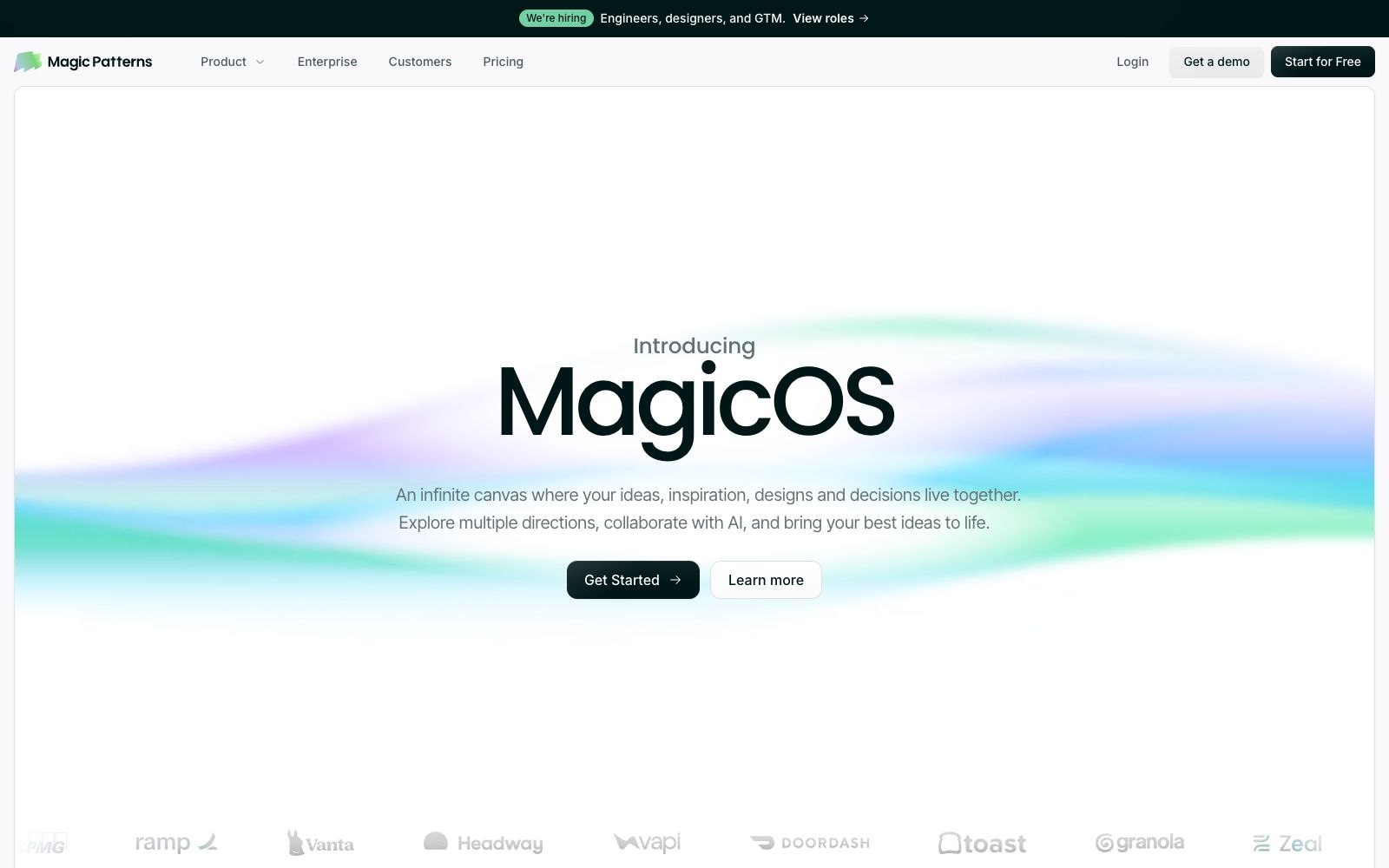
Magic Patterns is a design tool that directly turns requirements into high-fidelity interfaces. It can read your components and design specifications, compare multiple schemes side by side on an infinite canvas, and then hand the selected version to the coding agent, making it suitable for product teams to create functional prototypes.
Updated: 2026-10-27
What is Magic Patterns?
Magic Patterns is an AI design tool for product teams, developed by North Park Labs. It takes a single sentence requirement, PRD, code repository or reference image as input and directly delivers clickable high-fidelity interfaces. Unlike tools that only generate static images, it places greater emphasis on two things: the results must align with your existing design system, and the solutions can be smoothly handed over to engineering.
Who is it for?
- Product Manager: Turn requirement documents into clickable flows for validation with stakeholders, instead of using static screenshots to explain logic.
- Designers: Quickly explore multiple directions on your existing design system, eliminate the time spent on repeatedly building pages, and focus your energy on decision-making.
- Front-end engineers: Take over the finalized high-fidelity drafts and reduce the rounds of back-and-forth validation between design and code.
- Startup teams and independent developers: Without a full-time designer, they can build a multi-page presentation within one hour.
- Enterprise design infrastructure teams: They need to unify component specifications while meeting audit and permission requirements.
Key features
6Prompt-to-Interface
Input prompts, requirements or feature ideas to generate high-fidelity UI within minutes, explore multiple directions before committing to development. Official customer cases state that it condenses design work that originally took weeks into prototypes that can be researched in a few days.
MagicOS Canvas
Officially described as an infinite canvas, it brings together ideas, inspirations, designs and decisions, allowing multiple directions to be laid out side by side for comparison.
Design System Alignment
After importing your in-house components and design rules, every concept is output in your unique style instead of a generic template look.
Context Integration
You can import PRDs, code repositories, and brand reference images, and also connect coding agents such as Claude Code, Cursor, and Codex via MCP to directly hand over the winning solutions for implementation.
Real-time Collaboration
Team members can edit, share, and iterate on the same design simultaneously. Invitation via email is supported, and visibility can be restricted based on workspaces.
Security & Compliance
Officially certified SOC 2 and ISO 27001, providing a secure design environment for enterprises.
How to use Magic Patterns
- 1Connect your design system first before generating; style consistency has a greater impact on rework rates than the quality of a single image output.
- 2Upload the PRD, repository, and reference images together. The more context you provide, the closer the first version will be to a usable state.
- 3Compare two or three directions side by side on the canvas, finalize your choice, and then hand it over to the coding agent to avoid rework across multiple lines of development.
- 4The official website provides a free start option, while enterprise editions require separate communication. Specific quotas and quotes are subject to the official website.
- 5For unreleased features, first confirm whether the workspace permissions and compliance certifications cover your requirements.
Traffic & popularity
Data month Sep 2026
Magic Patterns receives about 65.4K visits per month and ranks #593,270 worldwide.
Monthly visits
12 monthsTraffic sources
- Direct55.3%
- Search21.2%
- Referrals9.1%
- Social9.0%
- Mail2.8%
- Other2.6%
Top countries
- United States26.9%
- India11.6%
- Indonesia7.9%
- United Kingdom7.7%
- Nigeria7.0%
Estimated from third-party traffic data.
Similar tools
 CodeMate.aiA private-focused AI programming assistant that provides in-editor coding agents, design-to-application conversion, automated PR reviews, and an AI terminal. The official emphasizes self-hosting and on-device architecture, ensuring code never leaves the local environment.
 CopilotKitEmbed the agent into the front-end framework of the product interface, providing dialogue components, generative interfaces and in-app operations, which can connect to multiple agent backends, and is suitable for adding AI assistants to existing products while retaining permissions and audits.
 UI to Code AIA tool that converts screenshots, images, PDFs, or PSDs into front-end code, outputs React, Vue, Next.js, or HTML/CSS with real-time preview, and allows downloading the entire project package or copying individual components.
 AgentMailAgentMail is an infrastructure that provides dedicated email inboxes for AI agents. With a single API call, you can create an inbox, send and receive emails, manage conversation threads and attachments, and trigger workflows. It is suitable for lead follow-up, customer service replies, and multi-agent collaboration.
 Vibecode AppVibecode is an AI application generator for non-developers. Just describe your idea in one sentence, and you can get a publishable mobile and web application. It comes with a large number of customizable templates and supports continued development on mobile devices, making it ideal for quickly validating product ideas.
 MacroscopeAn AI code review tool for R&D teams that checks the correctness, security, testing and regression risks of each change before merging, automatically generates PR descriptions and summarizes multi-repository changes, and also includes a cloud-based coding Agent.