


SpeechPulse
A local voice input tool based on Whisper enables voice typing in any application. It supports offline recognition and transcription of 99 languages, and can also transcribe audio files and generate subtitles. The official states that data does not leave the local device.
Updated: 2026-10-26
What is SpeechPulse?
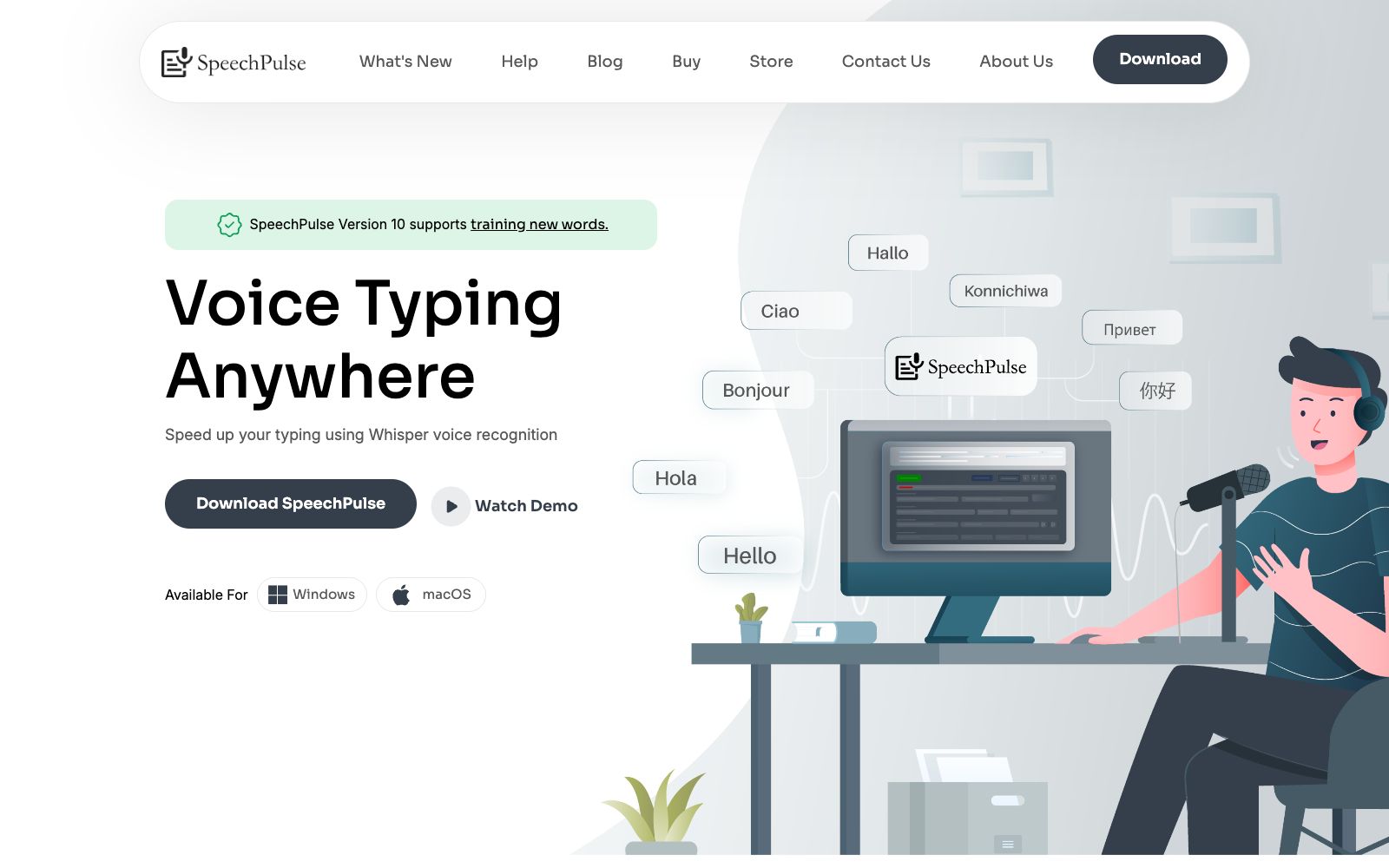
SpeechPulse is a voice input and transcription software. Its official website features the slogan "Voice Typing Anywhere". Based on Whisper speech recognition, it supports Windows, macOS, the Office suite, web browsers and various text editors. Its biggest difference is that the official emphasizes "Ultimate privacy": it supports offline recognition, and voice and text data do not leave the local machine, making it suitable for recording scenarios with privacy sensitivity. There are also Buy and Download portals on the official website, and the current version is Version 10.
Who is it for?
- Journalists, lawyers, and researchers who need to dictate for long periods and do not want to send their content to the cloud.
- Users who have difficulty typing due to injury, illness or fatigue and need voice input to replace keyboards and mice.
- Editors and assistants who need to transcribe interviews and meeting recordings and require speaker diarization.
- For secret-related positions that require multilingual dictation and must process data locally.
Key features
8Works with all your apps
The official claims it supports real-time speech recognition and can be input into any text input box, including editors, browsers, and office software.
Ultimate privacy
Supports offline speech recognition, and the official states that voice and text data do not leave the device.
Multiple languages
The official claims it supports transcription in 99 languages, including English, French, Spanish, Italian, German, Japanese, Chinese, and Russian, and also supports English-Chinese translation.
Punctuation modes
Supports automatic and manual punctuation, and you can dictate common punctuation directly in manual mode.
Automatic speech input and Push to talk
It can automatically detect when you finish speaking and start transcribing right away, and also supports a push-to-talk mode with custom hotkeys.
AI templates
The official claims it supports integration with large model APIs for grammar and spelling correction, text summarization, and email and note formatting.
File Mode and Automatic Speaker Separation
Can transcribe or translate audio files and perform speaker separation, supporting mp3, wav, m4a, flac, ogg, and webm formats.
Subtitle generation
The official lists subtitle generation capabilities, making it convenient to add subtitles to audio and video files.
How to use SpeechPulse
- 1Enable offline mode first. This is its core difference from cloud-based dictation tools; going online will instead lose the privacy advantage.
- 2The offline model needs to be downloaded. First, confirm the disk and memory usage, then decide which recognition tier to use.
- 3Dictation punctuation has a learning curve; practice a few rounds in your notes before moving to official documents.
- 4To use AI templates, you need to provide your own large model API. Please pay attention to the security of your API key and the usage fees, which are not covered by the official.
- 5Commercial licensing and version features are subject to the official website's Buy page. Version 10 supports new word training and is worth using in scenarios with many proper nouns.
Traffic & popularity
Data month Sep 2026
SpeechPulse receives about 14.9K visits per month and ranks #1,239,597 worldwide.
Monthly visits
12 monthsTraffic sources
- Direct39.7%
- Search33.4%
- Referrals10.4%
- Social6.2%
- Display ads3.4%
- Other7.0%
Top countries
- United States40.1%
- Germany28.0%
- India14.9%
- United Kingdom13.9%
- Canada3.1%
Estimated from third-party traffic data.
Similar tools
 SpokenlySpokenly is a free AI dictation tool that supports Mac, Windows, Linux and iPhone. It can run offline with the local Whisper model and supports over 100 languages.
 NetEase BageNetEase Bage is an AI voice input tool for desktop launched by NetEase. It supports speech-to-text, intelligent polishing, automatic removal of spoken language, custom hotwords and voice translation. Its official positioning is 5 times faster than typing.
 VOMO AIVOMO AI is an AI meeting note and audio transcription tool. Officially, it supports more than 90 languages with an accuracy rate of over 95%. It can convert meetings, interviews and YouTube videos into transcripts, summaries and to-do lists, and distinguish speakers.
 SpeechifyA TTS assistant that specializes in reading out any text for you. According to its official website, it covers web pages, Chrome extensions, and iOS/Android/Mac/Windows platforms, and offers features such as voice input, dubbing, and voice cloning.
 Wispr FlowWispr Flow is a speech-to-text tool. What you say is cleaned into smooth text as you speak. It automatically recognizes languages, learns your proper nouns, and switches tones for different apps. It now includes a meeting recording feature.
 TypelessTypeless is an AI voice input tool. According to the official, speaking will immediately be converted into smooth emails and documents. It can automatically remove colloquialisms and repetitions, switch tones according to applications, support more than 100 languages, and be used on multiple devices.