


Wisprkey
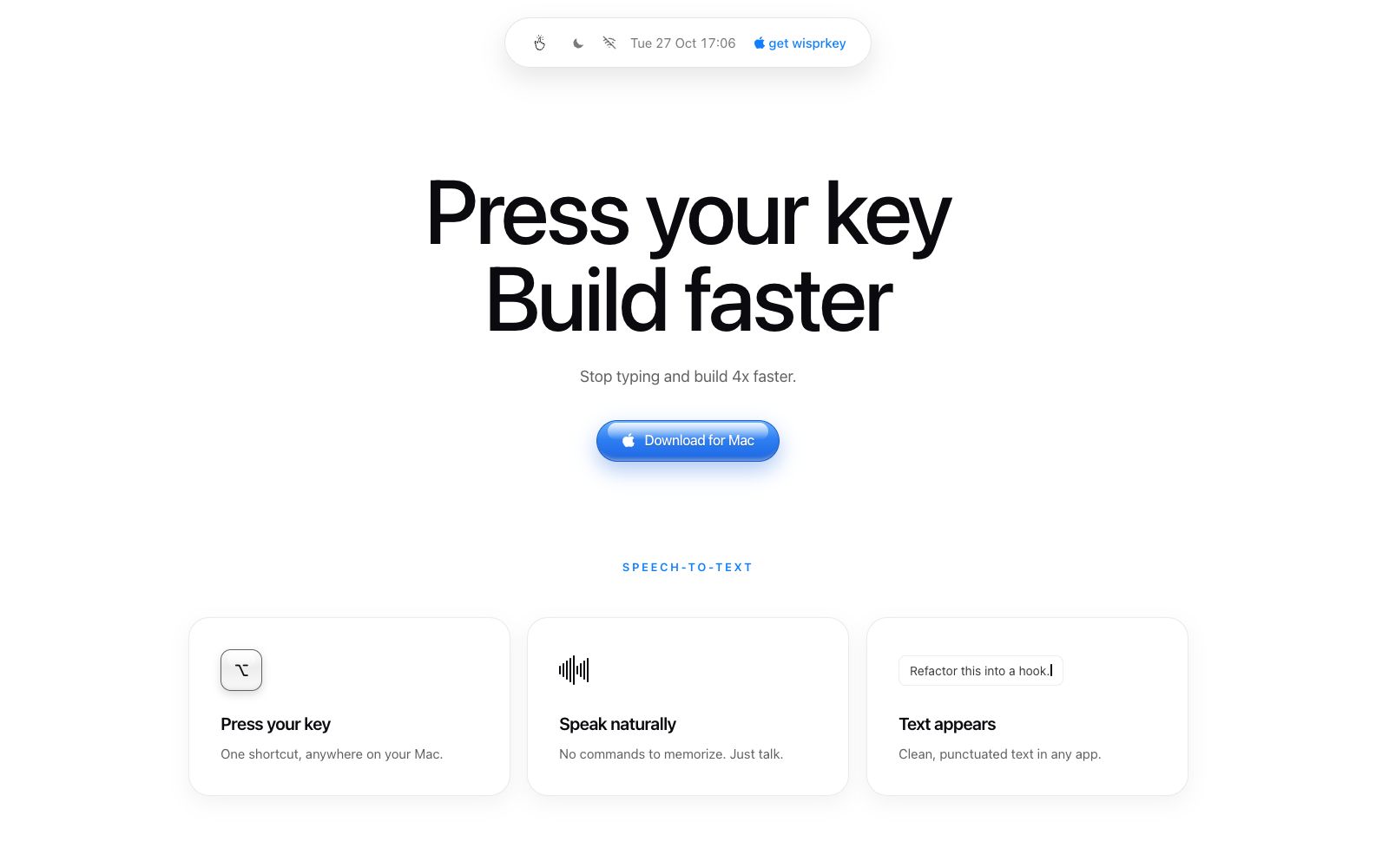
A Mac voice assistant built by a Swedish team, offering speech-to-text in any app, multilingual text-to-speech, and on-device meeting notes. The official claim is 98% transcription accuracy, making it useful for writing code, editing documents, and reviewing meetings.
Updated: 2026-10-27
What is Wisprkey?
Wisprkey is an AI voice assistant for Mac, developed by ProgMa Group AB in Stockholm, Sweden. It puts voice input, read-aloud, and meeting notes behind the same global hotkey: press the hotkey, speak, and the text appears in the current app. The company emphasizes that transcription and built-in voices run on-device, so audio does not need to be sent to an online model. Below is an overview of its capabilities, target users, and getting-started points based on the official website.
Who is it for?
- Developers and independent builders who spend long hours writing code and documentation on a Mac and want to replace repetitive typing with speaking.
- Cross-border collaborative teams that need to write emails, messages, and code review comments in multiple languages.
- Product managers and project leads with packed meeting schedules who also need to organize their own meeting notes.
- Teams and individuals sensitive about data leaving their devices who require voice and meeting content to stay on-device.
- People who read a lot and prefer to listen to documents and review comments first.
Key features
6Global hotkey voice input
Trigger it with the same hotkey in any Mac app, with no commands to memorize. Speak naturally and get clean, well-punctuated text; the company says it can make building about 4x faster.
On-device speech models
Transcription and built-in voices run locally on the Mac. The company says it covers 31 languages with 98% accuracy, does not rely on expensive online models, and works offline.
Read aloud
Select any text and press the hotkey to have documents, code reviews, messages, and notes read aloud in 64 voices and 31 languages.
Meeting notes
Press the hotkey once to start recording, with no bot needing to join the call. After the meeting, it automatically generates summaries, decisions, and action items.
Ask questions about meetings afterward
Ask follow-up questions about what was said in a specific meeting, such as how pricing was ultimately decided, and hear the exact words from that moment.
Pro and Local Brain
The Pro version adds Local Brain, which learns your communication style, unlimited agent cursor, translation across 31 languages, read-aloud, and Conversation Mode.
Things to know
Usage Tips
- Start with the free Starter version: the company says the free version includes unlimited usage, 31 languages, and a global hotkey; Pro is listed at $4.99 per month, so validate your accent and use cases before upgrading.
- Check your device before upgrading: it only supports Apple silicon M1 and later and macOS 15 or later; Intel Macs cannot run the on-device models.
- Pair it with a small USB desktop microphone in a fixed position, a wireless lavalier mic, or a headset; the company says stable close-range audio pickup matters more than expensive gear.
- Permissions and compliance: transcription and speech are completed on-device, but you should obtain participants' consent before recording meetings; the company says the Enterprise edition offers SOC 2 Type II certification and custom integrations.
- Check planned features and submit suggestions through the official public roadmap; for other questions, use the contact channel in the official website's FAQ.
Traffic & popularity
Data month Sep 2026
Wisprkey receives about 71.9K visits per month.
Monthly visits
6 monthsEstimated from third-party traffic data.
Similar tools
 Vocol AIA multilingual voice collaboration platform for Asian teams that can transcribe recordings of meetings, interviews and podcasts into text, extract key points, automatically extract action items, and is officially said to support Chinese, Japanese and English.
 AmieAI meeting minutes and workflow assistant. Officially, it can generate meeting minutes and to-do lists without requiring a robot to join the meeting, and it allows external AI to access meetings, schedules, and to-do lists via MCP.
 SpeechifyA TTS assistant that specializes in reading out any text for you. According to its official website, it covers web pages, Chrome extensions, and iOS/Android/Mac/Windows platforms, and offers features such as voice input, dubbing, and voice cloning.
 SuperWhisperSuperWhisper is a cross-platform speech dictation tool. You can speak in any application to get polished text. It supports over 100 languages, offline transcription and automatic meeting recording, and is suitable for writing, programming and daily office input.
 NottaNotta is an AI meeting and audio recording transcription tool that supports transcription and translation in 58 languages. It can automatically generate summaries, PPTs and infographics, covering various scenarios such as online meetings, offline interviews and imported files.
 Haye AIAn AI chat client for macOS, the official says it integrates a variety of top-tier models in one application, and you can use shortcut keys to ask questions about any application, text, screenshots and local files.