


Wispr Flow
Wispr Flow is a speech-to-text tool. What you say is cleaned into smooth text as you speak. It automatically recognizes languages, learns your proper nouns, and switches tones for different apps. It now includes a meeting recording feature.
Updated: 2026-10-26
What is Wispr Flow?
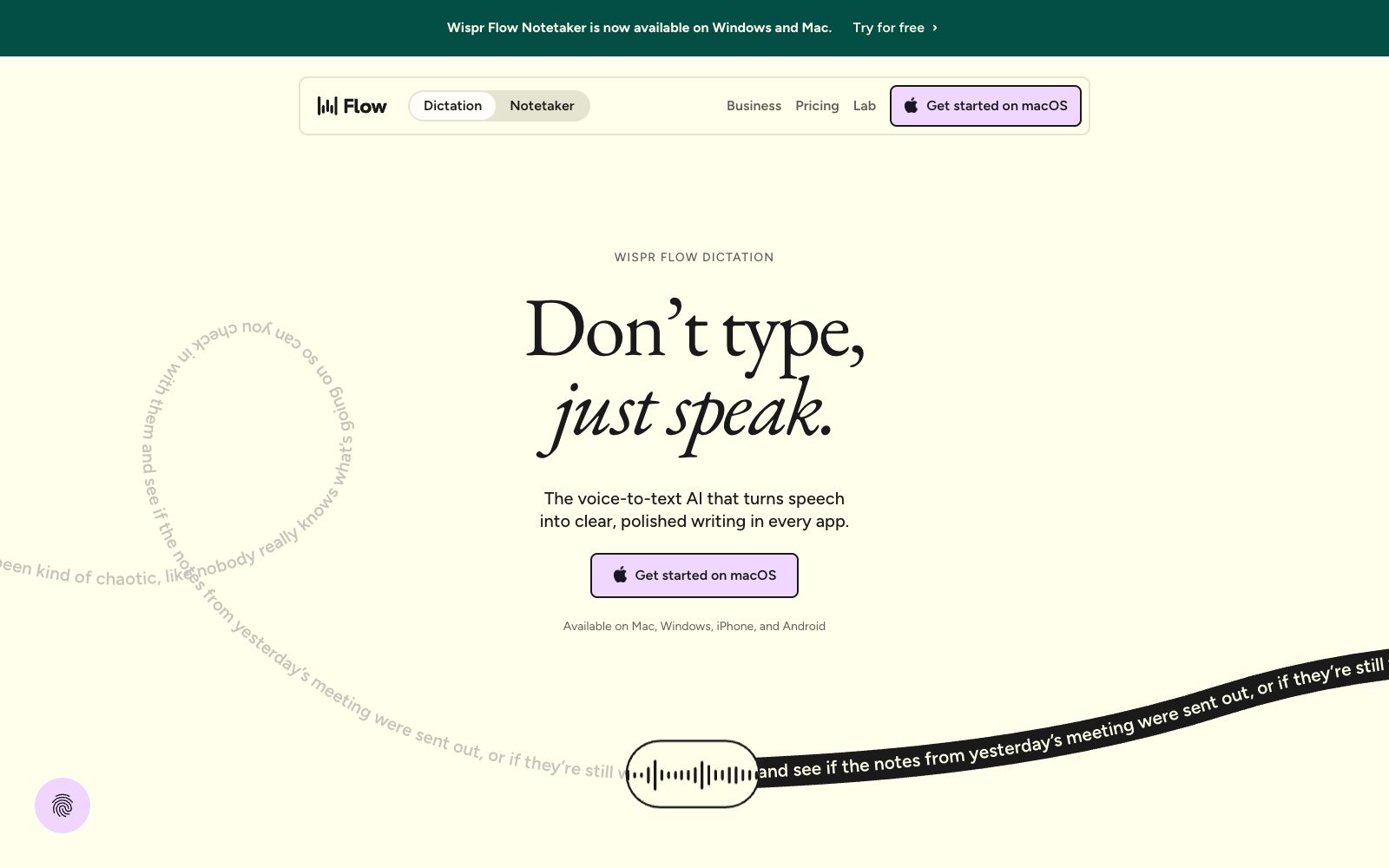
How good is the built-in voice input on the system? Anyone who has used it knows the score: you have to delete twice for every three sentences you say, the punctuation is always wrong, and the more anxious you are, the slower it gets. Wispr Flow targets this pain point. Instead of simple transcription, it listens and cleans up the speech in real time. As the official website puts it, "Don’t type, just speak" — it organizes your spoken words into polished text that you can send directly. Its product line is now divided into two parts: Dictation handles typing, while Notetaker takes care of meeting notes.
Who is it for?
- Backend and operations roles who handle a high volume of emails and messages and are tied to their keyboards every day
- Developers who want to dictate code structure and logic directly when writing code
- Users with limited hand mobility who need voice assistance for typing
- Team leaders who need to turn meetings into usable records
Key features
6Speak and Clean Up Simultaneously
The official demo explicitly lists filler identified, correction identified, and repetition identified. It automatically processes filler words, repeated corrections, and repetitions, and the output is polished sentences instead of raw transcriptions.
Available across all applications
The official website states that it works as long as the cursor can type, covering emails, chats, memos, terminals, code editors, and mainstream AI tools, with no additional configuration or integration required.
Automatic Language Identification
Supports over 100 languages. According to the official website, Flow automatically identifies the language you speak and transcribes it, allowing you to switch naturally between multiple languages without manually changing settings.
Learn Your Vocabulary
It automatically learns your proper nouns, and also allows you to manually add customer names and company jargon to the word library, which is called vocabulary on the official website.
Common Text Snippets
You can save frequently sent emails, links, addresses, and personal profiles as snippets, and they will expand when you speak the shortcut words; it also allows applying different tones for different scenarios such as messages, work chats, and emails.
Meeting Recorder Notetaker
The official website states that Notetaker now supports Windows and Mac, and is included in the same subscription as Dictation.
How to use Wispr Flow
- First, build habits at the input method level.
- don't expect it to do your thinking for you.
- The official comparison shows that a keyboard hits about 45 words per minute (wpm), while Flow reaches around 220 wpm.
- These are input speed metrics, not indicators of the final draft quality.
- The key is to speak clearly.
- Build up your vocabulary in advance.
- If you mispronounce a customer name, abbreviation, or internal system name for the first time, manually add it to the vocabulary.
- The long-term benefits far outweigh correcting it every time.
- If you have issues with accents, fast speech or a noisy environment, the official FAQ clearly lists these scenarios and provides solutions.
- You can check them first before deciding to return the product.
- it also states that no additional microphone or hardware is required.
- Glance over it before sending.
- What it cleans up is spoken language, not facts.
- For information with the highest tolerance cost like people's names, numbers and dates, be sure to check them manually before submission.
- The official website's efficiency data (faster message production, more free time per day, cost savings, etc.) comes from its case studies and early users, is an official statement, and should not be taken as a guarantee for yourself.
- The privacy section on the official website is straightforward: your data will not be sold, and you can decide whether it is used to improve Flow.
- It also holds SOC 2 Type II, HIPAA and ISO 27001 certifications.
- For confidential information, you should still confirm your company's policy first.
- Dictation and Notetaker are now combined into a single subscription.
- Check what the package includes before purchasing to avoid paying twice.
Traffic & popularity
Data month Sep 2026
Wispr Flow receives about 8.3M visits per month and ranks #7,621 worldwide.
Monthly visits
12 monthsTraffic sources
- Search45.7%
- Direct27.9%
- Social10.0%
- Referrals8.3%
- Display ads2.9%
- Other5.3%
Top countries
- United States36.8%
- India16.2%
- United Kingdom4.7%
- Germany4.0%
- Canada3.4%
Estimated from third-party traffic data.
Similar tools
 SpokenlySpokenly is a free AI dictation tool that supports Mac, Windows, Linux and iPhone. It can run offline with the local Whisper model and supports over 100 languages.
 TypelessTypeless is an AI voice input tool. According to the official, speaking will immediately be converted into smooth emails and documents. It can automatically remove colloquialisms and repetitions, switch tones according to applications, support more than 100 languages, and be used on multiple devices.
 SpeechifyA TTS assistant that specializes in reading out any text for you. According to its official website, it covers web pages, Chrome extensions, and iOS/Android/Mac/Windows platforms, and offers features such as voice input, dubbing, and voice cloning.
 SpeechPulseA local voice input tool based on Whisper enables voice typing in any application. It supports offline recognition and transcription of 99 languages, and can also transcribe audio files and generate subtitles. The official states that data does not leave the local device.
 ShandianshuoThe AI communication assistant produced by Tanwei Technology helps you organize replies in chat apps such as WeChat and Feishu, transcribe voice messages into clean text, and make your expressions more tailored to the other party with continuously updated communication memory.