


PowerPresent
PowerPresent is an AI presentation tool for formal reporting. It can generate complete presentations from prompts or documents, support online editing and presentation, and export to PowerPoint or Google Slides.
Updated: 2026-10-26
What is PowerPresent?
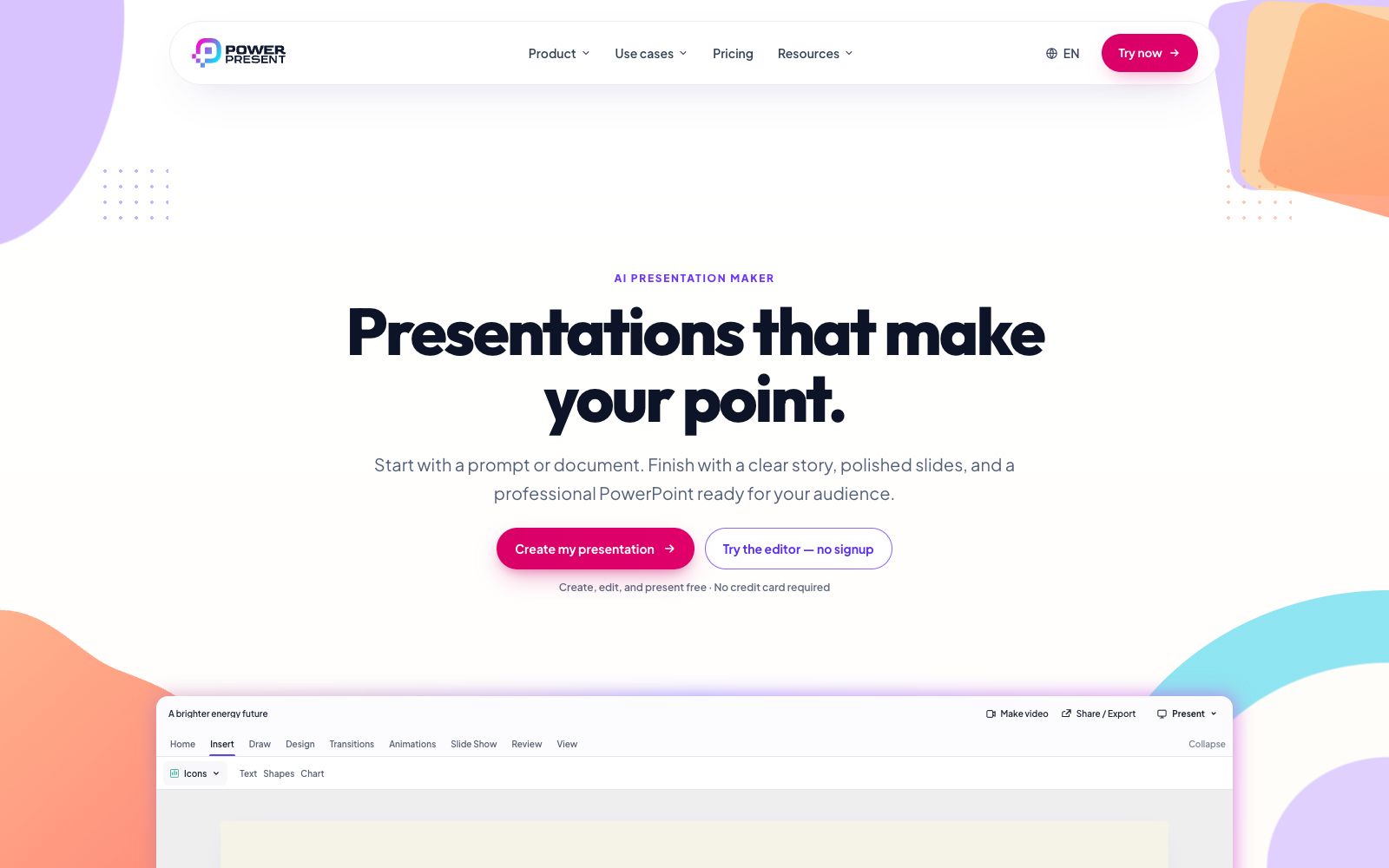
The main title of PowerPresent's official website is "Presentations that make your point." It advocates for delivering clear-narrative and well-formatted PowerPoint presentations starting from a prompt or document. Unlike tools that only focus on generation, the official website repeatedly emphasizes "Built to be presented, not just generated" - the finished product is what matters, with the emphasis on narrative, layout, and data readability. It offers a web editor where you can edit chart data, add notes and give presentations directly in the browser. You can also export to PowerPoint and Google Slides, and the interface includes Simplified Chinese.
Who is it for?
- Entrepreneurs and sales professionals who need to create complete narratives for investor roadshows and sales proposals.
- Business leaders who need to present quarterly business analyses and want to modify chart data on the spot.
- Teachers and students who need to create courseware and assignment presentations and start from PDF or Word documents.
- Marketers who create marketing plans and need to visualize complex concepts into diagrams.
Key features
6A story people can follow
It organizes raw materials into a clear narrative, and the official website states that each page follows the previous one.
Layouts that feel intentional
The hierarchy, spacing, images, and fonts work together harmoniously, which, according to the official description, avoids forcing content into templates.
Data that is easy to understand
Editable charts and visual explanations, the official website says it makes numbers easier to read.
Complex ideas, made visual
Turn scattered thoughts into visual diagrams that are easy to understand at a glance.
Three-step production process
The process provided on the official website is Bring your content (prompts, notes or documents) → Shape the presentation (organize the story and generate the first draft) → Make it yours (polish page by page, present or export).
PDF & Word to Presentation
The platform provides access to AI PowerPoint Generator, PDF to PowerPoint, and Word to PowerPoint, with dedicated scenario pages for Pitch decks, Sales, Education, Marketing, Students, and more.
How to use PowerPresent
- The official website states that creation, editing and presentation are permanently free with no credit card required, and the paid features mainly focus on credits and exports: the free version exports PDFs with watermarks, while exports to PowerPoint and Google Slides require credits.
- Use the free version to get the content right first, then pay for exports.
- The official website lists four tiers: Free, Pay as you go, Subscription, and Lifetime.
- Each credit costs $1 on a pay-per-use basis, and the Lifetime option is priced at a one-time fee of $499.
- regional pricing is subject to the checkout page.
- Before presenting, run through the presentation in your browser to confirm that the animations and chart data are normal, then export the file.
- There is a file size limit for uploaded source files (Starter is capped at 10MB).
- compress or split large files first.
- The official website cites Trustpilot reviews and states that it has created more than 40,000 presentations, which is the official statement.
- prices and quotas may be adjusted, and please refer to the official website page before purchasing.
Traffic & popularity
Data month Sep 2026
PowerPresent receives about 1.2K visits per month and ranks #15,502,852 worldwide.
Monthly visits
12 monthsTraffic sources
- Direct39.0%
- Search33.8%
- Referrals10.0%
- Social6.2%
- Mail3.4%
- Other7.6%
Top countries
- United States55.1%
- India41.1%
- United Kingdom3.8%
Estimated from third-party traffic data.
Similar tools
 Presentations.AIPresentations.AI is an AI presentation platform that transforms ideas, documents, or URLs into brand-consistent slides in minutes and exports editable PowerPoint, ideal for high-frequency key presentations.
 WonderslideWonderslide is an AI presentation generator. With just one sentence describing your needs, an AI agent can build the structure and format the slides. You can continue to modify them in the chat and export them as PPT or PDF.
 SnapdeckSnapdeck is an AI presentation platform that can convert prompts, files, Notion pages and web links into editable slides, supporting online research, image generation and PDF export.
 PopAiOnline presentation generation tool: starting from prompts, PDFs, Word documents, PPTX files or web pages, it first organizes the outline and then generates slides. You can continue to edit and polish them, and export them as PPTX or PDF. Officially, it is said to be completed in one workspace.
 Plus AIAn AI presentation assistant built directly into PowerPoint and Google Slides, which can generate slides from prompts or documents, supports rewriting, rearranging layouts, brand customization and image matching. The official states that the output is permanently owned by the user.
 SlideSpeakAn AI presentation tool that turns PDFs, Word documents, Excel spreadsheets, or a single theme into editable slides, exports native PPT files, and fully retains fonts and layouts.