


PPT AI
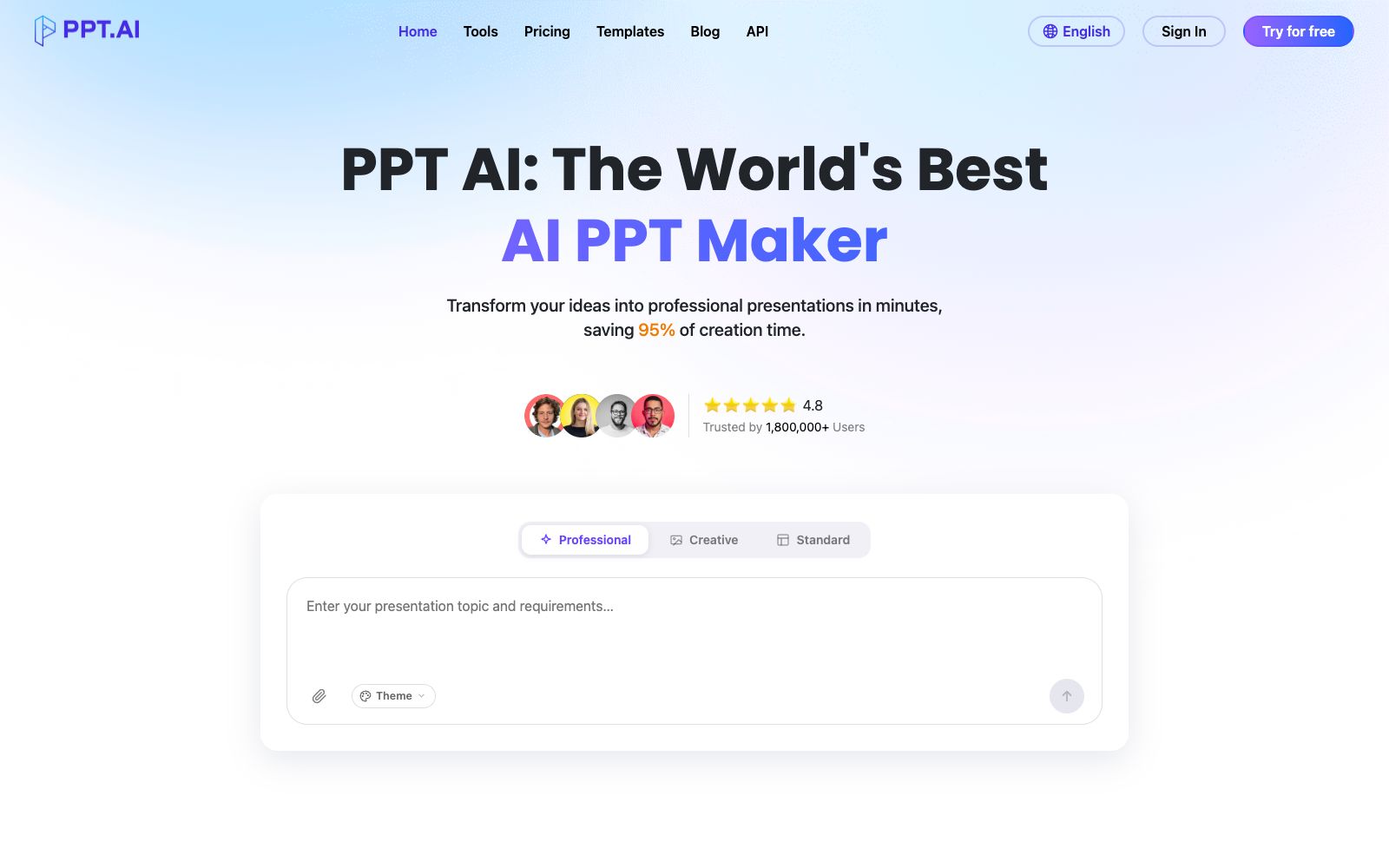
Online presentation generation tool: enter a topic or upload a document to automatically generate a finished draft. It has built-in multi-model engines and free professional templates, allows specifying the target audience and tone for different scenarios, and the official claims it can save about 90% of the production time.
Updated: 2026-10-26
What is PPT AI?
PPT AI is an online presentation generation tool provided by ppt.ai. Its official website positions itself as "AI Presentation Maker, Fast and Easy". Unlike solutions that require installing a client or plug-ins, it completes generation, editing and sharing all on the web. It accepts not only a single sentence as the theme as input, but also existing documents, URLs, videos and images.
Who is it for?
- Professionals who already have Word, PDF or notes and want to directly convert them into presentation slides for further refinement.
- Lecturers and students who need to create courseware, science popularization presentations or public speaking materials and want to first develop the structure before adding details.
- Teams working on product introductions and business plans who need to create multilingual versions of the same content.
- Someone who suddenly receives a presentation task and just wants to get an initial version that can be delivered first.
Key features
6Instant Conversion
Upload files such as DOC, DOCX, PDF, PPT, PPTX, TXT, MD, XLS, XLSX, CSV, HTML, EPUB, MOBI, XMIND, MM and convert them directly into presentation slides. The official limit is single file within 10MB.
Multi-Model Intelligence Engine
The official states that multiple models are integrated into the backend, different tiers are available during generation, and options such as "Basic Model" are provided on the interface.
Smart Design Optimization
Automatically completes layout and design optimization. The official platform lists "Free Professional Templates" as one of its selling points, and these templates can be directly applied.
Scenario and Audience Parameters
You can specify the scenario before generation, including teaching materials, work summaries, work plans, project reports, solutions, research reports, meeting materials, product introductions, company profiles, business plans, science popularization, and public speeches.
Tone & Length Control
You can choose tones such as professional, friendly, technical, persuasive, academic, inspiring, educational, humorous, and concise. The number of pages is divided into three levels: short, medium, and long. The audience can be set as the public, students, teachers, superiors, subordinates, interviewers, or colleagues.
Multilingual Support
The interface and generated languages cover English, Simplified Chinese, Traditional Chinese, Japanese, Korean, French, Russian, Arabic, German, Spanish, Italian, Portuguese, Vietnamese, Malay, Indonesian, etc.
How to use PPT AI
- First upload a well-structured source file before generating, which will result in content closer to the original meaning than generating from scratch based on a topic.
- split or compress files larger than 10MB in advance.
- Fill in the four items of scenario, audience, tone and number of pages before generation, which will significantly improve the output stability.
- It is recommended to start with a medium number of pages.
- For multilingual manuscripts, finalize a main version first before switching languages for generation, making it easier to maintain consistency in proper nouns.
- The scope of commercial licensing for templates, fonts and illustrations shall be subject to the official instructions, and shall be verified before external release.
- The official claims that it can save approximately 95% of production time, but the data and conclusions still require manual verification and should not be released directly.
- Free credits, model tiers and export rules may be adjusted.
- confirm the pricing page on the official website before official project launch.
Traffic & popularity
Data month Sep 2026
PPT AI receives about 159.4K visits per month and ranks #306,254 worldwide.
Monthly visits
12 monthsTraffic sources
- Search77.9%
- Direct16.3%
- Referrals2.4%
- AI assistants1.1%
- Social1.0%
- Other1.3%
Top countries
- India22.8%
- Russia5.1%
- Indonesia4.7%
- Peru4.5%
- Colombia2.6%
Estimated from third-party traffic data.
Similar tools
 PopAiOnline presentation generation tool: starting from prompts, PDFs, Word documents, PPTX files or web pages, it first organizes the outline and then generates slides. You can continue to edit and polish them, and export them as PPTX or PDF. Officially, it is said to be completed in one workspace.
 1dppt1dppt is an AI presentation tool operated by Guangzhou Wei'a Information Technology Co., Ltd. It supports generating PPTs in one sentence, converting documents to PPTs in seconds, and features AI automatic typesetting and polishing, as well as a vast number of templates and Agent mode.
 AIPPTMiaochu PPT (AIPPT) is a domestic AI one-click presentation tool. It supports entering a topic or uploading documents such as Word and PDF to generate outlines and slides, and allows for online editing and file export.