


Liso
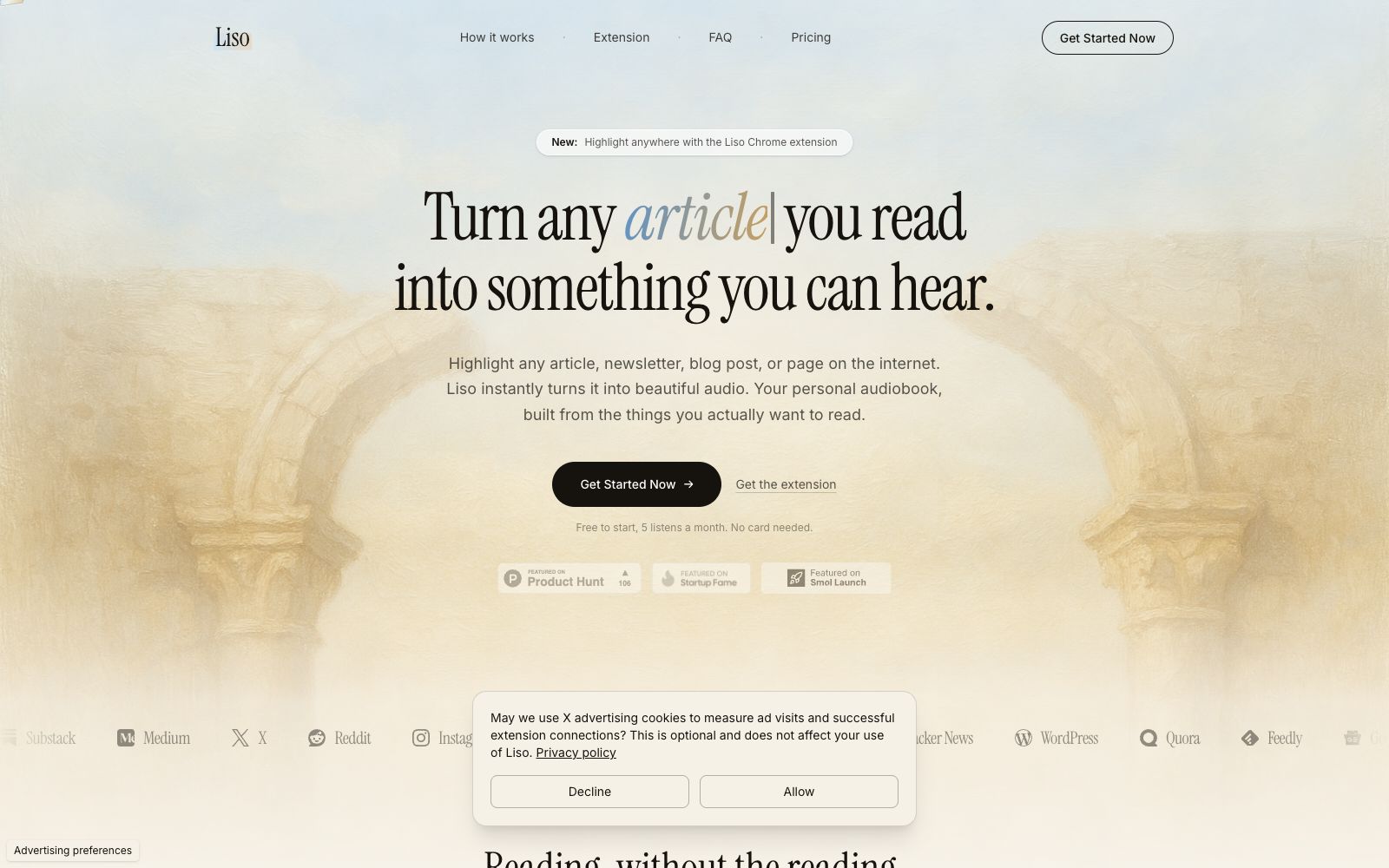
Liso turns any text you read online into audio: The official version allows you to select articles, newsletters or posts on any web page, right-click to transfer them to the text-to-speech library, and listen with a natural voice like a podcast. It supports 0.75 to 2x speed, cross-device resume playback and offline downloads, and you can start using it for free.
Updated: 2026-10-27
What is Liso?
Liso is a tool that "turns reading into listening", officially positioned as your personal audiobook: highlight any article, newsletter, blog post or piece of writing on any webpage and send it to Liso, and it will immediately convert it into natural speech, allowing you to digest your reading list like listening to a podcast. It offers a Chrome extension and also supports pasting text directly into the app.
Who is it for?
- Office workers who want to listen to all their subscribed content during their commute, while driving, or while working out.
- Information hoarders whose bookmarks are filled with X posts and newsletters but who never have time to read them.
- Students and researchers who want to convert long texts and paper paragraphs into audio for repeated absorption.
- Users who prefer auditory input and tend to feel fatigued when reading long texts.
Key features
5Highlight and listen anywhere
The official description states that select text on any website, right-click and choose "Listen with Liso," and the content is immediately added to the audio library without the need for copy-pasting.
Wide range of content sources
The official version supports text from major platforms such as Substack, Medium, X, Reddit, Instagram, Wikipedia, Notion, Hacker News, and Gmail.
Natural Voice and Variable Speed
Offers a variety of AI voices with different styles; playback speed can be adjusted between 0.75x and 2x, and playback positions are automatically saved for cross-device resume playback.
Offline Listening
The official version states that any audio clip can be downloaded for offline playback, allowing you to listen without network restrictions during commutes or flights.
Library Management
In the official demo, you can archive content by folders, filter by source, and organize saved articles into listenable playlists.
Things to know
Usage Tips
- The free version offers 5 listens per month with no credit card required; test the voice quality with the articles you most want to read from your subscriptions first.
- After installing the Chrome extension, generate a pairing code in Liso's settings to complete the binding, and then you can send it with one click.
- Develop the habit of "highlight to save", organize content by theme with folders, and avoid hoarding useless information again.
- Download long articles for offline listening before your commute to avoid interruptions from signal loss.
- Power users can upgrade to Pro to unlock unlimited listening, all voices and offline download. Founder Evgeny Timofeev wrote in a self-introduction on the official website: Previously, X posts, Instagram content and Newsletters were all piled up in the "Read Later" folder. Now he converts all of them into audio, listens on the go, filters by folders and manages them in one place—that’s exactly the problem this tool aims to solve. The entire process only takes three steps: select a passage on any website, right-click and choose "Listen with Liso", the content is immediately added to the audio library, and then you can click play to listen just like a podcast. The tool page emphasizes that it works for "any readable text": articles, Newsletters, Substack, blogs, posts, documents, or passages you paste manually. For heavy readers, it turns "Read Later" into "Listen Later", allowing them to absorb subscription content during commutes and housework.
Traffic & popularity
Data month Sep 2026
Liso receives about 647 visits per month and ranks #28,779,612 worldwide.
Monthly visits
6 monthsTraffic sources
- Direct35.1%
- Search34.6%
- Referrals11.4%
- Social6.4%
- Display ads4.6%
- Other8.0%
Estimated from third-party traffic data.
Similar tools
 SpeechifyA TTS assistant that specializes in reading out any text for you. According to its official website, it covers web pages, Chrome extensions, and iOS/Android/Mac/Windows platforms, and offers features such as voice input, dubbing, and voice cloning.
 VocalizeAI cover and text-to-speech website where you can select timbres from the community voice library to generate song covers or dubbing. The official website states that it has produced millions of AI covers and offers tens of thousands of voices.
 TTSMakerFree online text-to-speech tool (Mark Dubbing), officially claims to support more than 50 languages and over 300 voice styles. It allows online trial listening and MP3/WAV downloading, provides free character quota every week, and states that the generated content can be used commercially.
 CrikkA reading tool that converts text, PDFs and images into speech, synchronously highlighting words and sentences while reading aloud, adjustable up to 4x speed, suitable for absorbing materials by listening during commuting, exercising or doing housework.
 NaturalReaderA veteran text-to-speech tool, its official website claims over 10 million users worldwide. It uses AI voices to convert any text into natural audio, offering personal, commercial and educational versions. It is suitable for reading assistance, accessibility support and dubbing production.
 Fish AudioAI voice platform that provides studio-grade text-to-speech and voice cloning. According to its official website, it has over 2 million voices and covers 8 languages, focusing on real-time voice models with emotional control.