


Voicemod
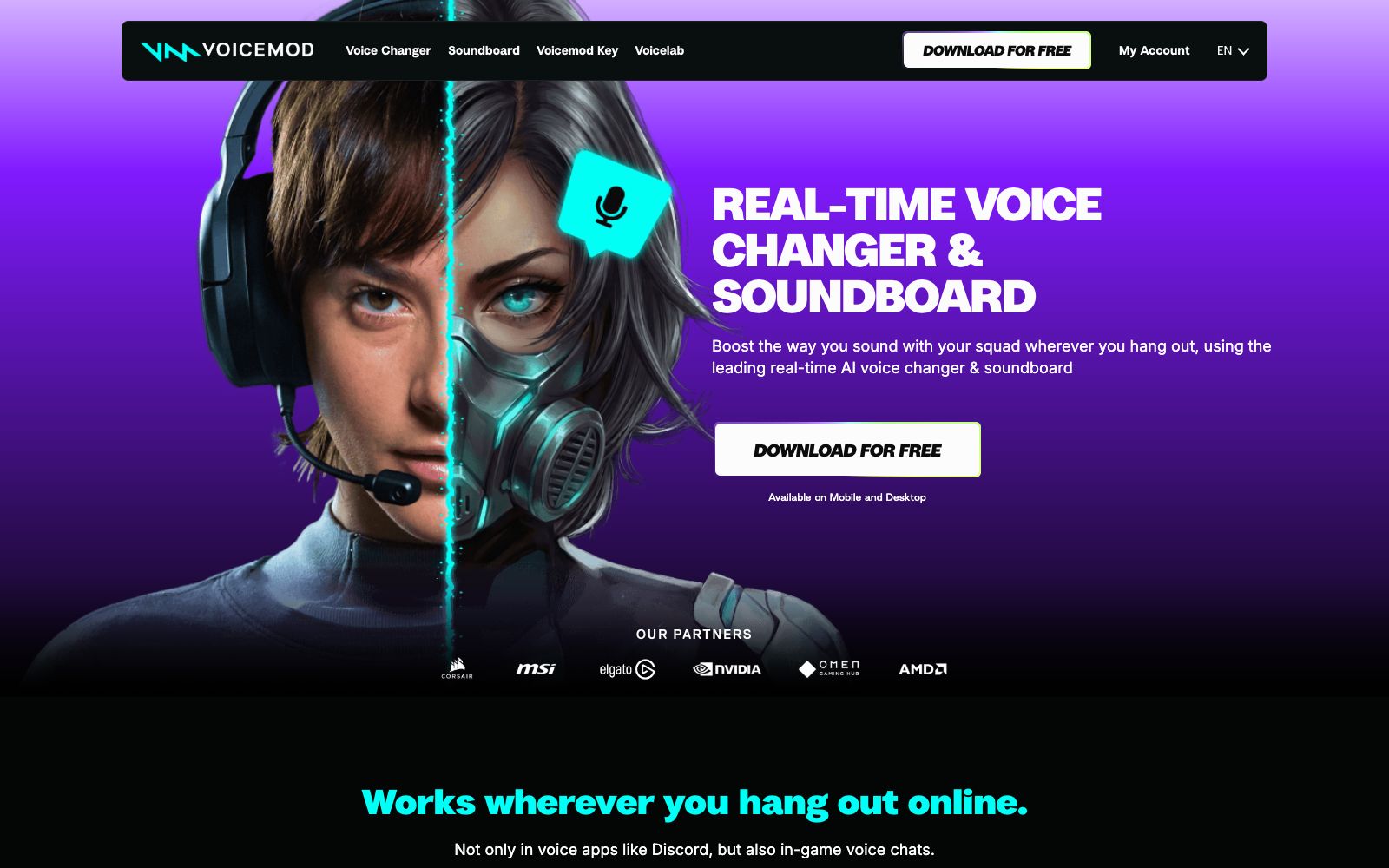
A real-time voice changer and soundboard for Windows and Mac, built-in with more than 200 AI voices and community-uploaded sounds, allowing instant switching during voice chats, game voice chats and live streams. The official website claims low latency as well as noise reduction and voice enhancement features.
Updated: 2026-10-26
What is Voicemod?
The title on Voicemod's official website directly states "Free Real Time Voice Changer for PC & Mac", positioning itself as "the leading real-time AI voice changer and soundboard". Its working method is clearly explained in the "How does Voicemod work?" section on the official website: after installation, a virtual microphone will be installed. When you select Voicemod Virtual Microphone as the input device in Discord or game voice chat, your voice will be replaced in real time. In addition, it also serves as a soundboard: you can one-click throw various meme sound effects into voice channels, and it can also be used for remote control in conjunction with the mobile Soundboard App. The official website mentions that its sound library is continuously expanded by the community, with more than 1,500 new sounds added every week.
Who is it for?
- Players who want to change their voices in voice channels, hold positions or disrupt opponents while playing games.
- Content creators who stream live broadcasts and need to quickly switch between multiple character personas and sound effect responses.
- Content creators making meme videos and funny dubbing who build their own sound library with Voicelab and the soundboard
Key features
6200+ Official Voices
The official website states that there are over 200 expert-created voices, ranging from stylized sounds like AI anime waifus to Battlefield-style radios.
Voicelab Customization
The official website states that you can mix effects in Voicelab, ranging from Reverb and Delay to Robotifier, and also modify pre-made voice tones.
Soundboard & Soundboard
Supports recording meme sound effects from any source, and Instant Replay allows you to rewind up to 30 seconds to replay highlight moments.
Microphone Enhancement
Built-in noise suppression and voice enhancement, and the official website states that it can make the microphone work better regardless of the device.
Low Latency & Low Resource Usage
The official website emphasizes ultra-low latency and minimal resource use, supporting PC, mobile and game consoles.
Compliant Training
The official website states that the AI voices are trained by professional voice actors and are labeled as Fairly Trained certified models.
How to use Voicemod
- For first-time use, follow the three steps on the official website: install the software → switch the input device to Voicemod Virtual Microphone in the target app or game → select a voice and start using it.
- Missing the second step is the most common reason for it not working.
- Voice changing is for entertainment purposes only and not a substitute for dubbing: The official positioning is a voice changer plus a soundboard.
- For formal oral broadcasting, please use TTS or podcast audio tools.
- Test the latency before going live.
- The official website emphasizes ultra-low latency, but performance varies across different devices and voice software.
- Be sure to run a full end-to-end test before an important live stream.
- Recording others' voices, impersonating others, or using the software to pretend to be someone else may violate platform rules and even local laws.
- The official website also lists an Acceptable Use Policy.
- the free version has limited voice presets.
Traffic & popularity
Data month Sep 2026
Voicemod receives about 7.5M visits per month and ranks #6,567 worldwide.
Monthly visits
12 monthsTraffic sources
- Search56.0%
- Direct29.5%
- Social7.1%
- Referrals5.9%
- AI assistants0.8%
- Other0.7%
Top countries
- United States26.2%
- Russia6.1%
- Philippines5.3%
- Indonesia5.0%
- Germany3.7%
Estimated from third-party traffic data.
Similar tools
 Dubbing AIReal-time AI voice changer for gaming and live streaming, with over 500 voice tones and 100,000+ sound effect boards, latency below 300ms, compatible with Discord and OBS.
 Doubao VoiceVolcano Engine's large-scale speech model product line covers capabilities such as speech synthesis, voice cloning, speech recognition, real-time speech and audio generation. The official statement mentions that it provides over 400 timbres and more than 30 languages, and supports API and SDK access for enterprises.
 ApplioApplio is an open-source and free AI voice conversion suite that can convert audio into any timbre, perform real-time voice changing, support training timbre models with your own data, and run locally without an account. It is suitable for creators who do covers, live broadcast voice changing and dubbing.
 Voice ChangerVoice Changer is a free online voice changer. You can upload audio, record with a microphone or type text to generate speech, and then apply dozens of effects such as monster, robot, phone, and cave echo. It is suitable for spoofed dubbing, short videos and sound effect experiments.
 Dabing AI Voice ChangerDabing AI Voice Changer is a real-time AI voice changing software featuring low latency below 300ms and over 500 voice timbres. It supports gaming, live streaming and voice chat, and also provides hardware solutions such as voice changing headphones and mobile phone boxes.
 FineShare FineVoiceOnline AI voice workstation, supporting text-to-speech, voice cloning in about 30 seconds, voice changing and sound effect generation, covering 154 languages, allowing export of watermark-free dubbing, suitable for short video voiceovers, online course recording and multilingual localization.