


FreeTTS
A free audio toolset in the browser, which provides speech-to-text, voice separation, voice enhancement and online audio editing in addition to text-to-speech, suitable for users who don't want to install software and only process audio occasionally.
Updated: 2026-10-26
What is FreeTTS?
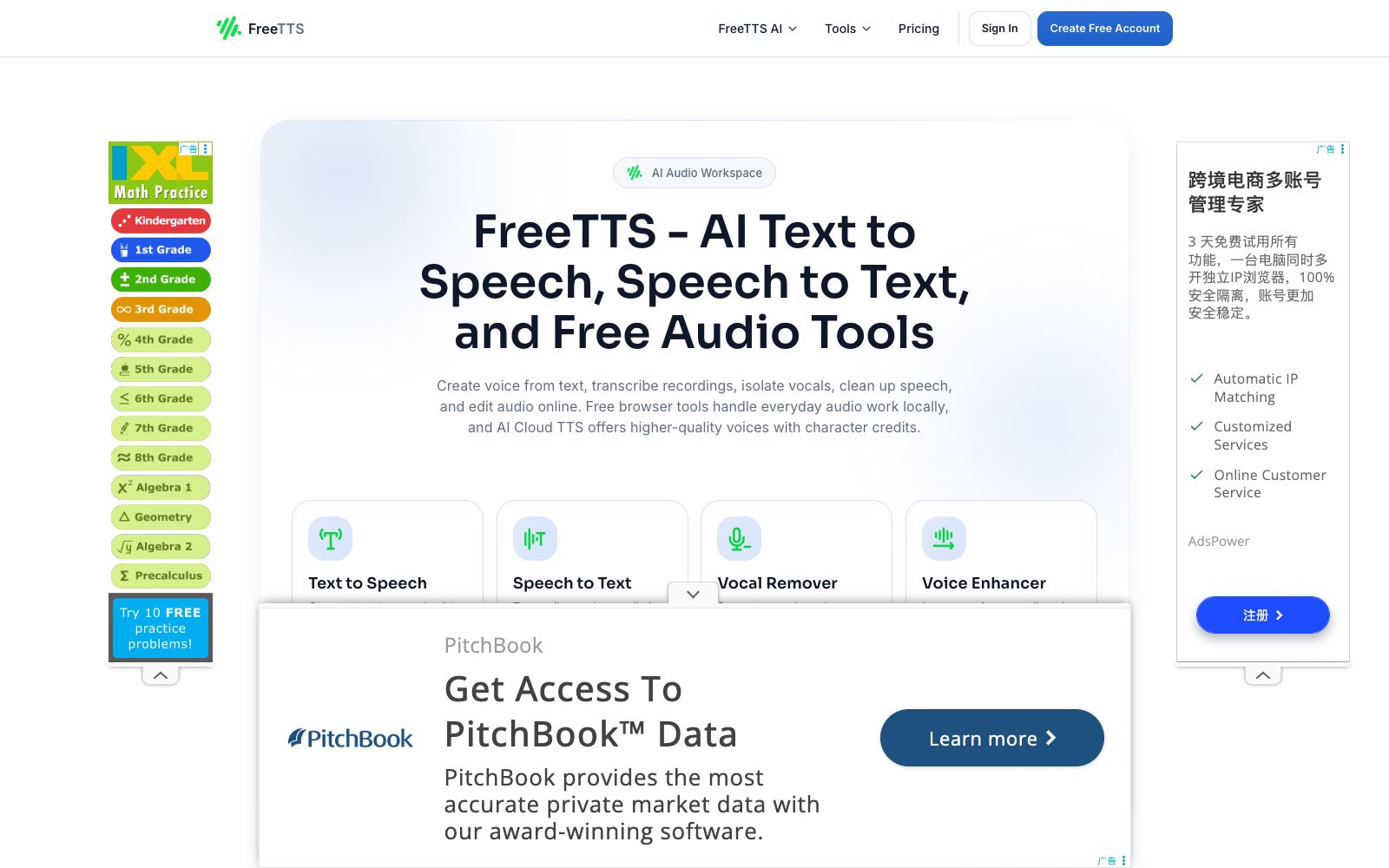
FreeTTS is an all-in-one free audio toolset for browsers. Its official website is titled "Text to Speech and Free Audio Tools", integrating text-to-speech, speech-to-text, vocal separation, speech enhancement and online audio editing into a single AI Audio Workspace. Its approach is to separate two types of capabilities: daily editing tools are processed and used for free in the browser, while when higher-quality timbre is required, users can redeem character credits via AI Cloud TTS, which the official website calls "Free Browser Tools, Clear AI TTS Credits". For those who do not want to install software and only process audio occasionally, they can complete the entire process from dubbing to editing by opening a web page without having to transfer files back and forth between multiple tools.
Who is it for?
- Users who occasionally edit audio and don't want to install professional software
- People who need to convert meeting recordings and course recordings into text transcripts
- Music lovers who do cover songs, audio mixing, practice accompaniment, or need to separate vocals from accompaniment
- Podcasters and audio content creators who need to denoise and restore clarity to their recordings
- Operations and teaching administrators who need to batch convert audio formats and compress file sizes
- Light users who want to try AI dubbing with free credits first and then decide whether to pay
Key features
6Text to Speech
The official website offers three types of sound sources: device local, AI local, and AI cloud. The cloud version has higher sound quality and uses a monthly free character quota, with additional quotas available for purchase.
Speech-to-Text
Converts recordings into editable text using AI speech recognition. The scenarios highlighted on the official website include meetings, voice memos, courses, and content drafts. The resulting text can be directly copied and modified.
Vocal Separation and Speech Enhancement
Vocal removal can split a song into vocals and accompaniment, suitable for karaoke, mixing and practice tracks; speech enhancement reduces noise, restores clarity, and makes speech more understandable.
Online Audio Editing
Audio cutting supports waveform editing, precise slicing and export in WAV format; audio merging allows sorting and clipping multiple files as needed; compression tools enable adjustment of bit rate, sampling rate, audio channels and format.
Format Conversion & Batch Processing
The format conversion tool supports mutual conversion between MP3, WAV, OGG, AAC, M4A, FLAC and other formats, and the official website lists batch processing as one of the main features.
Local Processing & Privacy
There is a dedicated Q&A on the official website asking "Will FreeTTS upload my files to the server?", and it lists high security and privacy as its selling points.
How to use FreeTTS
- First, distinguish which tasks run locally and which run on the cloud: Clipping, merging, compression, and format conversion are browser-based tools, which the official website states can be used for free.
- only AI Cloud TTS consumes character credits, reserving high-quality dubbing for scenarios that truly need it.
- The official website's FAQ specifically answers questions such as whether an account is required and how to upload files.
- It is recommended to read through it first before using it for the first time, especially when handling sensitive recordings.
- For transcription tasks, it is advisable to first clean up the audio quality using voice separation or voice enhancement before feeding it into speech recognition, and the final draft is usually more accurate than direct transcription.
- When exporting, note that Audio Cutter and Audio Joiner output WAV files.
- if MP3 is needed, use Audio Converter to convert once more.
- The free character credit quota and functional scope may be adjusted by the official website, so refer to the current page's instructions before batch processing.
Traffic & popularity
Data month Sep 2026
FreeTTS receives about 446.2K visits per month and ranks #87,440 worldwide.
Monthly visits
12 monthsTraffic sources
- Search40.7%
- Direct37.8%
- Social13.2%
- Referrals5.1%
- AI assistants2.6%
- Other0.7%
Top countries
- India13.9%
- United States12.4%
- Brazil8.3%
- Vietnam5.6%
- Germany4.8%
Estimated from third-party traffic data.
In these collections
Similar tools
 VoicemakerAn online text-to-speech tool, its official website claims to offer 2000+ AI voices covering 130 languages, supports exporting to MP3/WAV, suitable for scenarios like YouTube short videos, and also provides voice cloning, voice-to-voice conversion, and speech-to-text functions.
 AudioMuseAudioMuse is an online audio toolbox in the browser. Its official website states that you can start editing it directly without downloading or registration. It provides a timeline with up to six tracks, supporting cutting and splicing, pitch and speed adjustment, volume control and fade in/out effects. It also uses AI for mastering, noise reduction and enhancement, as well as vocal and accompaniment separation, covering scenarios such as music production, podcasts and video dubbing.
 VoiceDubAn AI cover studio in the browser that can replace vocals with tens of thousands of community voices to create covers. It also provides tools such as voice cloning, duets, vocal separation, and text-to-speech, and supports exporting WAV files and multi-tracks.
 TTSMakerFree online text-to-speech tool (Mark Dubbing), officially claims to support more than 50 languages and over 300 voice styles. It allows online trial listening and MP3/WAV downloading, provides free character quota every week, and states that the generated content can be used commercially.
 SupertoneSupertone has been rebranded to Antinode Audio. It offers three audio tools: Clear for vocal separation, Air for dialogue matching, and Shift for real-time voice changing. All existing authorizations remain valid.
 UberduckAn AI vocal platform for musicians and creators that offers AI singing vocals, text-to-speech, voice conversion and voice cloning. According to its official website, it can generate lifelike vocals for agencies, musicians, marketers and creators.