


Crikk
A reading tool that converts text, PDFs and images into speech, synchronously highlighting words and sentences while reading aloud, adjustable up to 4x speed, suitable for absorbing materials by listening during commuting, exercising or doing housework.
Updated: 2026-10-26
What is Crikk?
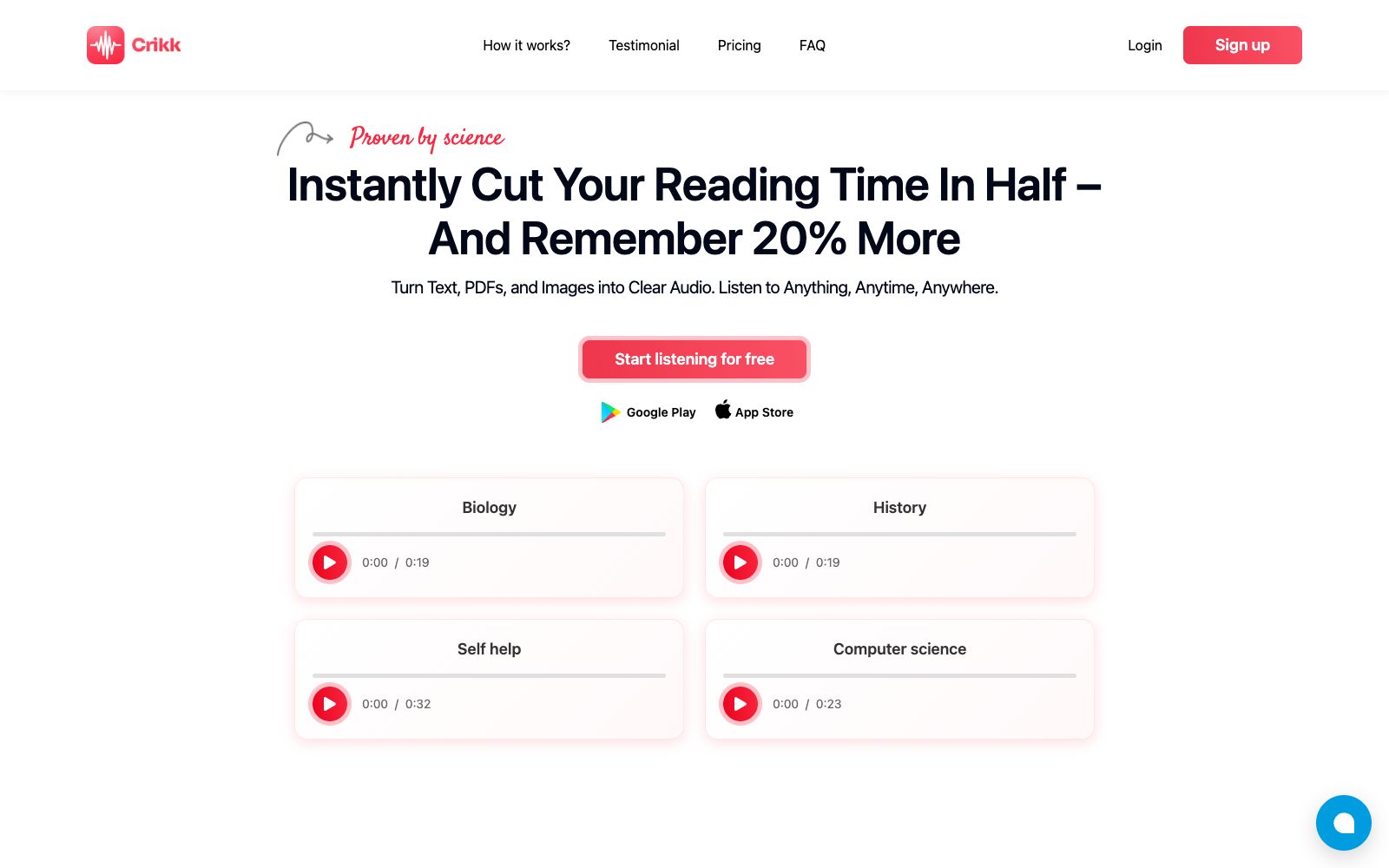
Crikk is a tool that reads materials to you. The official website's slogan is "Turn Text, PDFs, and Images into Clear Audio. Listen to Anything, Anytime, Anywhere." Its main feature is "Listen and Read Simultaneously": while reading aloud, it synchronously highlights the sentences and words being read, with the playback speed adjustable up to 4 times, allowing you to continue digesting text while commuting, exercising, or doing housework. The official homepage is marked with "Start listening for free", the pricing page shows a monthly fee of $5, and the main slogan is "Instantly Cut Your Reading Time In Half".
Who is it for?
- Students and researchers who need to digest a large number of papers, textbooks and reports.
- Professionals who want to finish reading all the materials during their commute or exercise.
- Learners with reading difficulties who need auditory support.
- People who want to listen first before deciding whether to read in depth.
Key features
7Convert Text, PDFs, and Images to Speech
The official website states that it can convert images, text, and PDFs into natural human voices, making information acquisition faster.
Synchronized Highlighting
The text reader highlights sentences and words as it reads aloud, allowing you to listen and read at the same time.
Adjustable playback speed
The playback speed can be adjusted up to 4 times the normal speed, which the official says facilitates accelerated learning or multitasking.
Multilingual and Multiple Accents
The official website states that it covers major languages from A to Z and offers a variety of accents for English, French, Spanish, Arabic, and more.
Diverse Reading Styles
The official website states that it can generate human-like voices with different speaking styles, suitable for various projects.
Multi-platform access
The official website provides a web-based listening portal, and lists apps available on Google Play and the App Store, making it easy to resume playback anytime.
Example Subject Categories
The homepage of the official website provides sample audios such as biology, history, self-help, and computer science, covering common types of learning materials.
How to use Crikk
- 1First, use the free trial to test the speaking speed and tone, confirm that you can endure long-time listening, and then decide whether to subscribe.
- 2Scanned PDFs and images depend on recognition quality; inaccurate recognition will lead to direct misreading, so it is recommended to check the original text for important content first.
- 34x speed is suitable for review and selection, and it is recommended to use the normal speed when encountering new materials for the first time.
- 4For full-text reading of others' works, pay attention to copyright and usage scope, and confirm authorization before public release.
- 5The official website states that it cites multiple studies on the effects of "listening while reading", and the specific conclusions are subject to the original texts cited on the official website.
Traffic & popularity
Data month Sep 2026
Crikk receives about 78.4K visits per month and ranks #504,359 worldwide.
Monthly visits
12 monthsTraffic sources
- Search57.1%
- Direct27.9%
- Referrals7.6%
- Social3.2%
- AI assistants3.1%
- Other1.0%
Top countries
- India19.4%
- United States9.1%
- Philippines5.5%
- United Kingdom4.7%
- Thailand3.9%
Estimated from third-party traffic data.
Similar tools
 SpeechifyA TTS assistant that specializes in reading out any text for you. According to its official website, it covers web pages, Chrome extensions, and iOS/Android/Mac/Windows platforms, and offers features such as voice input, dubbing, and voice cloning.
 CastReaderCastReader reads aloud web pages, PDFs, Kindle books and AI answers, with the current paragraph highlighted synchronously during reading. For difficult passages, you can use Read & Explain to get explanations and mark the original text. It supports 32 languages for voice synthesis and is available on mobile phones, tablets and browser extensions.
 LisoLiso turns any text you read online into audio: The official version allows you to select articles, newsletters or posts on any web page, right-click to transfer them to the text-to-speech library, and listen with a natural voice like a podcast. It supports 0.75 to 2x speed, cross-device resume playback and offline downloads, and you can start using it for free.
 SpeechmaOnline text-to-speech platform, the official website claims to offer 580+ high-quality AI voices, support 60+ languages, process long texts in a single session, provide commercial authorization, and open APIs for developers to call.
 NaturalReaderA veteran text-to-speech tool, its official website claims over 10 million users worldwide. It uses AI voices to convert any text into natural audio, offering personal, commercial and educational versions. It is suitable for reading assistance, accessibility support and dubbing production.
 FreeTTSA free audio toolset in the browser, which provides speech-to-text, voice separation, voice enhancement and online audio editing in addition to text-to-speech, suitable for users who don't want to install software and only process audio occasionally.