


3D AI Studio
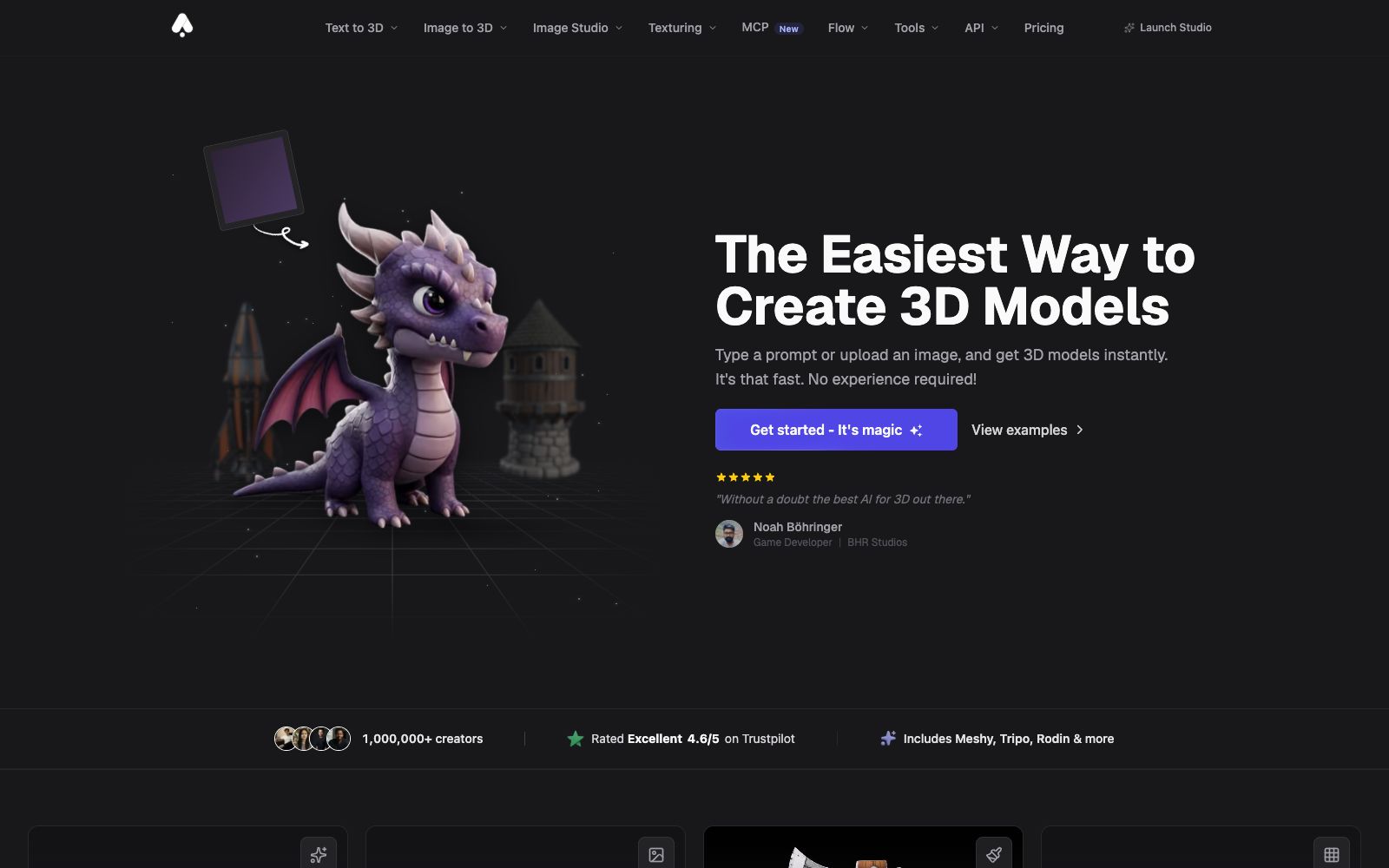
An online workbench that converts text or images into 3D models, aggregating multiple engines such as Meshy and Tripo. It supports AI texture mapping and automatic retopology, making it suitable for game and product design.
Updated: 2026-10-27
What is 3D AI Studio?
3D AI Studio is an online workspace that directly converts text or images into 3D assets. What makes it special is that it is not bound to a single model: the platform integrates the self-developed Prism engine as well as third-party engines such as Meshy, Tripo, Rodin, and Hunyuan, and you can switch to a different one for each generation. For those without modeling experience, you can get an exportable model within minutes by entering a description or uploading an image.
Who is it for?
- Independent game developers: They need a large number of props and scene assets, and official customer cases state that the output speed is increased several times.
- Product and industrial designers: Quickly create conceptual models from reference images, then return to professional software to add details.
- 3D printing enthusiasts: The official claims that the models are compatible with 3D printing and can be exported in common formats such as STL.
- E-commerce and advertising teams: Create 3D display materials for products and fill in the angles that cannot be captured by shooting.
- Educators and AR/VR content creators: Low-costly supplement the models in the scene.
Key features
7Text to 3D
The official states that you can generate a textured 3D model within seconds by entering a prompt.
Image to 3D
Convert 2D images, sketches or illustrations into exportable 3D models.
AI Texturing
The official claims that you can generate PBR materials with text prompts and directly draw details on the model.
Quad-Remesh
Automatic retopology. According to the official, it can clean up topology, reduce polygon count, generate LODs, and fix mesh issues before export.
Multi-Engine Switching
The official claims that one account can use more than 20 engines including the self-developed Prism, as well as Meshy, Tripo, Rodin, Hunyuan, etc., and switch between them on a per-generation basis.
Flow Node Canvas
Chain images, text, 3D assets, videos, and batch processing into reusable workflows on an infinite canvas.
Image Studio and API
Comes with a toolset for text-to-image, image editing, and video generation, and provides API and MCP access.
How to use 3D AI Studio
- 1Try the engines with free credits first: The official version states that registering grants free credits with no credit card required, and you can use the same prompt to compare outputs from different engines.
- 2Choose an engine according to your use case: Different models excel at realistic human faces, hard-surface props, and low-poly models, and the official platform supports switching between them one by one.
- 3Run Quad-Remesh before exporting: The official states that it can reduce the number of polygons and generate LODs, eliminating the need for rework in the engine.
- 4Keep an eye on credit consumption: The official pricing is 1,000 credits per month for Basic, 3,500 for Studio, and 18,000 for Pro. Estimate the consumption per use before batch generation.
- 5Confirm authorization before commercial use: The official states that paid tiers provide private and commercially usable assets, and team collaboration requires the Pro tier.
Traffic & popularity
Data month Sep 2026
3D AI Studio receives about 303.7K visits per month and ranks #153,666 worldwide.
Monthly visits
12 monthsTraffic sources
- Search56.2%
- Direct30.5%
- Referrals5.6%
- Social3.8%
- AI assistants2.3%
- Other1.6%
Top countries
- United States23.0%
- Germany4.9%
- India4.1%
- Indonesia3.6%
- Qatar3.5%
Estimated from third-party traffic data.
Similar tools
 Alpha3DA 3D generation tool that turns prompts or photos into usable models. It completes retopology, UV unwrapping, texture mapping and automatic rigging in the same workspace, and can be directly exported to mainstream engine formats. It is suitable for independent developers, 3D printing and e-commerce modeling.
 RodinAI 3D model generator that supports generating UV-enabled models from text or images, provides three spatial controls and local editing (bounding box, voxel, and point cloud), and can be exported to mainstream modeling software for further processing.
 ImgTo3D.aiA 2D-to-3D tool in the browser that can generate textured 3D models by uploading a JPG or PNG image. The official says the free tier can produce results in less than 50 seconds, and it supports exporting OBJ, GLB and STL files.
 TRELLIS 3D AITRELLIS 3D AI is an online tool that converts images into 3D assets. It can generate textured models and export them in multiple formats, supports browser preview, and is suitable for 3D material creation in games and e-commerce.
 DezgoDezgo is a multi-model aggregated image and video generation platform. With one interface, you can call models such as Flux, Qwen Image, and Nano Banana. It also provides free tools such as background removal, image upscaling, and redrawing, making it suitable for horizontally comparing image generation effects.
 ImageFusion AIOnline AI image fusion tool: Upload up to 5 images and select a preset style or reference image to synthesize one image. The official states that it supports PNG/JPEG output and multiple aspect ratios. The finished products can be used for social media avatars, e-commerce and marketing materials.