


EzRemover
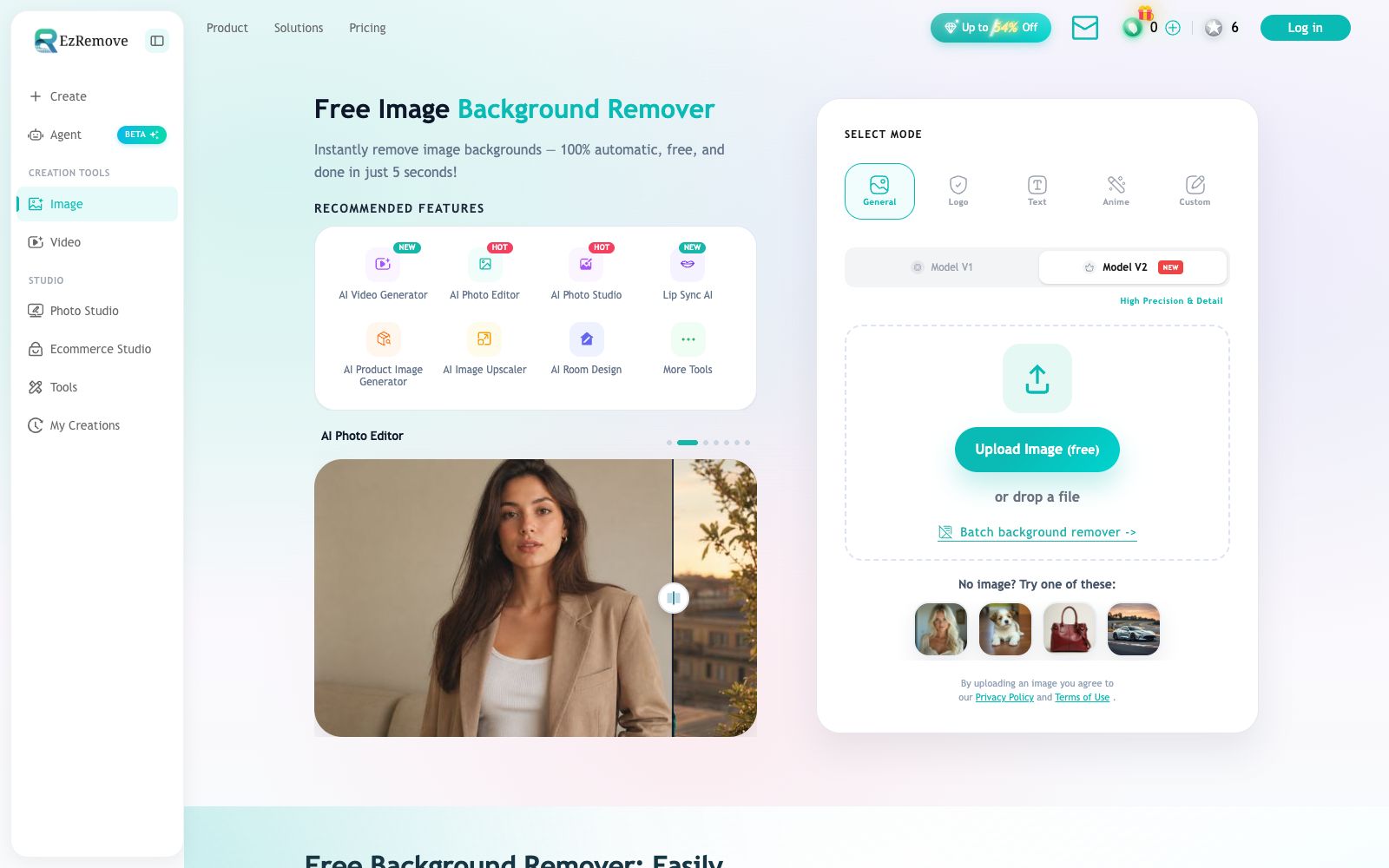
Free online AI background removal tool: upload an image, and it will automatically remove the background and output a transparent PNG. You can change the background to white or a solid color, generate new scenes with AI, and it also offers batch processing and special modes for logos, text, anime, and more.
Updated: 2026-10-27
What is EzRemover?
EzRemover is a pure online free background remover: upload an image, the AI automatically identifies the main subject, removes the background, and outputs a transparent PNG. It also incorporates "what to do after removing the background" into the process—changing the background to white or a specified color, generating new scenes with AI, and batch processing a whole set of images. The official website states that it has processed a total of 50 million images, and background removal is completed within seconds. It does not offer complex photo editing, as its positioning is to remove the background in one step.
Who is it for?
- E-commerce operations: Need to unify white-background images or cluttered background images provided by suppliers into clean transparent images or scene images.
- Designers and photographers: They need to quickly output cutout materials and don't want to trace the edges one by one with the Pen Tool.
- Social media and self-media creators: Making avatars, covers, and stickers that require frequent background changes.
- Brands: Process Logo and text-based images; dedicated modes yield more reliable results than the general mode.
- Cross-border e-commerce: Need to create white-background main images and scene images for different platforms with varying specifications; Real estate, home furnishing, and used car sellers: Have a large number of repetitive images and need to unify the background color most urgently.
Key features
5Automatic Background Removal
The official claims that results are available within seconds after upload. Edge processing is optimized for hair and fine details, and the output is a ready-to-use transparent PNG.
Multi-mode Recognition
You can select General, Logo, Text, Anime, and custom models (V1/V2) in the upload area; product images, logos, text, and anime images each use their dedicated models.
Background Replacement & Scene Creation
After removing the background, you can one-click switch to a white background or a solid color background, and also call the built-in AI Background Generator to create new background images.
Batch Processing
The official website provides a Batch background remover entry, which is suitable for uniformly processing a batch of product images instead of uploading them one by one.
Supporting Tools
The platform also offers AI video generation, AI image editing, AI product image processing, image upscaling, room design, and lip-syncing tools, allowing for seamless workflow continuation.
How to use EzRemover
- First, use the General mode to check the edges.
- If you are not satisfied with the edges of translucent materials such as hair, yarn, and glass, switch to the custom model for comparison.
- for hard-to-process materials such as jewelry, transparent packaging, and long-haired pets, zoom in to 100% to check the edges after export, and touch up manually if necessary.
- Before batch processing, run a test on 3 to 5 typical images to confirm that the background complexity of the entire batch is similar, then submit them all at once.
- Transparent PNG files tend to be large in size.
- compress them before using them on a website, otherwise they will slow down the first screen loading.
- Directly sending transparent PNGs to a printer may result in a missing white background, so overlay a white layer before delivering them to the printing factory.
- The image will be uploaded to its server for processing.
- For undisclosed product images or human face-containing materials, check the privacy policy first before deciding whether to use them.
- free quotas, export resolution and commercial licensing may be adjusted, and the official website instructions shall prevail before official use on product pages.
- When you need to apply a unified background to a batch of images, set the background color and dimensions first before running the batch process to minimize post-processing rework.
Traffic & popularity
Data month Sep 2026
EzRemover receives about 4.1M visits per month and ranks #15,744 worldwide.
Monthly visits
12 monthsTraffic sources
- Direct46.4%
- Search42.6%
- Referrals5.3%
- Social4.6%
- AI assistants1.0%
Top countries
- Russia15.3%
- United States12.6%
- India7.1%
- United Kingdom4.4%
- China4.0%
Estimated from third-party traffic data.
Similar tools
 SlazzerOnline one-click background removal tool: remove image backgrounds in seconds. It also offers AI functions like upscaling, enhancement, shadow restoration, sky replacement and old photo coloring. Available on web, desktop and via API.
 AI Image UpscalingA registration-free online image enlargement tool that offers four models, 2x and 4x magnification, up to 16K output, supports transparent images and batch processing, and is suitable for restoring old photos, enlarging product images and illustration line art.
 ZawaAn AI brand design tool for small teams (formerly X-Design) that can generate logos, posters, packaging mockups and social media materials. The official claims it supports batch processing and maintains brand visual consistency.
 Pixlio AIPixlio AI is an image creation and retouching workspace in the browser. It aggregates models such as GPT Image and Seedream, enabling text-to-image generation, background replacement, deletion and modification of text in images, and application of style presets. It is suitable for e-commerce product images and social media materials.
 ImageFusion AIOnline AI image fusion tool: Upload up to 5 images and select a preset style or reference image to synthesize one image. The official states that it supports PNG/JPEG output and multiple aspect ratios. The finished products can be used for social media avatars, e-commerce and marketing materials.
 AI Image to Image GeneratorA registration-free online image-to-image tool. Upload a photo and describe it in one sentence to change the background, adjust the style, create professional avatars, expand the canvas, and restore old photos. It is ideal for e-commerce and social media operators to quickly generate images.