


Flowstep
Flowstep is an AI interface design tool. Officially, it claims to generate multi-screen UIs with prompt words, supports conversational editing or manual modification, and enables exporting code, copying to Figma, and integrating into IDE via MCP.
Updated: 2026-10-26
What is Flowstep?
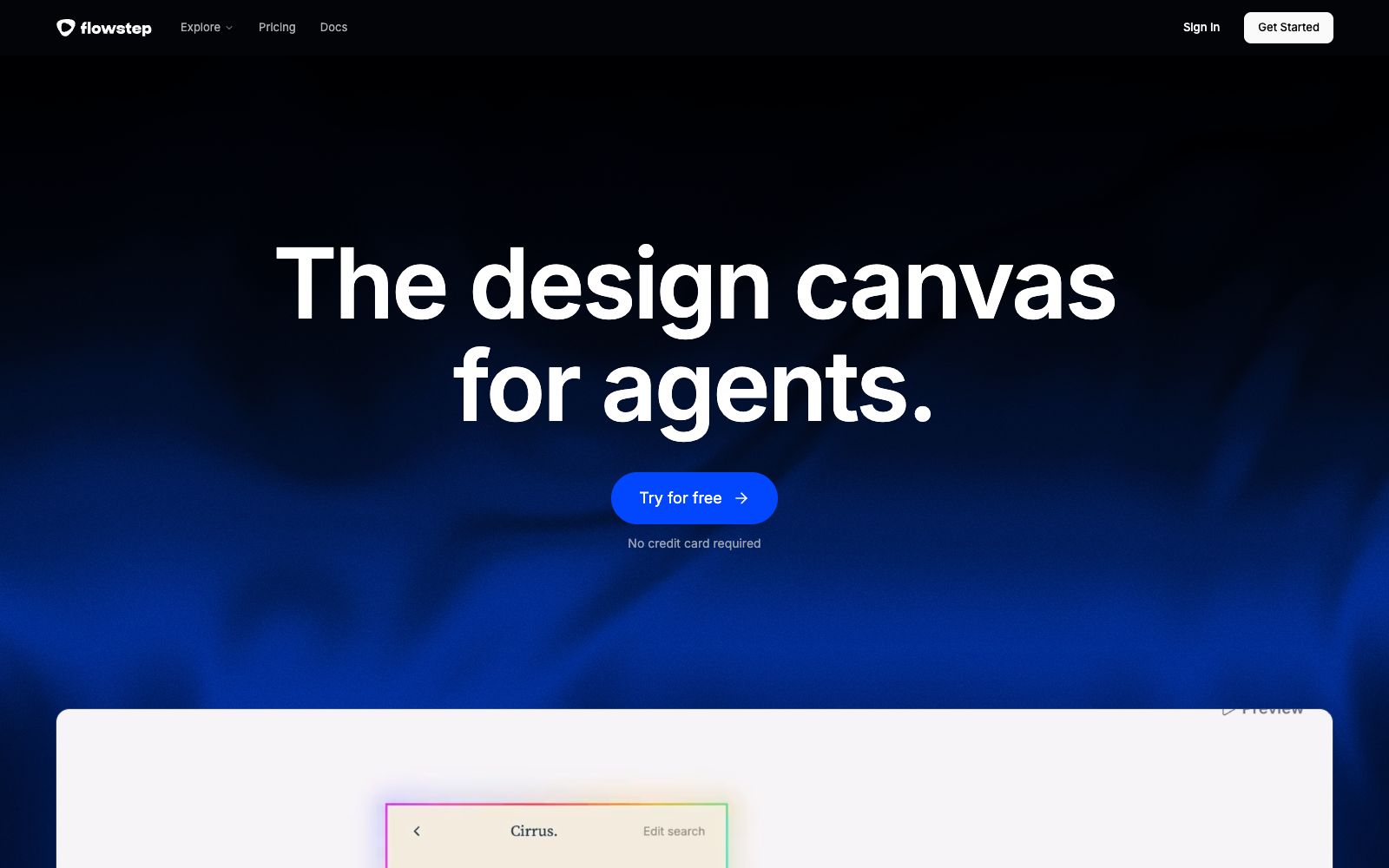
Flowstep is a design tool for agents, officially dubbed the "design canvas for agents". It generates multi-screen UIs via prompts, supports conversational editing or manual modification, and according to the official statement, the generated results correspond 1:1 to code, allowing preview of interactive prototypes or direct code export. It emphasizes collaboration with developers' existing agents and integrates with tools like Cursor, Claude Code, Windsurf, and Codex through MCP. For front-end teams, it minimizes the editable distance from design drafts to code.
Who is it for?
- Developers who use agents like Cursor and Claude Code to build frontends, integrating design directly into their code workflows.
- Teams that need to build multi-screen UIs and want to quickly create interactive prototypes to shorten the review cycle.
- For projects where designers and developers collaborate and want designs to directly map to code, reducing distortion.
- For people creating product prototypes who need to share interactive prototypes in real time, facilitating the experience for stakeholders.
Key features
6Generate multi-screen UI via prompts
The official claims it can design from PRDs, images, or links, understands context to match styles, and reduces back-and-forth communication.
Conversational or Manual Editing
The official claims that you can conversationally modify any element, or directly click and edit on the canvas for flexible switching.
1:1 Code Generation
The official states that designs correspond 1:1 to code, allowing you to preview interactions or export code for direct delivery, minimizing rework.
Design Guidelines
Officially, you can set colors, fonts, and spacing all at once, and all subsequent generations and edits will follow them to ensure consistency.
Figma Bi-directional Copy & Paste
The official states that you can paste Flowstep frames into Figma using shortcut keys, or import Figma frames as editable screens.
MCP Integration with IDE
The official version states that it provides an MCP server to connect with Cursor, Claude Code, Windsurf, and Codex, enabling generation and synchronization within the code editor.
How to use Flowstep
- 1First, write a design guide (colors, fonts, spacing) and then have the AI agent generate the UI, which ensures a more stable style without deviation.
- 2Use links or screenshots as references, which are more aligned with existing products than pure prompts and reduce unnecessary iterations.
- 3After exporting the code, manual review is still required; do not launch complex interactions directly online, but first verify with a small traffic volume.
- 4Pay attention to the scope of authorization when referencing templates and materials; for commercial use, refer to the official instructions, and confirm authorization for paid elements.
- 5Official features and quotas may be adjusted. Check the current terms again before official use to confirm that the rights and benefits cover your needs.
Traffic & popularity
Data month Sep 2026
Flowstep receives about 320.5K visits per month and ranks #125,611 worldwide.
Monthly visits
12 monthsTraffic sources
- Direct43.6%
- Search33.2%
- Referrals11.3%
- Social9.0%
- Mail1.4%
- Other1.5%
Top countries
- Kenya9.3%
- United States7.9%
- India7.7%
- Nigeria4.1%
- Bangladesh3.9%
Estimated from third-party traffic data.
Similar tools
 PixsoA domestic AI collaborative design tool that integrates whiteboarding, prototyping, UI design and delivery in one. Its official website states that it supports AI one-click generation of UI design drafts and React/Vue code, connects the entire design-to-development pipeline, and can import Figma files.
 UizardAn AI UI design tool for product teams that can generate interface prototypes for apps, websites and desktop software using natural language and screenshots. Its official website claims it is as simple as using PowerPoint, making it ideal for quickly validating product ideas.
 MiaoduoAn AI-driven user interface design tool that supports importing typical interfaces for AI to learn design styles, generating interfaces and components based on text or images, and providing MCP to enable coding tools to understand design drafts and generate front-end code, targeting the collaboration scenario of product, design and research teams.
 Jishi DesignA professional online UI design tool for domestic designers, supporting real-time multi-person collaboration, prototyping and interaction, resource management and development annotation, compatible with Figma, Sketch, and XD file formats. It can be used directly in a browser and is permanently free.
 OJOAn AI design Agent workbench for product teams that generates editable UIs and interactive prototypes from a single requirement, an image, or a URL, and directly outputs front-end code that can be committed to a repository. The official claims it can combine more than 200 skills.
 SubframeSubframe is a design tool connected to the codebase, as well as a canvas-enabled coding agent. It allows infinite canvas design, previewing and editing online applications, and agent code modification all in one tool.