


Moda
Moda is an editable AI design tool that generates presentations, social media posts, advertisements and documents on a real canvas. The official website emphasizes that every element can be further modified, and it provides brand templates that can be directly copied.
Updated: 2026-10-26
What is Moda?
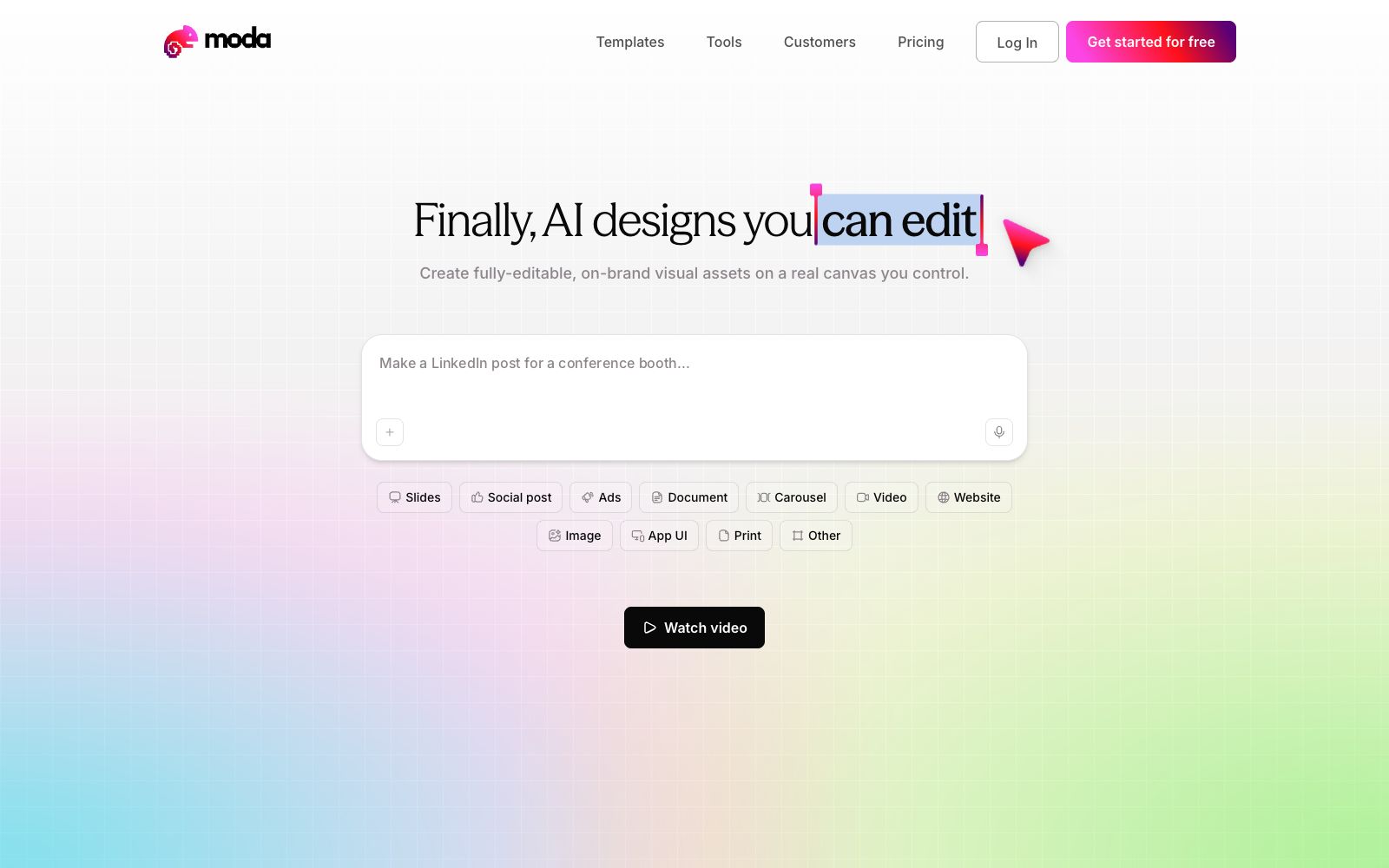
The proposition on Moda's official website is "Finally, AI designs you can edit" — it generates materials such as slides, social media posts, advertisements, documents, infographics and videos on a real canvas under your control, and every element can be edited further. It clearly takes "no longer being an uneditable AI image" as its selling point, and also provides directly copyable templates (such as quarterly sales presentations, conference speaker posts, financing announcements, recruitment posters, employee ID cards) as a starting point.
Who is it for?
- Marketing and sales teams that frequently need to create one-pagers, proposals, and social media graphics but do not have a dedicated designer.
- Operations personnel who want to be able to edit the output themselves later instead of regenerating it.
- Growing companies that want to embed brand guidelines into their documents, presentations and advertisements.
- Teams migrating from other design tools that want more controllable AI generation (this comparison is mentioned in official website user reviews).
Key features
7Editable Canvas
The official website states that the output is fully editable visual assets, where each individual element can be modified, rather than static images.
Multi-format Content
The official website lists types including presentation slides, social media posts, advertisements, documents, carousels, videos, websites, images, app interfaces, and printed materials.
Brand Consistency
The official website emphasizes that the output complies with brand specifications and provides testimonials from multiple teams as evidence.
Start with Templates
The official website offers one-click copyable template files covering sales presentations, conference speaker posts, financing announcements, recruitment posters, and more.
Prompt Generation
The homepage demonstrates drafting content directly with a single sentence (e.g., creating a LinkedIn post for a booth).
Team Scenarios
Official case studies come from teams such as marketing, legal, risk control, and sales, emphasizing that non-design professionals can also independently create content on their own.
Export Formats
The products listed on the official website include presentations, carousels, documents, websites, images and application interfaces, and all finished creations can be further edited on the same canvas.
How to use Moda
- 1Start by modifying a template first, which aligns with the layout and brand faster than creating from scratch.
- 2After generation, check the text hierarchy and alignment layer by layer; the typography produced by AI often needs manual touch-ups in details.
- 3For printing or large-format output, first confirm the export resolution and color mode.
- 4When collaborating in a team, lock brand colors and fonts into templates to avoid each person creating a unique visual style.
- 5The official website package and export rules are subject to adjustment; verify the scope of licensing before official commercial use.
- 6Share the draft with clients via a view-only link to prevent them from modifying the source file directly; enable editing links only when collaboration is required.
Traffic & popularity
Data month Sep 2026
Moda receives about 99.6K visits per month and ranks #441,266 worldwide.
Monthly visits
11 monthsTraffic sources
- Direct44.3%
- Search30.9%
- Referrals13.4%
- AI assistants4.6%
- Social3.8%
- Other3.1%
Top countries
- United States14.6%
- India12.3%
- Russia5.6%
- Uzbekistan3.9%
- Peru3.9%
Estimated from third-party traffic data.
In these collections
Similar tools
 Design.comDesign.com is an AI design platform for startup teams. You can generate logos, websites, business cards and social media materials by entering the brand name. The official version states that it covers dozens of layouts such as posters, presentations and videos, and you can modify fonts and color schemes in the browser.
 ArtfloAn AI workflow platform for designers, combining infinite canvas, new models and AI Skills, allowing inspiration, materials and finished works to flow on the same canvas.
 KittlAn AI-first design platform for creators, integrating mainstream image generation models, professional editing tools, mockups and premium materials. The official website has newly launched Brand Studio, which can produce brand materials with a unified style in just a few minutes.
 LineSVGAn AI tool that converts text or images into editable SVG line drafts, officially claims to output real vector strokes, with adjustable line width, color and dashed lines after generation, and can be exported to Figma and Illustrator.
 FlowstepFlowstep is an AI interface design tool. Officially, it claims to generate multi-screen UIs with prompt words, supports conversational editing or manual modification, and enables exporting code, copying to Figma, and integrating into IDE via MCP.
 MotionsitesMotionSites is a landing page prompt library for AI website building. It turns blocks such as Hero, footer, and CTA into copyable prompts, and also provides dynamic background materials, suitable for quick content creation.