


Figr
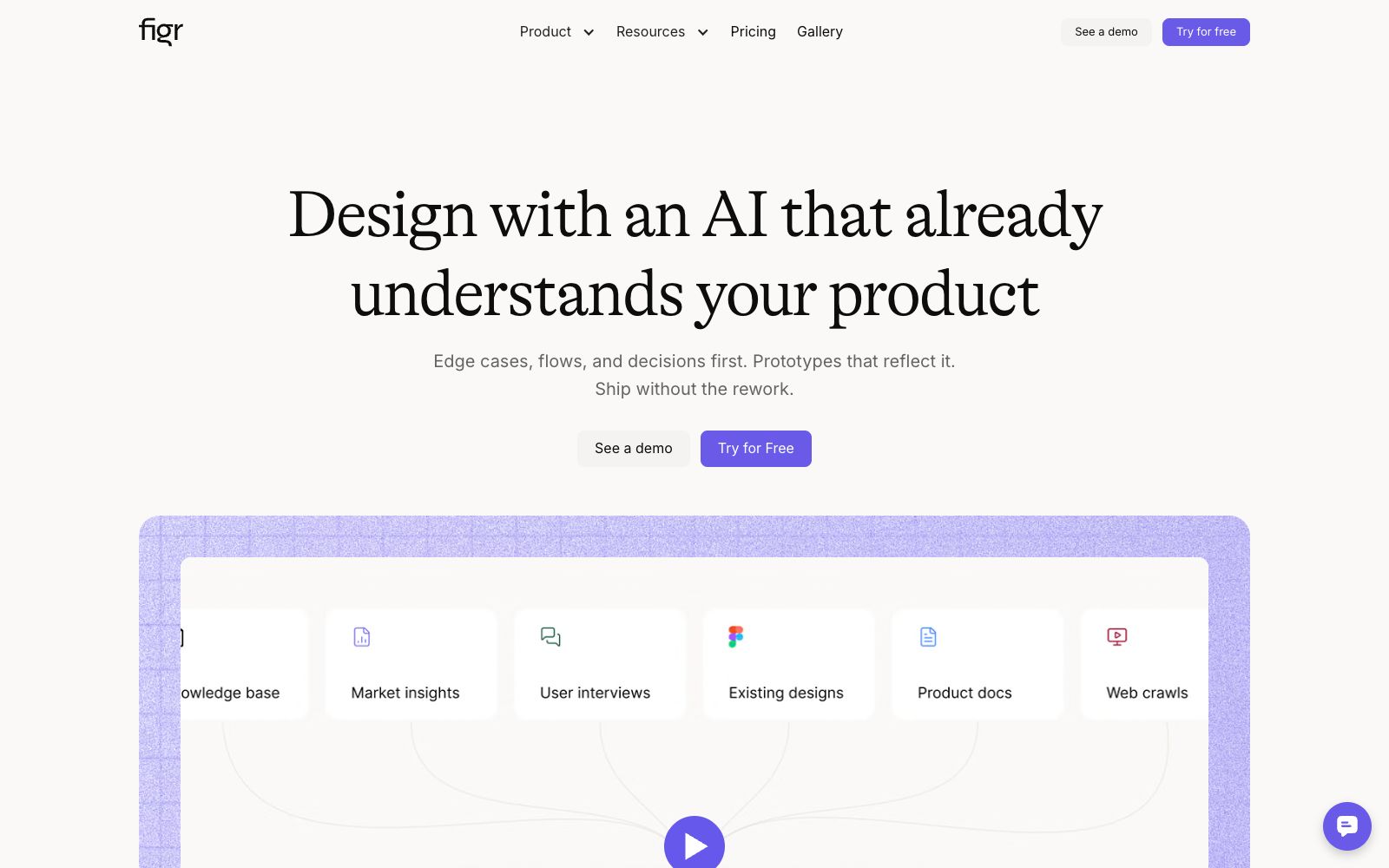
Figr is an AI design agent for product teams. According to its official website, it first establishes product context, understands processes, edge cases, documents and design systems, then generates UX workflows, high-fidelity prototypes and design files that can be exported to Figma, and can also deliver deliverables such as PRDs. It is suitable for teams that advance experience design on existing products.
Updated: 2026-10-27
What is Figr?
Figr's official website describes itself as an AI product design agent for product teams. According to the website, it first builds a continuous understanding of the product, then processes workflows, states, edge cases and design decisions, and finally outputs prototypes and deliverable design deliverables. The website emphasizes that it is suitable for existing product work where "UX needs to be done right, not just faster".
Who is it for?
- PMs and product designers who drive new feature development, process transformation, or failure state design on complex existing products.
- Teams that already have a mature design system and want AI-generated outputs to align with component, token, and brand guidelines.
- Product teams that need to house research, PRDs, UX workflows, edge cases, and prototypes in a single workspace.
- Design leads who want to complete checks for states, exceptions, and accessibility before design reviews.
Key features
6Product Context Map
The official website states that Figr builds visual and document context maps, leveraging UX principles to underpin every solution rather than relying solely on prompts or text folders.
Context Pods
According to the official website, these can hold PRDs, documents, research materials, videos, analysis files, and product walkthroughs to provide product knowledge for design work.
Design System Constraints
The official website states that outputs will follow product patterns, components, tokens, and visual rules, and can build a design system from sources such as Storybook.
Process and State Analysis
The work content provided on the official website includes raising clarifying questions, mapping processes and states, identifying edge cases, checking accessibility, and explaining trade-offs.
High-fidelity Deliverables
The official website states that it can generate high-fidelity prototypes and Figma-ready screens, and supports the export of deliverables such as Figma files, images, and React/TSX code.
Product Data Support
The official description states that design decisions can be integrated with product data, with examples including making suggestions by comparing conversion funnels and industry models.
How to use Figr
- 1First, run a pilot with a clearly scoped process, supplement PRDs, documents, analyses and product walkthroughs, and observe the quality of the clarification questions it raises.
- 2Add the design system, component naming, and existing page structure to the Context Pod, then ask it to generate solutions to reduce post-hoc alignment costs.
- 3Check the generated process item by item for status, error paths, and permission differences; do not treat the first round of prototypes as the final design directly.
- 4Use Figma exports as a starting point for handover and manually verify visual details, component consistency and development constraints.
- 5Document each confirmed UX decision from each round, so that team memory can be reused for the next design work.
Traffic & popularity
Data month Sep 2026
Figr receives about 323.7K visits per month and ranks #110,243 worldwide.
Monthly visits
12 monthsTraffic sources
- Direct74.1%
- Search14.0%
- Social5.3%
- Referrals3.5%
- Mail2.4%
- Other0.6%
Top countries
- India21.3%
- United States11.2%
- Brazil7.3%
- Vietnam3.7%
- United Kingdom3.2%
Estimated from third-party traffic data.
Similar tools
 UX PilotAn AI interface design tool for product teams that can generate wireframes and high-fidelity interfaces from sketches, ideas or requirement documents, supports the reuse of existing design systems, and directs the results to design collaboration and development delivery.
 PixsoA domestic AI collaborative design tool that integrates whiteboarding, prototyping, UI design and delivery in one. Its official website states that it supports AI one-click generation of UI design drafts and React/Vue code, connects the entire design-to-development pipeline, and can import Figma files.
 SlicerSlicer uses AI agents to audit online product pages, covering copy, hierarchy, usability, processes and accessibility. The official website states that findings will be pinned to specific page elements, and public pages can be run without registration.
 MasterGo AIA domestic digital interface production platform that provides AI text-to-image prototyping, professional interface design, and design-to-code capabilities. It supports online collaboration between product, design and R&D teams, enterprise asset management, and enterprise-level permission deployment, and is tailored for integrated collaboration scenarios in product design and R&D.
 FramerAn all-in-one AI design platform that takes you from idea to launch seamlessly. Agents can directly design and build websites on the canvas, with all changes always editable. It also has built-in hosting, security, analytics, CMS, and SEO capabilities.
 Magic PatternsMagic Patterns is a design tool that directly turns requirements into high-fidelity interfaces. It can read your components and design specifications, compare multiple schemes side by side on an infinite canvas, and then hand the selected version to the coding agent, making it suitable for product teams to create functional prototypes.