


Spline
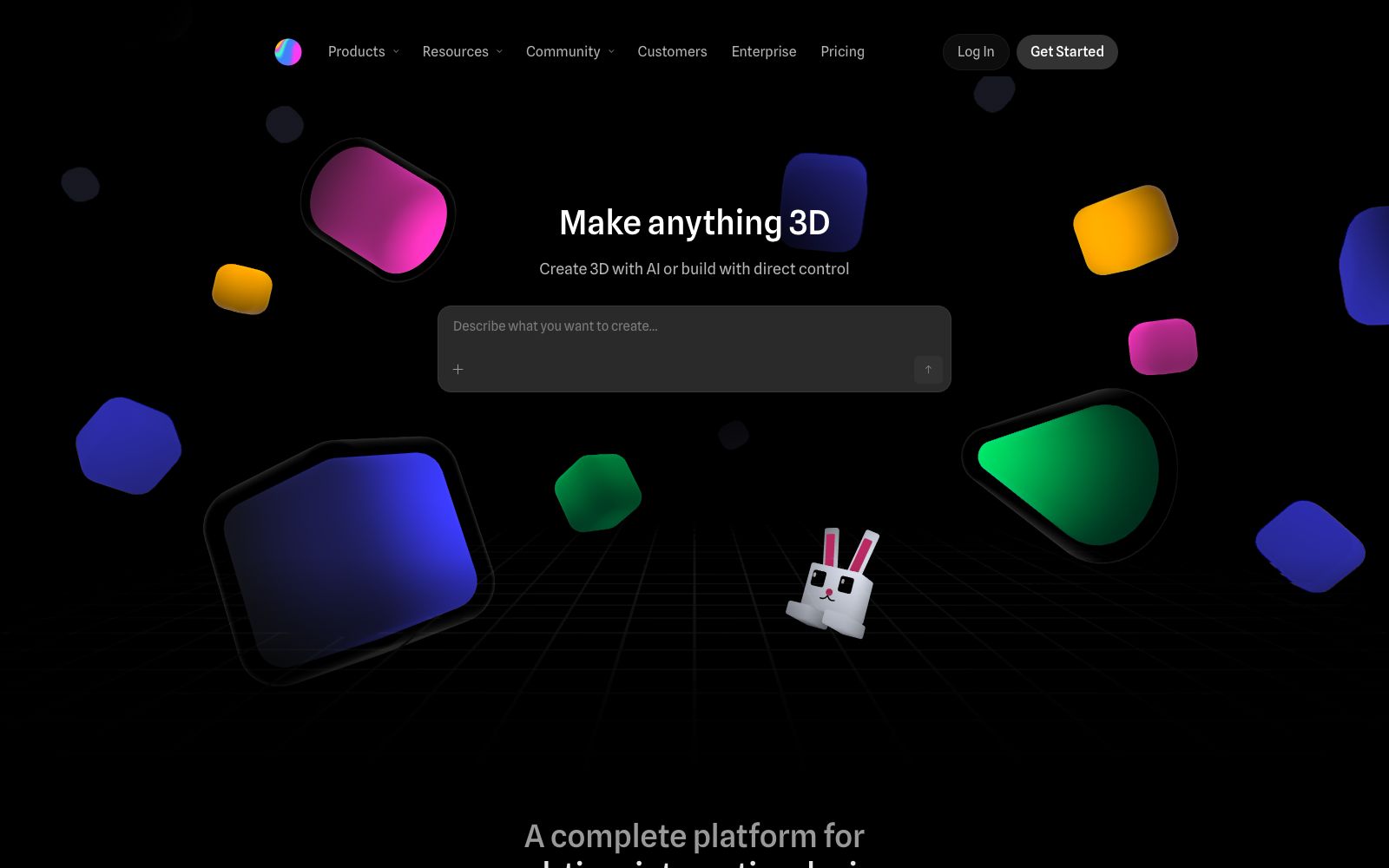
Spline is a browser-based 3D design tool. Officially, it supports real-time collaboration, 3D modeling, animation and material editing, and provides AI design agents and an interactive Hana canvas, which can be exported to multiple platforms.
Updated: 2026-10-26
What is Spline?
Spline is a 3D design tool for browsers, which, according to its official description, supports real-time collaboration and is used to create web interactive experiences. It integrates 3D modeling, animation, texturing and interaction into a single web editor, eliminating the need to install desktop software. The official also states that it provides an AI design agent (3D Design Agent) and an interactive design canvas called Hana, which help transform ideas directly into deliverable 3D experiences. For teams working on web pages and product displays, it brings 3D production capabilities to the browser.
Who is it for?
- Web designers and front-end developers building interactive official websites and product displays who want lightweight 3D experiences.
- Brand and product teams that need to create 3D logos, 3D icons, and 3D mockups for a unified visual identity.
- Creators of gamified experiences and animated characters for rapid prototyping.
- Teams engaged in industrial and manufacturing visualization and brand marketing 3D content creation, building illustrative scenes.
Key features
6Real-time Collaborative 3D Modeling
Officially supports real-time collaboration on 3D modeling, animation, and texturing in the browser, eliminating the need for local engineering work.
Interactivity & Motion
Provides interactivity and motion capabilities, adding interactivity and animations to 3D objects.
Layered Materials
Supports layer-based materials, enabling the creation of unique material effects and fine-tuning of texture details.
Variables & Data
The official claims to support variables and data, enabling design to be data-driven and creating dynamic content.
AI Design Agent
Officially offers Agentic 3D Design, where AI agents assist in delivering real-time interactive experiences that are ready for deployment.
Multi-platform Export
The official claims to support real-time rendering, primitives, and 3D modeling, with export to multiple platforms for easy integration.
How to use Spline
- 1Start with community templates called "remix" to understand interaction and material settings faster than from a blank scene, avoiding detours.
- 2For real-time collaboration, pay attention to accounts and permissions. For team projects, define the version and sharing scope in advance to avoid conflicts.
- 3The browser version has performance limits for complex scenes; for heavy scenes, export them as separate modules and then combine them to ensure smoothness.
- 4Pay attention to the scope of authorization when referencing models and materials; for commercial use, it shall be subject to the official instructions, and paid assets need to be confirmed.
- 5Official features and quotas may be adjusted. Check the current terms again before official use to confirm coverage of entitlements.
Traffic & popularity
Data month Sep 2026
Spline receives about 1.4M visits per month and ranks #29,957 worldwide.
Monthly visits
12 monthsTraffic sources
- Search48.9%
- Direct36.3%
- Referrals5.4%
- Social4.2%
- AI assistants4.0%
- Other1.2%
Top countries
- India17.8%
- United States9.5%
- United Kingdom7.4%
- Germany6.0%
- Russia5.3%
Estimated from third-party traffic data.
Similar tools
 Jishi DesignA professional online UI design tool for domestic designers, supporting real-time multi-person collaboration, prototyping and interaction, resource management and development annotation, compatible with Figma, Sketch, and XD file formats. It can be used directly in a browser and is permanently free.
 OmmaOmma is a natural language website-building tool launched by Spline. According to the official statement, it can build websites, applications, 3D scenes, games and presentations in seconds. It can access real data such as CSV and JSON, and allow multiple Agents to generate content in parallel.
 SwishySwishy is an AI motion effect design and animation platform. Officially, it claims that you can create professional motion effects, dynamic fonts and video animations without After Effects, and it supports exporting to MP4, MOV and GIF.
 FramerAn all-in-one AI design platform that takes you from idea to launch seamlessly. Agents can directly design and build websites on the canvas, with all changes always editable. It also has built-in hosting, security, analytics, CMS, and SEO capabilities.
 MyArchitectAIAn AI rendering tool for architecture and interiors in the browser. Upload images exported from SketchUp or Revit, get photorealistic renderings in about ten seconds while preserving the original geometry and materials. You can also modify materials and add camera animations, making it ideal for quickly generating drawings during the scheme presentation stage.